
In the world of digital advertising, transparency and trust are paramount. To ensure the credibility of advertisers and maintain the integrity of the advertising platform, Google has implemented an advertiser Identity Verification program. If you’ve been selected to undergo this process, don’t worry; we’ve got you covered with a step-by-step guide on how to complete advertiser identity verification for Google Ads.
The Verification Process
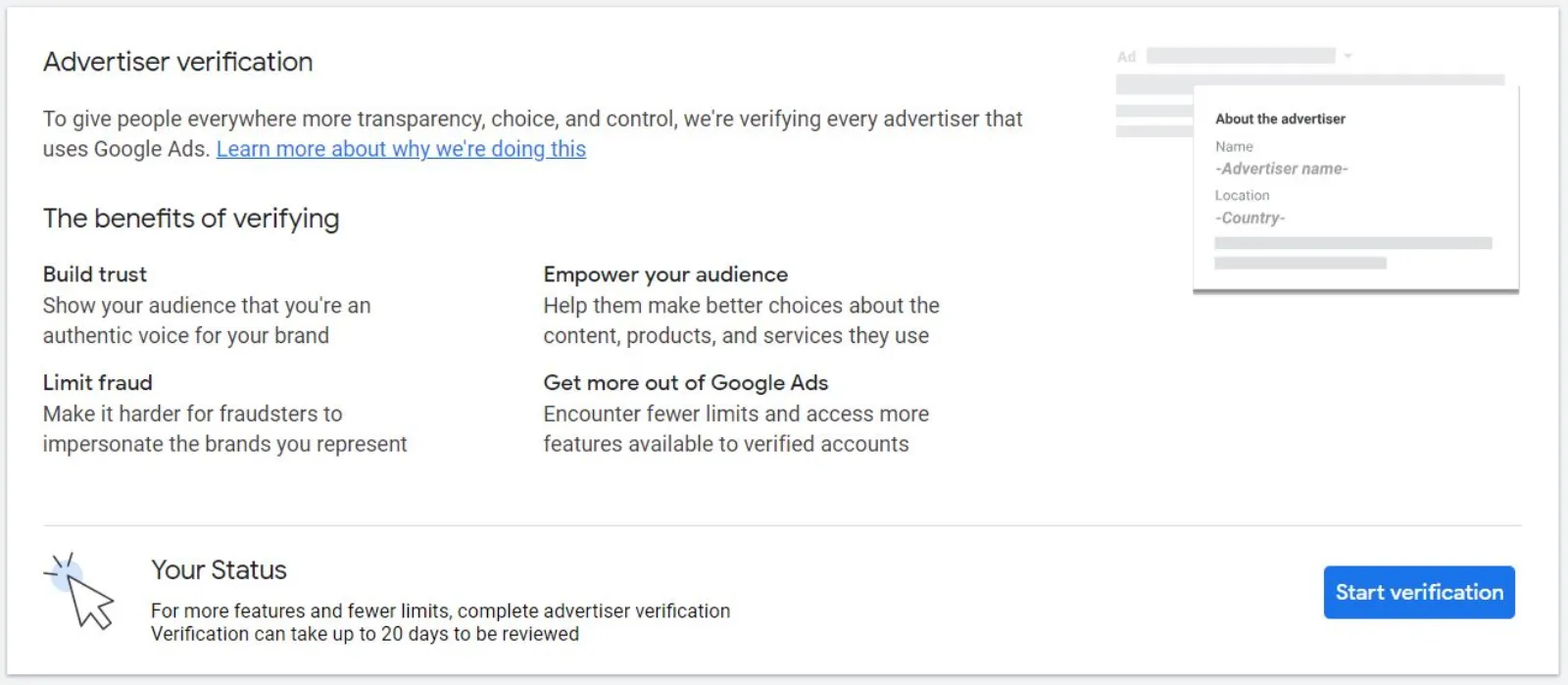
Step 1: Notification
Advertisers chosen for identity verification will receive an email and an in-account notification from Google. This notification will contain instructions on how to kickstart the verification process. It’s essential to pay close attention to this email, as it marks the beginning of a journey towards a more transparent advertising presence.
Step 2: “About Your Business” Section
Once you’ve received the notification, you have 30 days to commence the verification process by filling out the “About your business” section. This initial step is crucial and sets the foundation for the rest of the verification process.
Step 3: Customised Steps
After completing the “About your business” section, Google will present you with additional steps tailored to your account. These steps will depend on your account structure, billing setup, and whether you’re advertising on behalf of an organisation or an individual. You may also be required to verify specific aspects of your business operations.
Step 4: Timely Completion
It’s essential to note that once you’ve initiated the verification process, you have 30 days to successfully complete all required verifications. These may include verifying various aspects of your business operations if applicable. Failure to complete the verification program within this timeframe will result in the temporary pausing of your account.
No Deadline? Here’s What to Do
If you haven’t been given a specific deadline to complete the verification, don’t worry. You will follow the same steps as outlined above, starting with the “About Your Business” section. Once that’s done, you’ll be guided through the additional customised steps. The critical difference is that your account will not be paused if you haven’t started the verification or if you haven’t met the verification requirements.
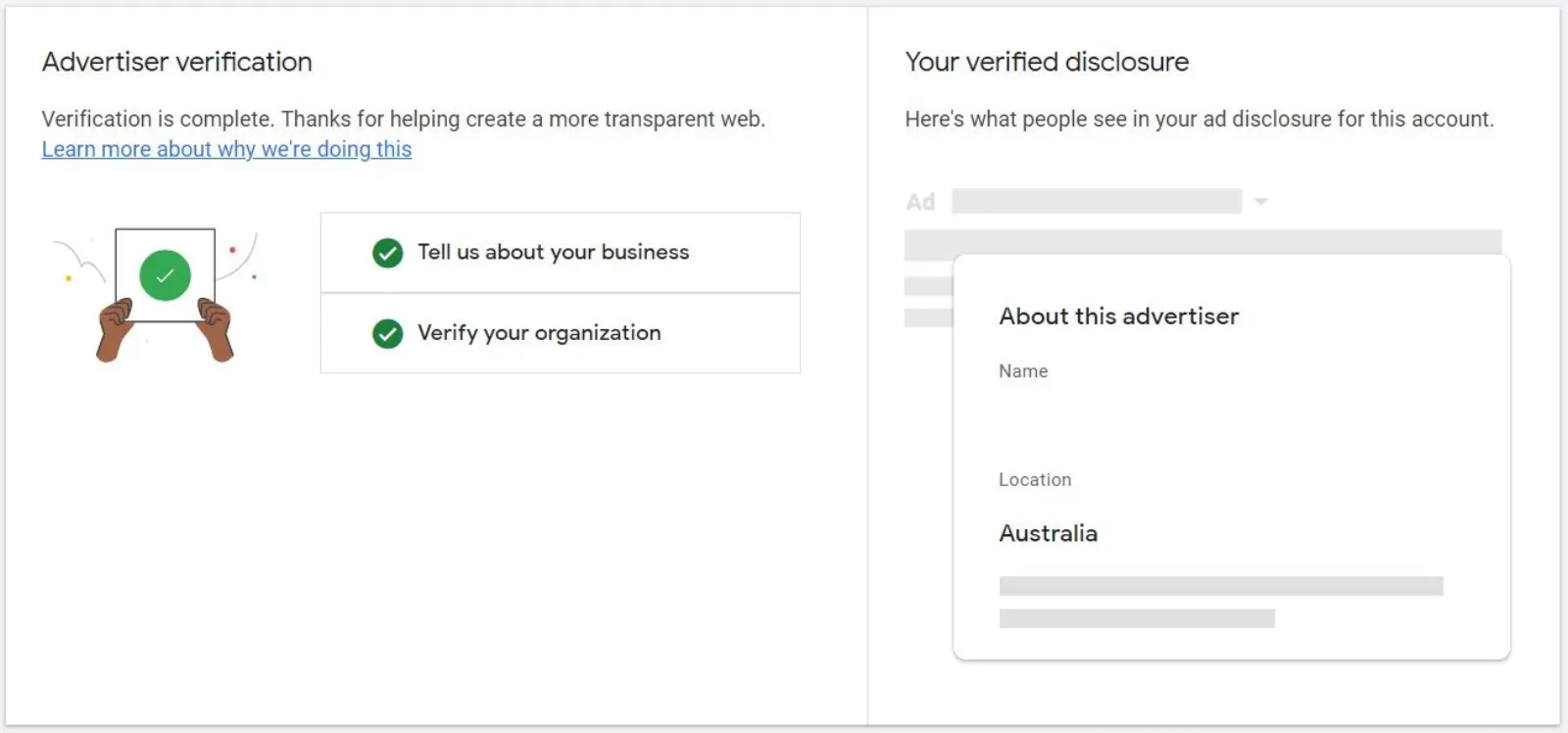
Who Can Complete Identity Verification?
Advertiser identity verification must be completed by an admin of the Google Ads account or the payments profile responsible for the ads. Here’s a breakdown for different customer types:
- Individual Advertisers: The individual running the ads should complete the verification.
- Organisations: An admin within the organisation should undertake the verification.
- Agencies: If you’re representing an advertiser as an agency, the legal name of the advertiser you are representing must be used for verification.
Advertiser Name Requirements
Your advertiser’s name plays a vital role in the verification process. It must align with specific criteria:
- Accuracy: The advertiser name must match the legal name of the advertiser verified by Google through the advertiser verification program. “Doing business as” names, brand or product names that don’t correspond to the legal name will not be accepted.
- Capitalisation and Promotional Language: Avoid using capitalisation, promotional language, or domains unless they are part of your valid legal name.
- Special Characters: Do not include special characters such as emojis, opening hours, product or service information, or phone numbers in your advertiser name.
Why Verification Matters
Google’s advertiser identity verification program serves as an additional layer of protection for users. It helps reduce invalid activity, scams, and the abuse of certain ad features. By completing the verification process, you contribute to a safer and more trustworthy advertising ecosystem.
In conclusion, advertiser identity verification for Google Ads is a vital step towards maintaining transparency and trust in the digital advertising landscape. By following these steps and adhering to the requirements, you can ensure your advertising efforts remain credible and effective on the Google Ads platform.

Written by Uzair Kharawala
Founder of SF Digital Studios, a Google Premier Partner agency. Uzair has been helping businesses grow with Google Ads since 2002 and teaches it every week on YouTube.
Get our best Google Ads tips by email
New articles and videos, straight to your inbox. Unsubscribe any time.