Hello, and a very warm welcome to everyone. My name is Uzair Kharawala, and welcome to 10 Minutes Hangout. During this short session, I'm going to go through with you a very quick and easy way on how to manage leads and create your sales pipeline. So let's dive in.
So I'm using a software called Capsule CRM. It's a great piece of software which we use for our own business as well, and it keeps everything in one place, from the initial lead or enquiry, sending a quotation, following up with the client and then confirming the job. So this is the dashboard of Capsule.
So the first thing you need to do is to create a contact. So you can create it as a person, an organisation or a company. So let's go ahead with a person, and I'm just going to call one lead as John Smith. Then you can enter your job title, organisation, tag your clients, fill in the contact details, email addresses, with the usual which you would enter in a normal CRM software. So I'm going to save John Smith.
Next, I'm going to go to John Smith, and I can either create an opportunity from here, or for under the actions menu I can create an opportunity. So I'm going to go in here now, and let's say this is for professional services. It could be anything. You can write in the description, for argument's like, let's say, bookkeeping and accounting. It's a free field box which you can type in whatever you wish.
Now this is quite interesting over here: the expected value of what you think that this client or this job is worth. So if I put in 200 pounds, I can then allocate this expected value as either a fixed fee, you could charge that per hour, per day, per week, per month, however you like. So for this example I'm going to just keep it as a fixed fee.
Under milestone, you have got quite a few options which you can create according to the type of business you're in. At the moment I've got it as a pending. If the lead or the quotation is lost, or the client has gone with somebody else and he's not interested in you anymore, then you can just classify this as a, as a lost lead. Won, send confirmation. Now, you can have as much, as many as you like. So I'm going to keep it as pending, because the client hasn't decided whether they're going to go with you or not.
Sometimes when you meet a new contact, you have a gut feeling as to whether the client is likely to come to you, or the probability of winning this job is very little. So you can put in a percentage of the probability in here, and then the expected close date. So if the client said, "Well, I'm going to decide by the end of this month whether I need somebody as a bookkeeper or an accountant." I'm gonna cover track in another 10 minute session, so this I will cover right now. And if you have got more than one person in your organisation, you can allocate that person in here, and then I'm gonna save it.
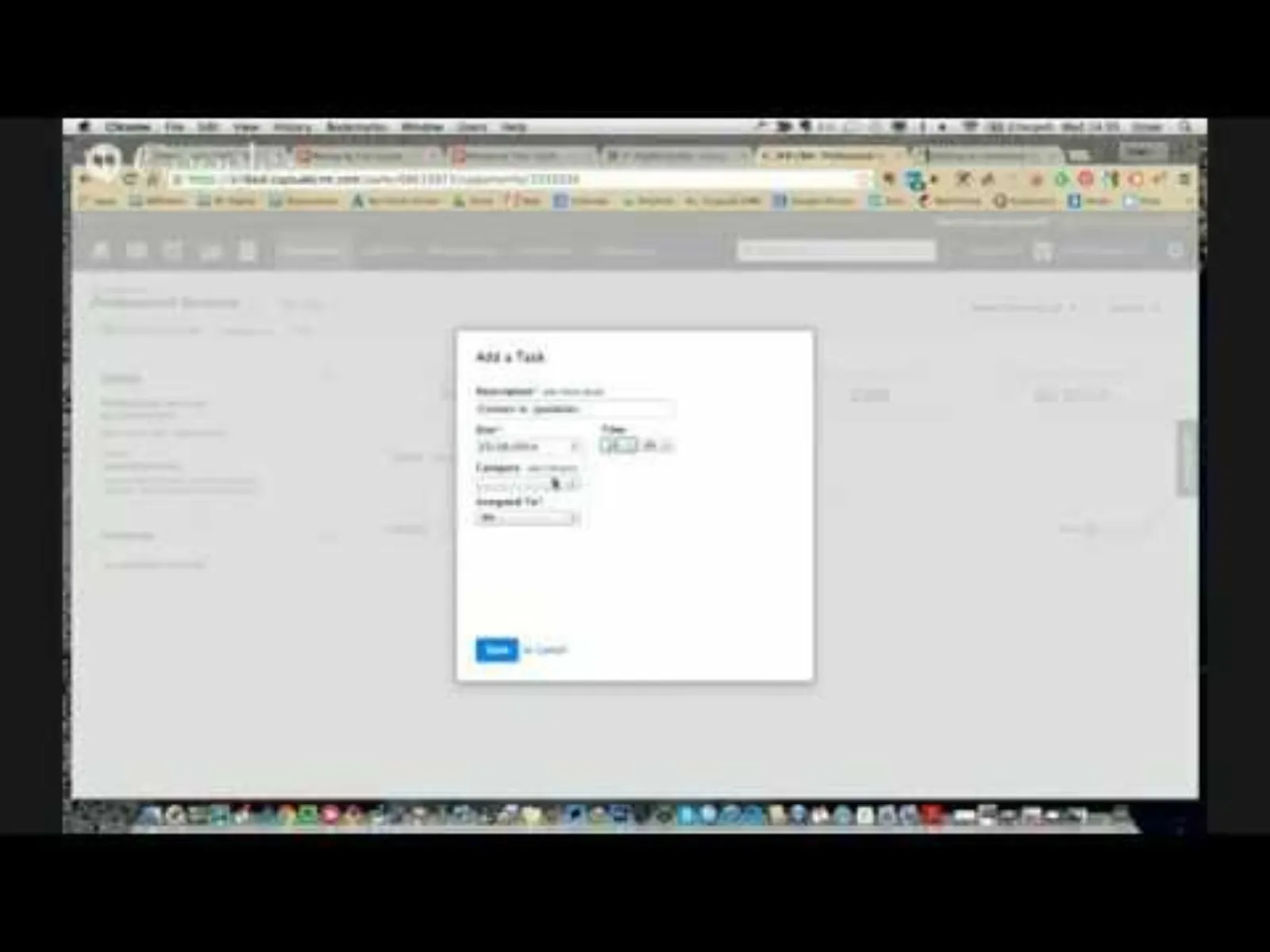
Okay, so now we've got our opportunity: professional services for John Smith is pending, probability is 50, expected value 200 pounds, and the close date. Now, if I need to put a reminder for myself to contact John Smith in two weeks' time, I could add a task, and I'll put in a date. You can also put in a time. You can create as many categories as you like in here by going into the add category, but I'm just gonna call it "I need to make a call". Again, you need to assign this task to yourself or to somebody else; you can do it under here. And I'm going to save it. So now the software is going to remind me that I need to contact XYZ for a such item.
Okay, so this is now in the pipeline. So when we go under our sales pipeline, I can see all the possible jobs which are in the pipeline or have been quoted in here. So this really gives you a great way, or a great overview, of how your cash flow may be or can be in the coming months if you win the majority of the jobs.
But the way this pipeline helps us is from here, because as you send in quotations, whether you win it or you lose it, the system is going to calculate the conversion rate, which is extremely important. It will show you for the last 30 days, 90 days or the last year. So if you can see your average conversion rate could be a lot lower compared to the last 30 days, that means you have improved your product, services, or, you know, chasing up your leads and trying to win more business.
So I don't need to do anything with regards to calculating this conversion rate; the system will do it itself. So if my conversion rate is 67 percent and I've got 300 pounds' worth of business in the pipeline, then I know I can potentially earn XYZ according to the conversion rate over here.
Then we've got a pipeline by milestone as well. So in here I can see I've got three pending quotations, and I can list them by clicking on that bar, and I can see the value, the close date and so on. Now, how you create this milestone is by going into your settings, and in here you can create as many as you like.
So if you wanted to create one, say, "send proposal". So quite often when I go to a networking event or a meeting and I'll meet lots of people, and somebody has asked me to send them a quotation or a proposal, and I can remind myself in here. Probability, I'm going to keep it, this would be 100, because, sorry, this would be 50, because this is still at the quotation stage. When you win a job or a opportunity, then you can check this button; that means that opportunity has turned into an actual client. And I save that.
I'm just gonna go very quickly in one of the opportunities and change the milestone to "send proposal". So I see that in my drop-down list here. I save that, and now when I go into my sales dashboard, I can see how many proposals I need to send, so I don't forget.
So I hope you enjoyed this short 10 Minutes Hangout. If you do have any questions, please don't hesitate to send it in on the event page or contact me, and I'll be more than happy to help you out. Till next time, thank you for watching this video, and goodbye for now.


 LIVE