

Mobile users express their intent with every interaction, yet many businesses fail to capture these valuable moments. The issue isn’t mobile popups themselves; when implemented effectively, they can be a game-changer for conversions. However, poor design and intrusive timing can make these tools obstacles, disrupting the user experience and driving visitors away.
With mobile traffic now representing 70% of all web activity, optimising popups for smartphones and tablets is no longer optional. This article will explore practical strategies to create a popup on mobile that captivates users and turns intent into action without causing frustration.
How Mobile Popups Work
Mobile popups are responsive overlays designed to appear based on specific user actions—like scrolling, spending time on a page, or showing exit intent. Unlike desktop popups, mobile versions are smaller and strategically placed to avoid covering too much screen space. A visible close button is essential for a seamless experience, giving users control to dismiss the popup when desired.
By adhering to Google’s recommendations to avoid intrusive designs, mobile popups offer a powerful yet unobtrusive way to engage visitors. With the right approach, these popups can enhance the user journey instead of interrupting it.
Let’s break down nine actionable tips for crafting mobile popups that engage visitors and deliver real results.
9 Tips for Effective Mobile Popups
1. Ensure Responsive Design
Mobile devices are not the same as they come in all shapes and sizes, from small smartphones to larger tablets. Your popups must adapt seamlessly to any screen size without blocking essential content. They should automatically resize and rearrange to provide a smooth user experience.
Always test your popups across multiple devices to ensure they look and perform flawlessly.
2. Keep the Message Clear and Simple
Mobile screens have limited space, so your popup message should be short, clear, and visually appealing. Avoid heavy text, crowded layouts, or oversized graphics that distract users. Instead, focus on:
- A catchy, benefit-driven headline
- A brief supporting statement
- A prominent, action-oriented call to action
This approach ensures the message is delivered quickly and effectively.
3. Make the Close Button Easy to Find
A visible and accessible close button is critical for user satisfaction. Place it in familiar spots, such as the top corners of the popup, and make it large enough for users to tap easily. A size of at least 44 x 30 pixels works best for touch navigation.
An accessible close button prevents frustration and reduces the risk of users leaving your site altogether.
4. Minimise Form Fields
Filling out forms on mobile can be tedious. Keep your popup forms short and to the point, requesting only essential information like name and email. If you need additional details, consider using multi-step forms, which break the process into smaller, manageable steps.
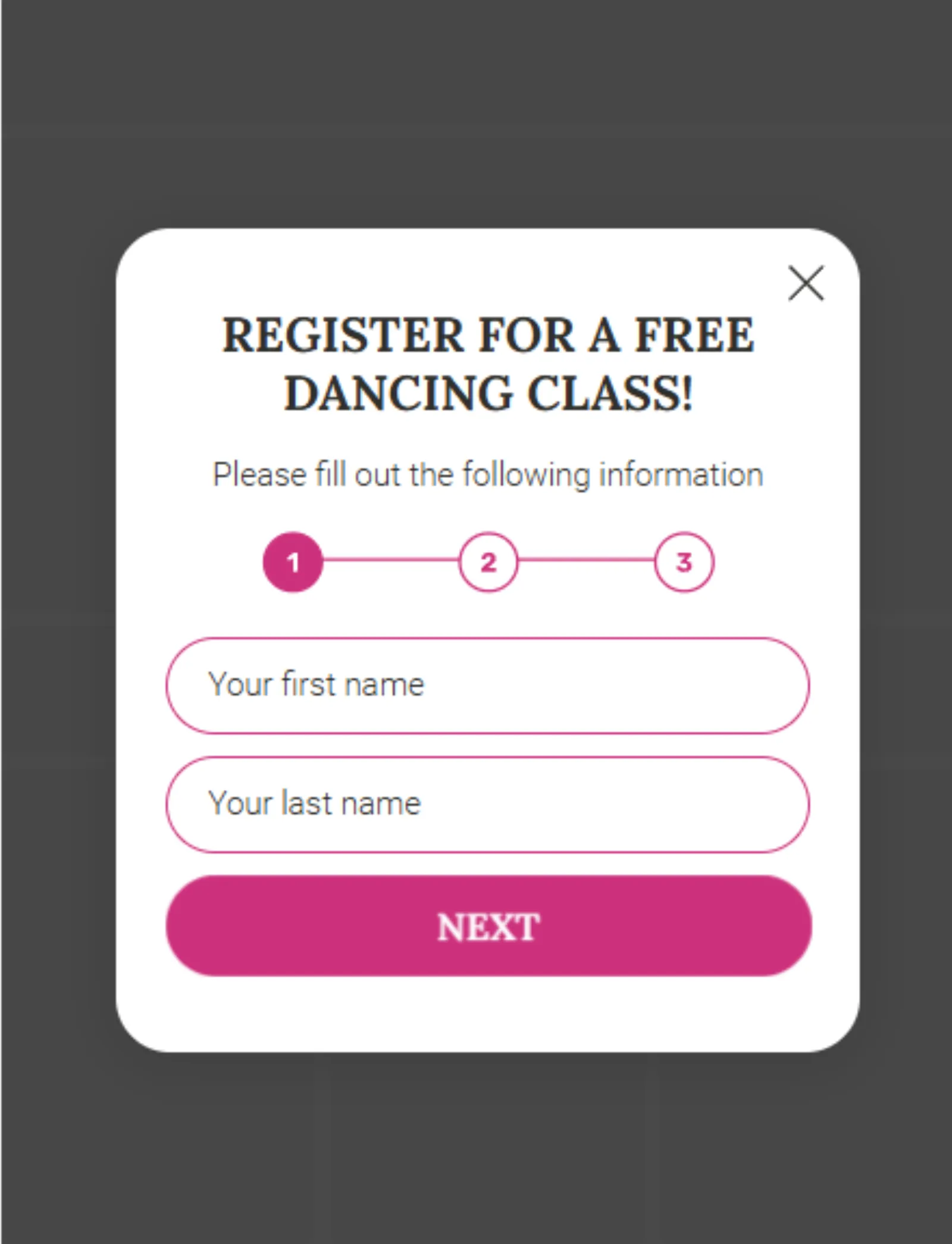
Multi-step forms are less overwhelming, improving completion rates and overall engagement.
5. Use Mobile-Specific Triggers
Tailoring popup triggers to mobile user behaviour can make a significant difference. For instance:
- Scroll-based triggers: Show the popup when users scroll 50-75% of a page.
- Time delays: Display the popup after a few seconds of engagement.
- Exit intent: Detect when users tap the back button.
6. Leverage Floating Bars
Floating bars are compact, unobtrusive elements that stay visible at the bottom of the screen as users scroll.
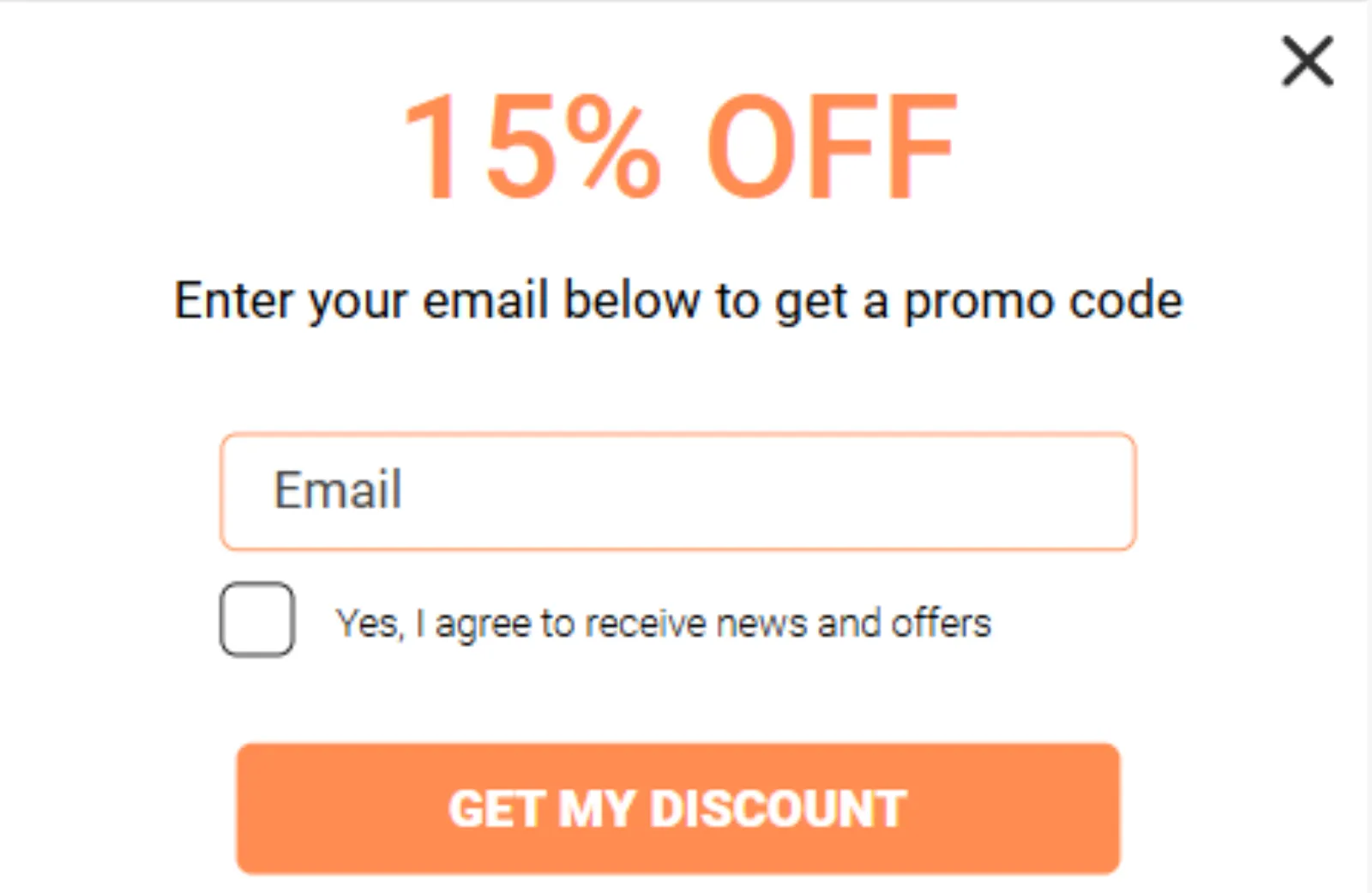
They’re ideal for promoting key messages like:
- Special offers
- Newsletter sign-ups
- Abandoned cart reminders
Floating bars maintain visibility without disrupting the browsing experience, increasing user interaction naturally.
7. Implement Exit-Intent Strategies
Exit-intent popups are a smart way to re-engage users before they leave your site. On mobile, exit intent can trigger when users tap the back button or remain inactive for a set amount of time.
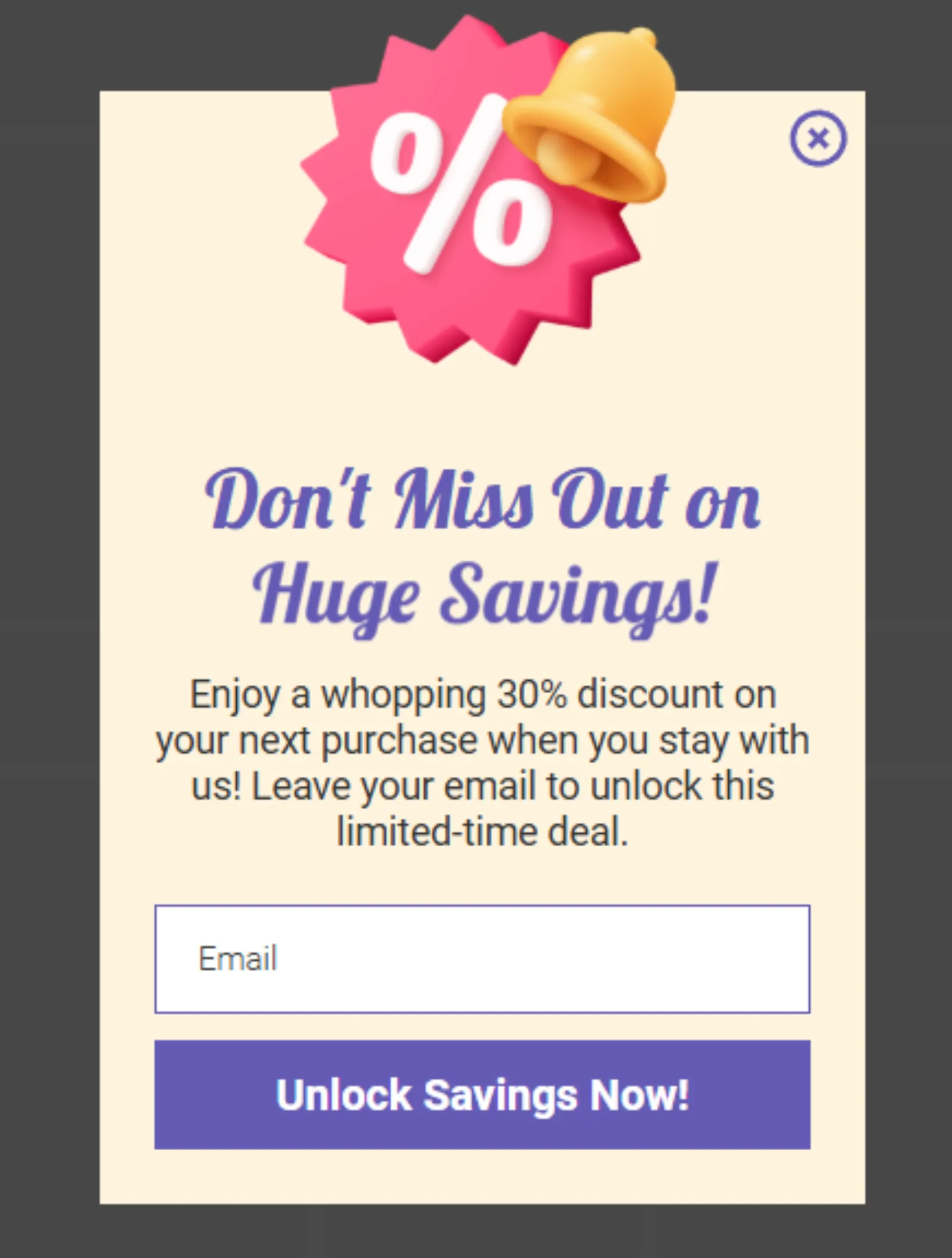
Choose popup builders with advanced settings that allow you to configure popups to activate when users are idle, giving you another opportunity to encourage conversions through discounts, special offers, or lead magnets.
8. Add Gamification Elements
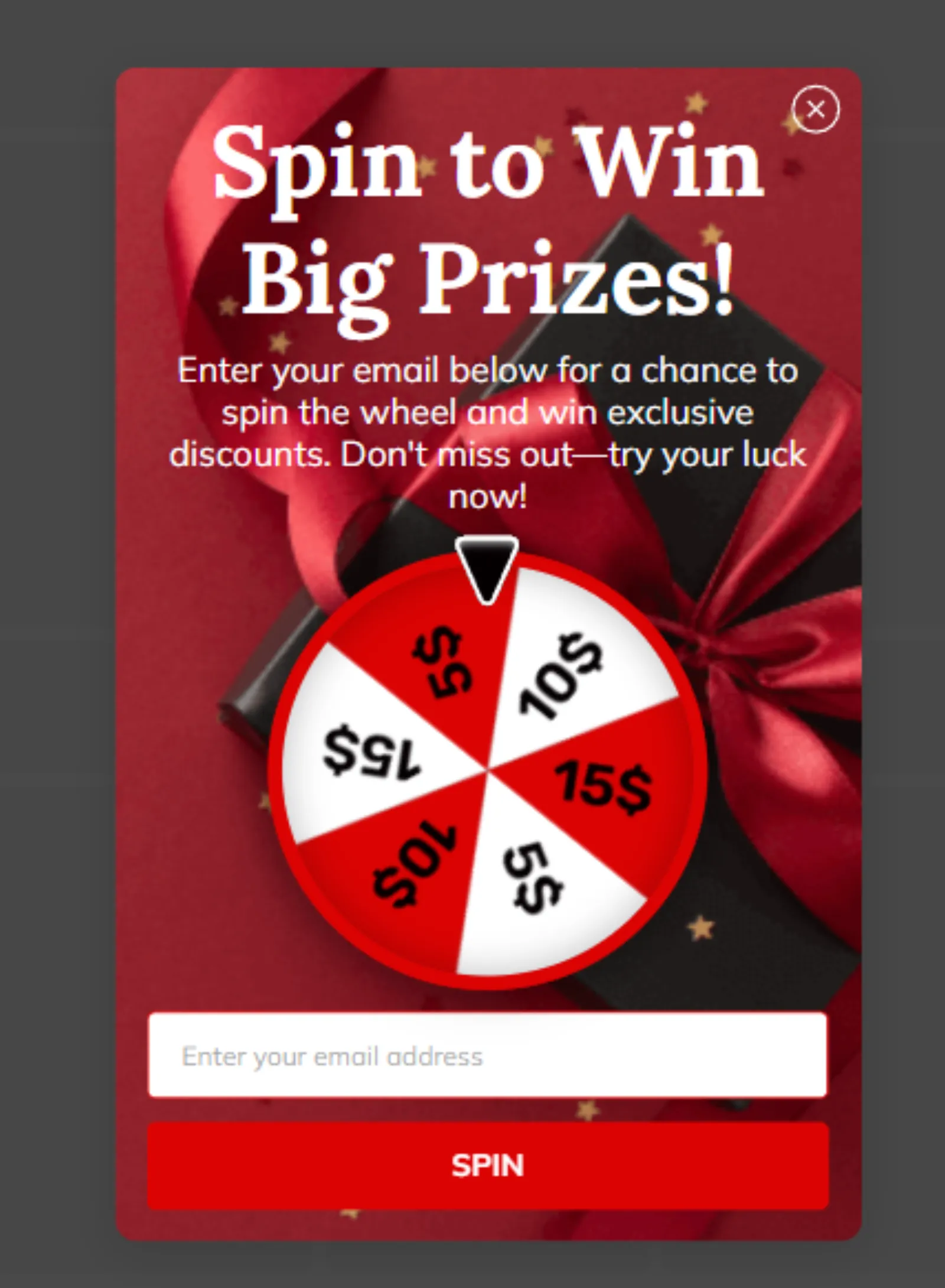
Gamified popups boost engagement by transforming interactions into fun, interactive experiences. Features like spin-to-win wheels, progress bars, or quizzes motivate users to participate while offering value in return.

Written by Uzair Kharawala
Founder of SF Digital Studios, a Google Premier Partner agency. Uzair has been helping businesses grow with Google Ads since 2002 and teaches it every week on YouTube.
Get our best Google Ads tips by email
New articles and videos, straight to your inbox. Unsubscribe any time.