

In today’s digital age, mastering demand generation campaigns is crucial for any business looking to expand its online presence and attract potential customers. Google Ads offers a powerful platform for executing these campaigns, allowing advertisers to reach their target audience across various devices and platforms. However, understanding the specifications and best practices for creating effective ad assets can be overwhelming, especially for beginners. In this guide, we’ll break down the key components of Google Ads demand generation campaigns and provide simple, actionable tips to help you get started.
Single Image Ads:
Single image ads are a popular choice for demand generation campaigns due to their simplicity and effectiveness. Whether targeting mobile or desktop users, adhering to the following specifications and best practices can enhance the performance of your ads:

Get Found, Get Chosen, Get Your Time Back
A free one-day marketing seminar in Milton Keynes · 10 November 2026
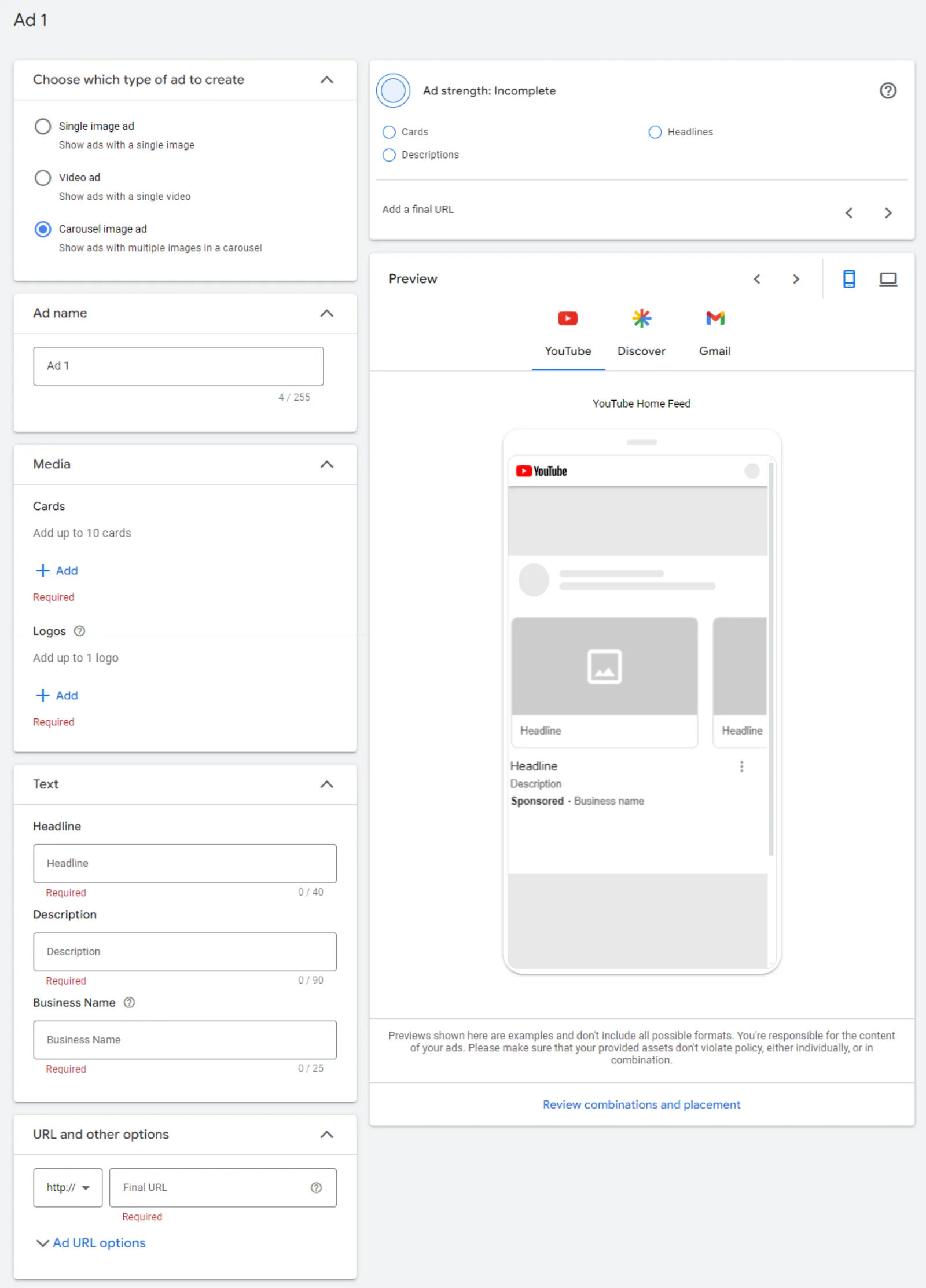
- Image Specifications:
- Choose high-quality images that resonate with your target audience.
- For landscape images, aim for dimensions of 1200×628 pixels, with a maximum file size of 5MB.
- Square images should ideally be 1200×1200 pixels.
- Consider including portrait images with dimensions of 960×1200 pixels for added versatility.
- Upload multiple images to maximise placement coverage.
- Ad Copy:
- Craft compelling headlines (up to 40 characters) and descriptions (up to 90 characters) that grab attention and convey your message concisely.
- Include your business name (up to 25 characters) to establish brand identity.
- Opt for the “automated” option for CTA selection to streamline the user experience.
Carousel Ads:
Carousel ads offer a dynamic way to showcase your brand or products, allowing users to swipe through multiple images in a single ad. Here are some tips for creating engaging carousel ads:
Get your free Marketing Action PlanNot sure where to start? Answer a few questions and get your plan in about a minute. No email needed.
 LIVE
Live every Tuesday at 2pm UK. Bring your marketing questions.
Get your Google, local SEO and AI questions answered live.
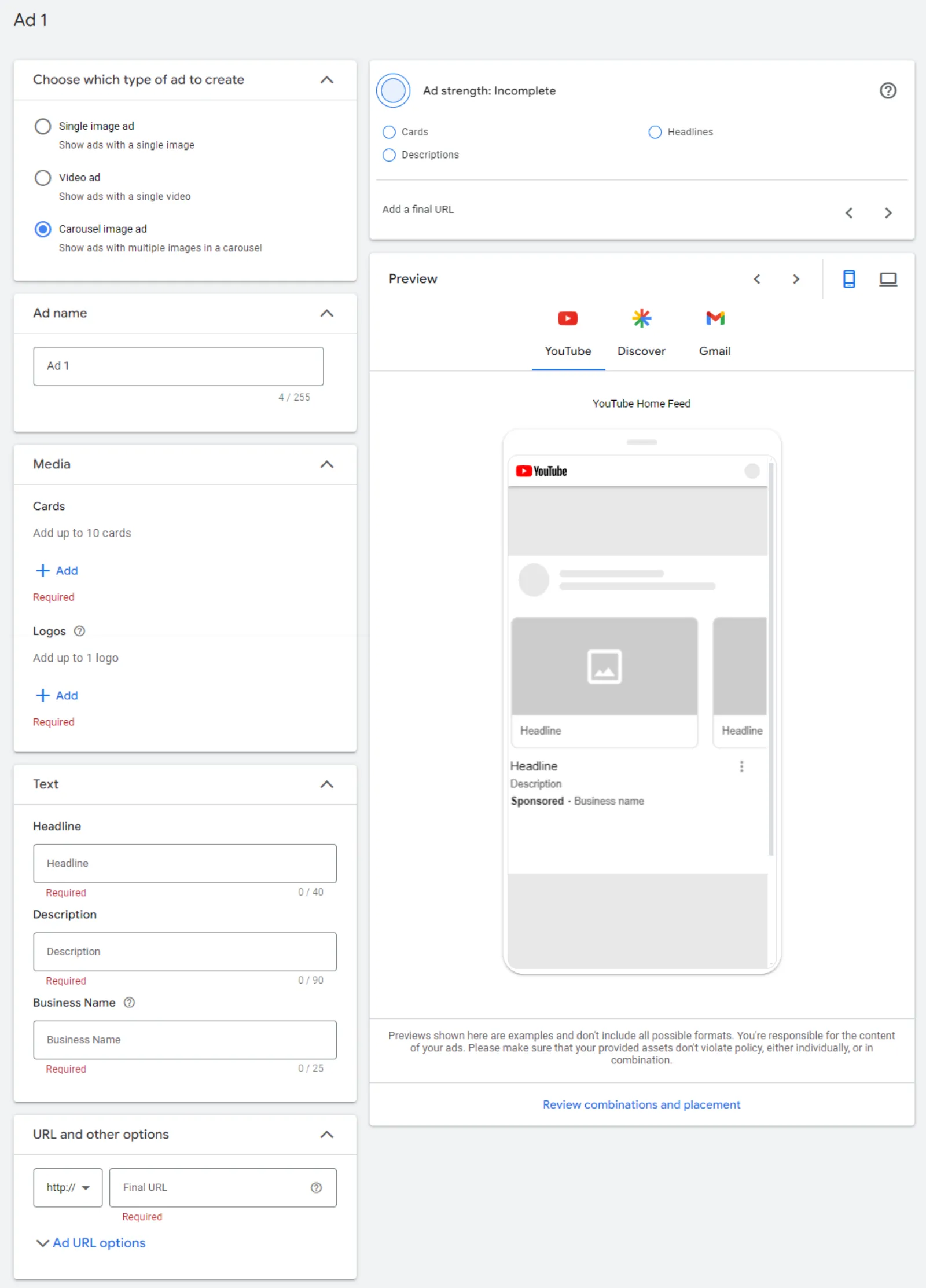
- Image Specifications:
- Maintain consistency in aspect ratio across all cards within the carousel.
- Test different aspect ratios (landscape vs. square) to determine which performs best for your brand.
- Ensure images meet the recommended dimensions and file sizes for optimal display.
- Ad Management:
- Be aware that product feeds from Google Merchant Center cannot currently be used with carousel ads.
- Monitor ad status closely, as disapproval of one card can impact the entire ad’s performance.
Video Ads:
Video ads are a powerful tool for capturing audience attention and driving engagement. Whether targeting mobile, desktop, or connected TV (CTV) users, consider the following guidelines when creating video ads:
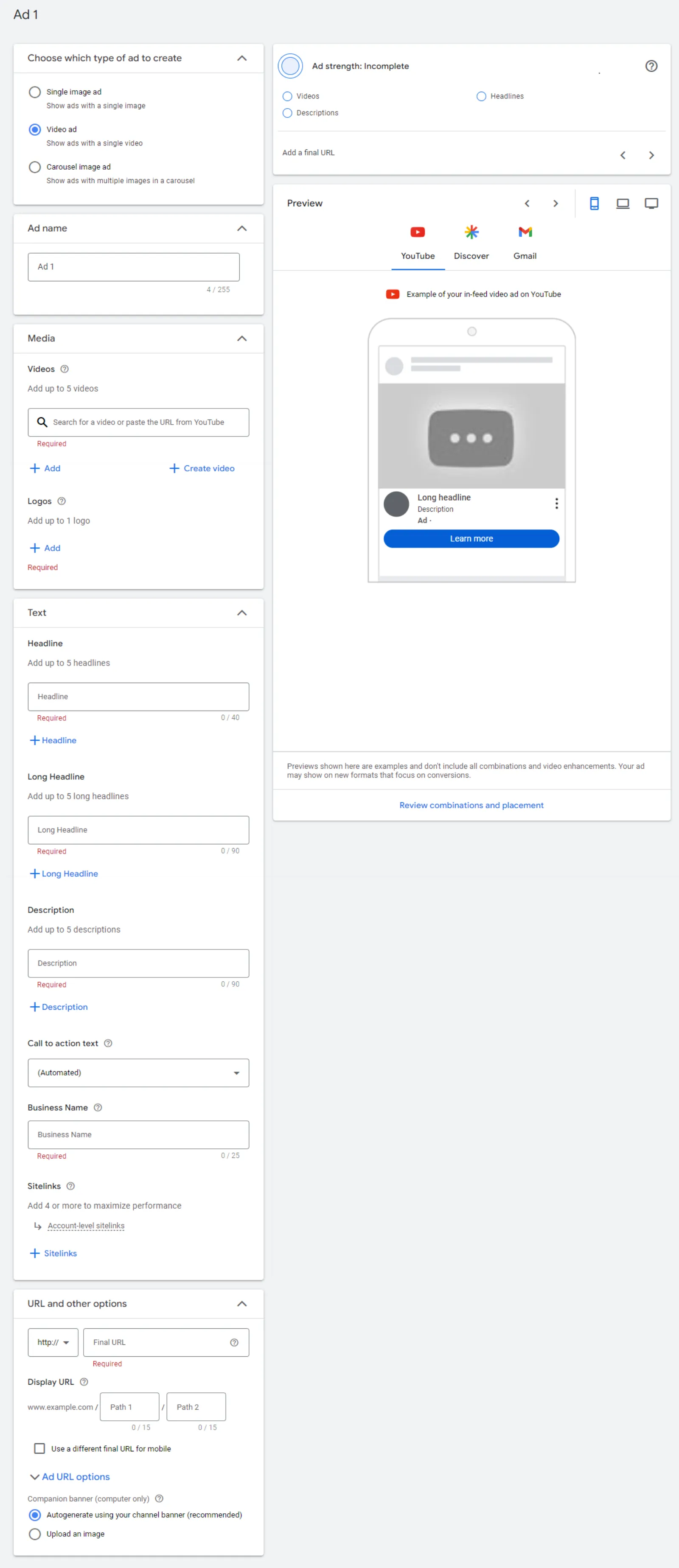
- Video Specifications:
- Upload videos in formats compatible with Google Ads (e.g., .MPG) and adhere to recommended pixel dimensions.
- Keep video length concise, with shorter durations recommended for mobile users.
- Craft compelling headlines, descriptions, and CTAs to accompany your video content.
- Include your business name and logo for brand recognition.
- Additional Considerations:
- Sitelinks can enhance the effectiveness of video ads, especially on mobile devices.
- Ensure videos are optimised for different viewing formats (landscape, square, portrait) to maximise reach.
By following these simple guidelines, you can create impactful demand generation campaigns on Google Ads that effectively target your audience and drive meaningful results. Remember to continuously monitor and optimise your campaigns based on performance metrics to achieve long-term success. Happy advertising!

Written by Uzair Kharawala
Partner at SF Digital Studios, a Google Premier Partner agency. Uzair has been helping businesses grow with Google Ads since 2002 and teaches it every week on YouTube.
Get our best Google Ads tips by email
New articles and videos, straight to your inbox. Unsubscribe any time.