

Do you know that even after putting in the time and effort to create the perfect Google ad, it could still get disapproved? One of the common reasons for ad disapproval is “Destination Mismatch“. This can be a frustrating and confusing experience for advertisers. In this blog, we will be discussing what Destination Mismatch is, why it occurs, and how to avoid it in your Google Ads.
What Is Destination Mismatch In Google Ads?
Destination Mismatch refers to a situation where the actual landing page of an ad differs from the URL that was provided during the ad creation process.
For example, if your ad’s final URL is set to https://www.example.com/landing-page, but the user is redirected to https://www.example.com/404-page instead, then this would be considered a Destination Mismatch.
Why Does Destination Mismatch Occur In Google Ads?
There are a number of reasons why Destination Mismatch may occur in Google Ads. Some of the most common reasons include:
- Technical issues with the website: For example, a broken link or a misconfigured redirect can result in the landing page is different from the URL provided during ad creation.
- Changes to the website: If the landing page is changed after the ad has been created, then this can result in Destination Mismatch.
- Misconfigured tracking parameters: If tracking parameters are added to the final URL after the ad has been created, this can also result in Destination Mismatch.
Why Is Destination Mismatch A Problem For Google Ads?
Destination Mismatch is a problem for Google Ads because it can lead to a poor user experience. If a user clicks on an ad and is taken to a page that is different from what was promised, they may feel deceived or misled. This can result in a high bounce rate, low conversion rates, and negative feedback for the advertiser.
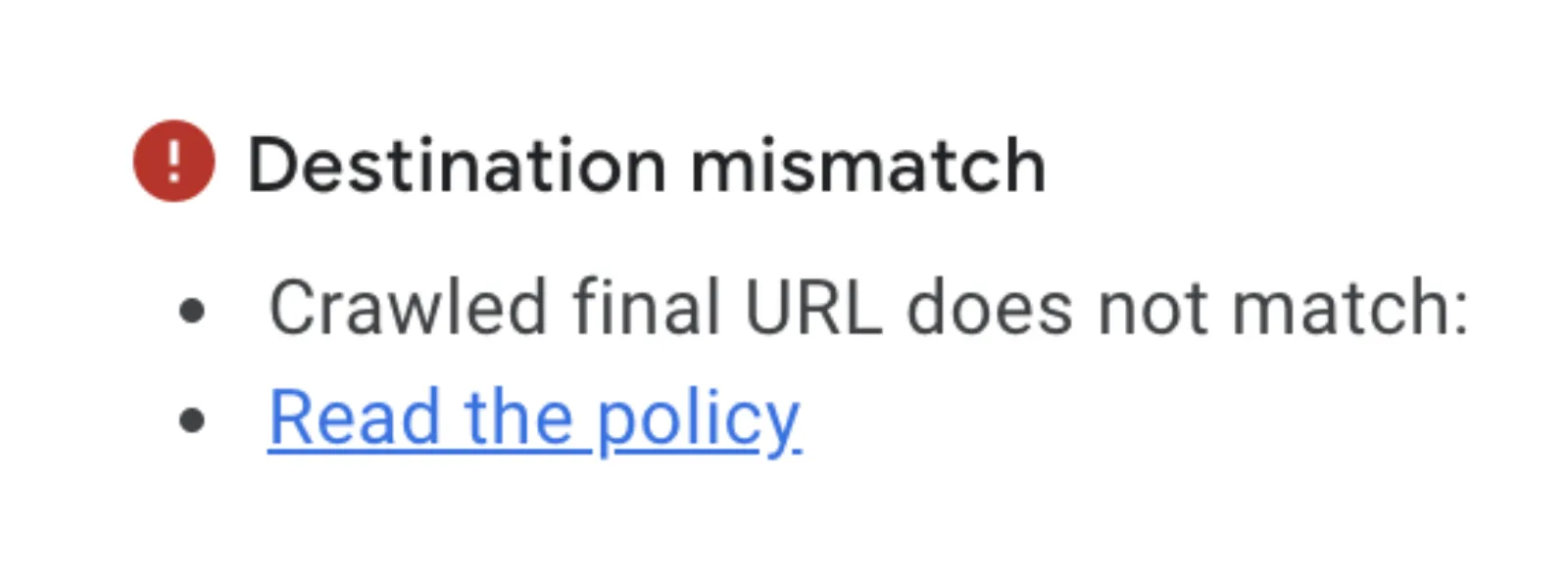
In addition, Destination Mismatch can also result in the ad being disapproved by Google. Google has strict policies in place to ensure that ads provide a good user experience, and Destination Mismatch is considered to be a violation of these policies.
How To Avoid Destination Mismatch In Google Ads
The best way to avoid Destination Mismatch in Google Ads is to regularly check the final URL of your ads and make sure that it is pointing to the correct landing page. If you are making changes to your website, make sure that any ads that point to the affected pages are also updated.
You should also be careful when adding tracking parameters to your final URL. Make sure that the tracking parameters are correctly configured and that they do not result in the landing page is different from what was promised in the ad.
Finally, it is a good idea to regularly check the performance of your ads and monitor any changes in the landing page. This will help you catch any Destination Mismatch issues before they become a problem.
Conclusion
Destination Mismatch is a common problem in Google Ads that can lead to a poor user experience and ad disapproval. By regularly checking your final URL, making sure that your tracking parameters are correctly configured, and monitoring the performance of your ads, you can avoid Destination Mismatch and ensure that your ads provide a good user experience. So, take the time to review your ads and make the necessary changes to avoid Destination Mismatch and keep your ads running smoothly.

Written by Uzair Kharawala
Founder of SF Digital Studios, a Google Premier Partner agency. Uzair has been helping businesses grow with Google Ads since 2002 and teaches it every week on YouTube.
Get our best Google Ads tips by email
New articles and videos, straight to your inbox. Unsubscribe any time.