
Are you tired of not being able to advertise your business on Google? Want to reach a wider audience but don’t know how to verify your Google Ads account? Look no further! In this comprehensive guide, we’ll walk you through the process of verifying your Google Ads account and help you get started with your advertising campaign.
Verifying your Google Ads account may seem like a daunting task, but with the right guidance and a few simple steps, you can easily get it done and start reaching your target audience in no time.

Get Found, Get Chosen, Get Your Time Back
A free one-day marketing seminar in Milton Keynes · 10 November 2026
What Is Google Ads Account Verification & Why Is It Important?
Google Ads account verification is a process that helps to ensure that your advertising account is in compliance with Google’s policies and standards. This process is important because it helps to protect the integrity of the Google Ads platform and ensure that all users have a positive experience.
Get your free Marketing Action PlanNot sure where to start? Answer a few questions and get your plan in about a minute. No email needed.
Get my plan →What Are The Benefits Of Verifying Your Google Ads Account?
- Increased trust and credibility with customers
- Ability to reach a wider audience
- Improved ad performance
- Access to advanced advertising features
- Protection from fraudulent activities
How to Verify Your Google Ads Account
 LIVE
Live every Tuesday at 2pm UK. Bring your marketing questions.
Get your Google, local SEO and AI questions answered live.
- Create a Google Ads account
- Provide your business information
- Verify your website
- Provide payment information
- Wait for account verification
Step 1: Create A Google Ads Account
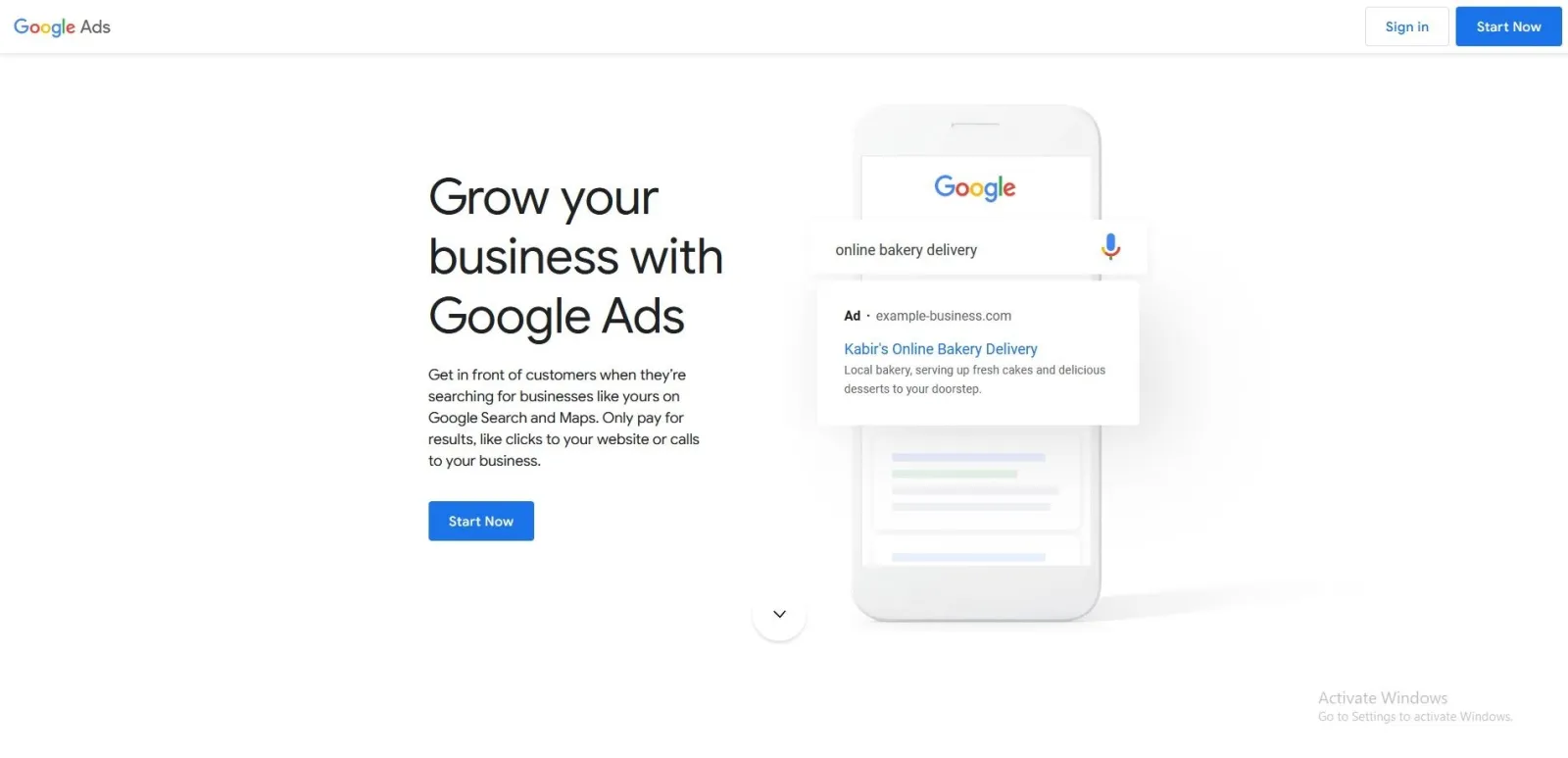
The first step to verifying your Google Ads account is to create an account. This can be done by visiting the Google Ads website and following the on-screen instructions to set up your account.
Step 2: Provide Your Business Information
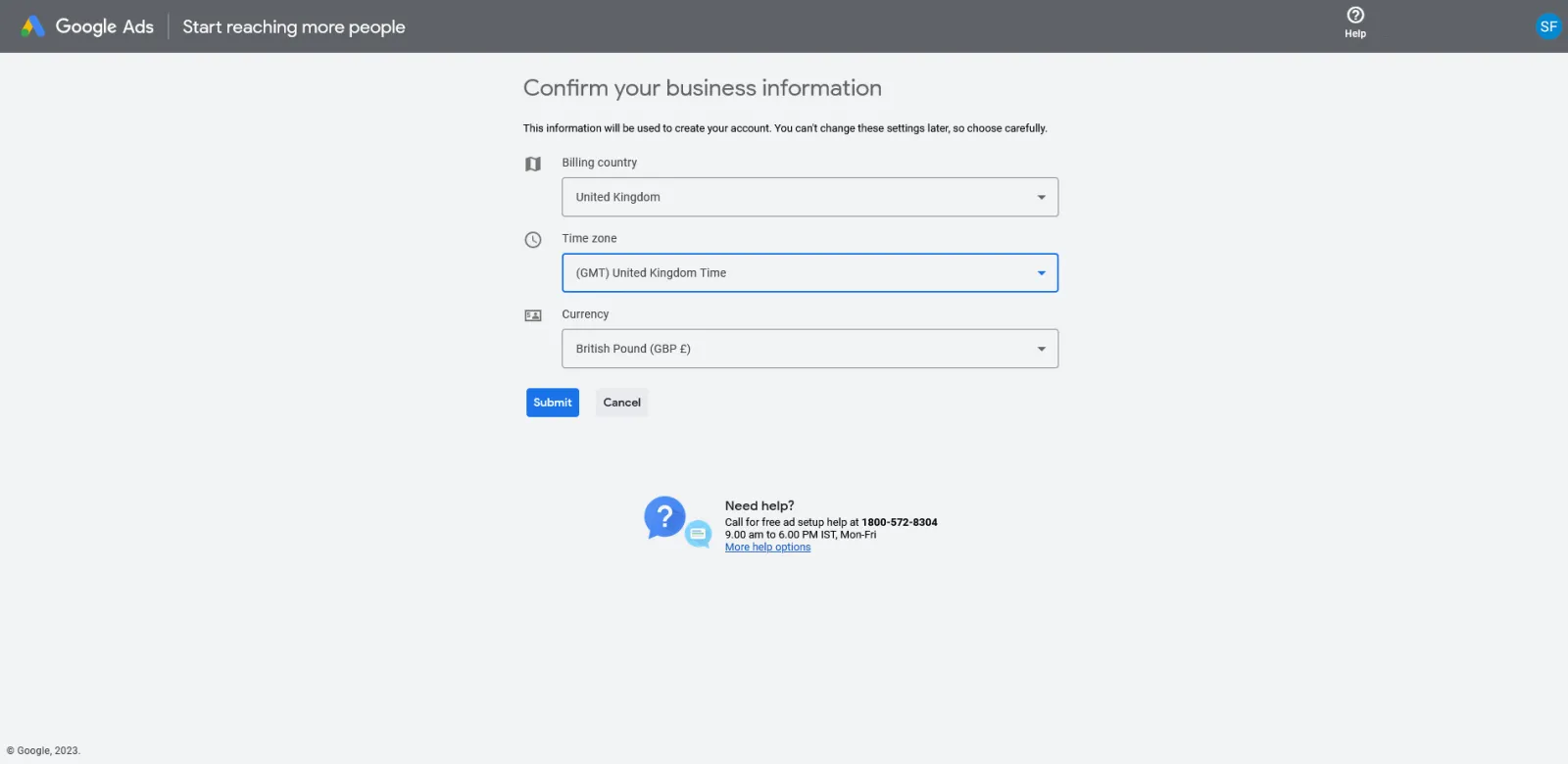
Once you have created your account, you will need to provide information about your business. This includes your business name, address, phone number, and website. This information will be used to verify your account and help you reach your target audience.
Step 3: Verify Your Website
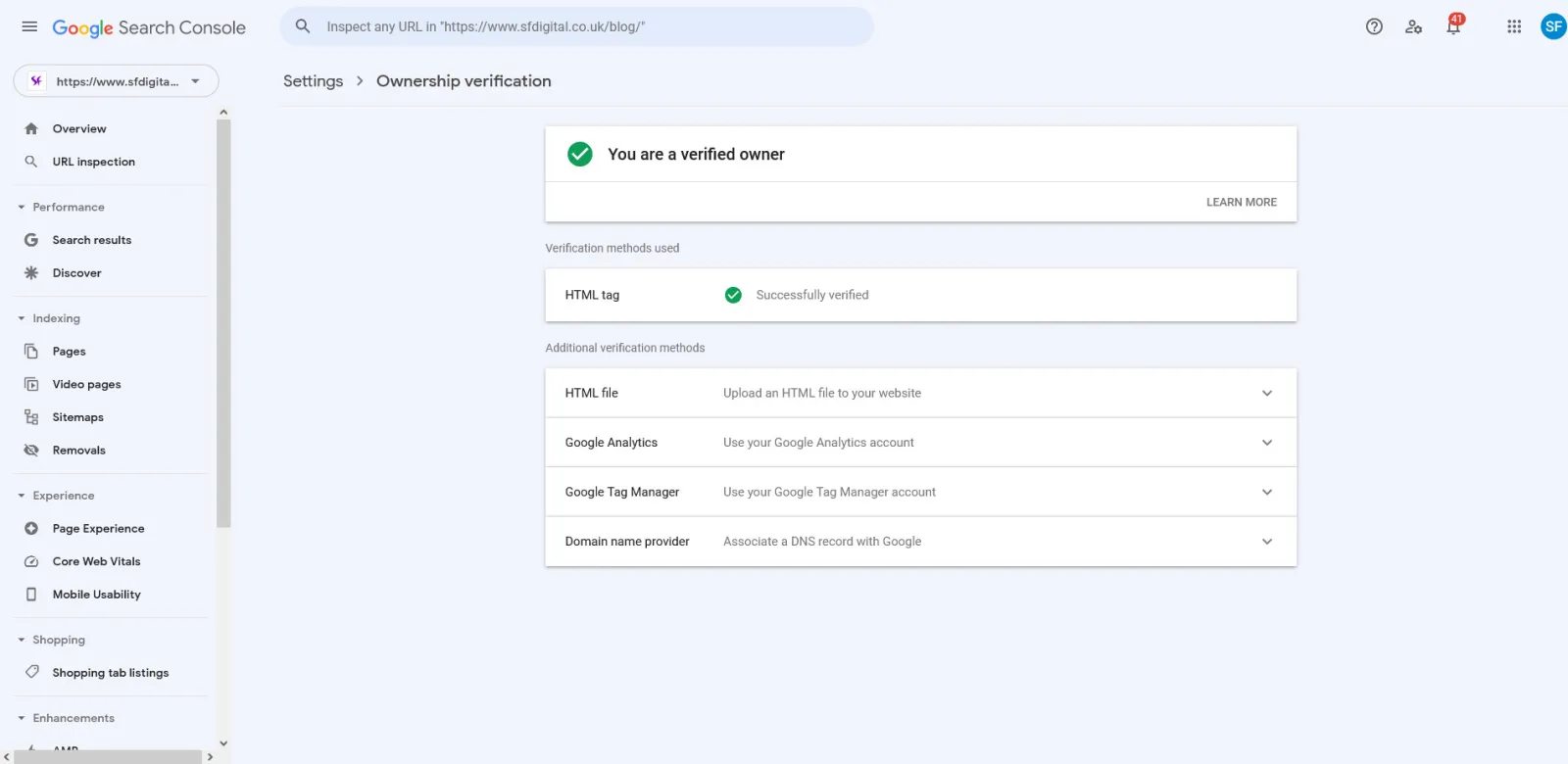
Next, you will need to verify your website. This can be done by adding a code to your website’s HTML or using a Google Search Console account. This step is important because it helps to ensure that your website is in compliance with Google’s policies and standards.
Step 4: Provide Payment Information
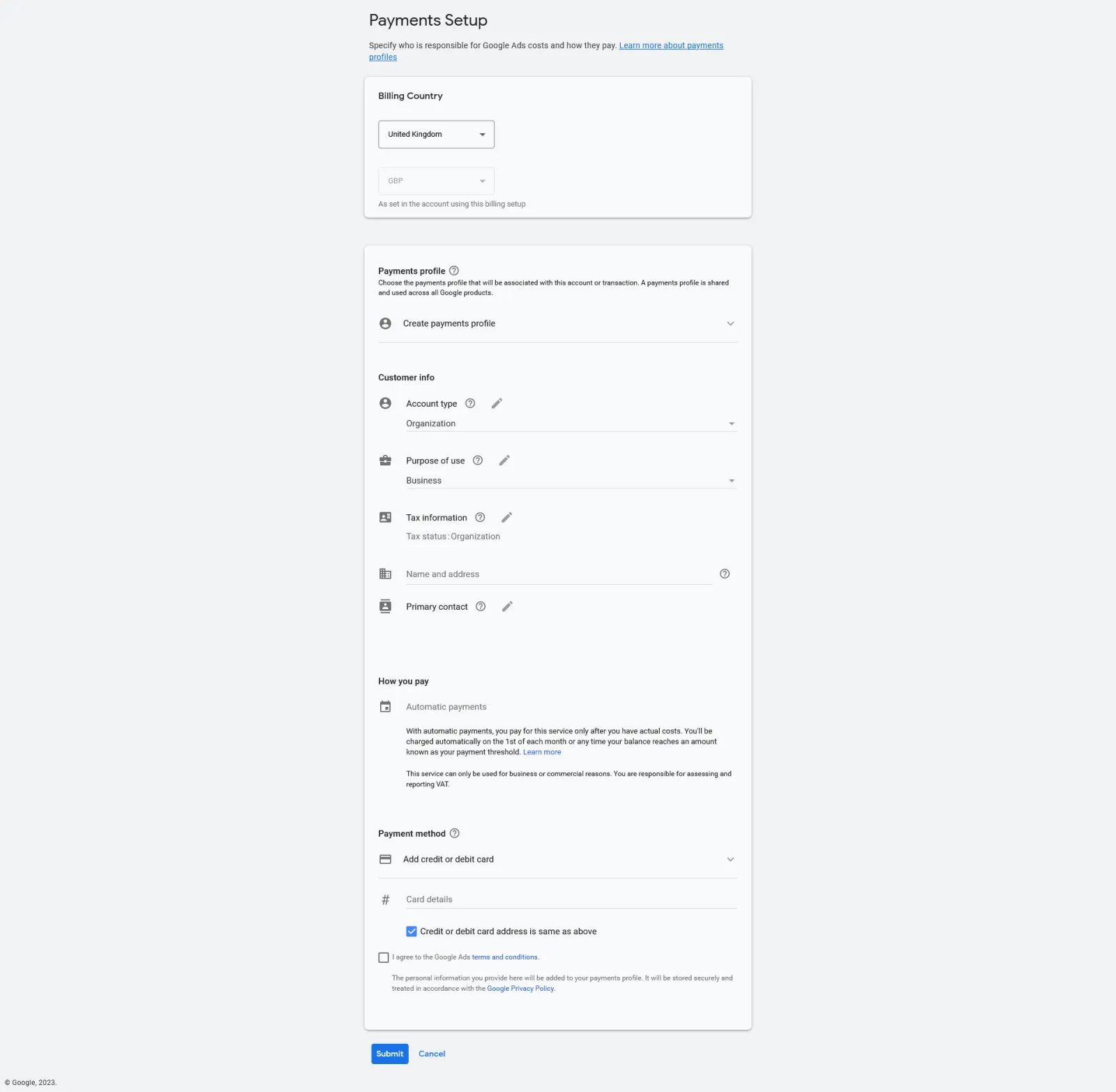
In order to start advertising on Google, you will need to provide payment information. This can be done by adding a credit card or linking your account to a PayPal account.
Step 5: Wait For Account Verification
After completing the previous steps, your account will be reviewed by Google to ensure that it is in compliance with its policies and standards. Once your account has been verified, you will be able to start advertising on Google and reach your target audience.
Conclusion
Verifying your Google Ads account is a simple and straightforward process that can help you reach a wider audience and improve your ad performance. With the right guidance and a few simple steps, you can easily get your account verified and start reaching your target audience in no time. So, don’t wait any longer, follow this comprehensive guide and take your advertising to the next level.

Written by Uzair Kharawala
Partner at SF Digital Studios, a Google Premier Partner agency. Uzair has been helping businesses grow with Google Ads since 2002 and teaches it every week on YouTube.
Get our best Google Ads tips by email
New articles and videos, straight to your inbox. Unsubscribe any time.