
NatWest Accelerator Events Free one-day marketing seminar at the NatWest Accelerator, Milton Keynes · 10 November 2026 Free marketing seminar · NatWest Accelerator, Milton Keynes · 10 Nov 2026 Free seminar · 10 Nov 2026
NatWest Accelerator, MK
Get your free invite →Invite →

Home › Blog › Corporate

Corporate

Google Ads Tips | 5 Tips To Link Google Analytics To Google Ads

Google Ads Tips | 5 Tips To Link Google Analytics To Google Ads
Read the video transcript

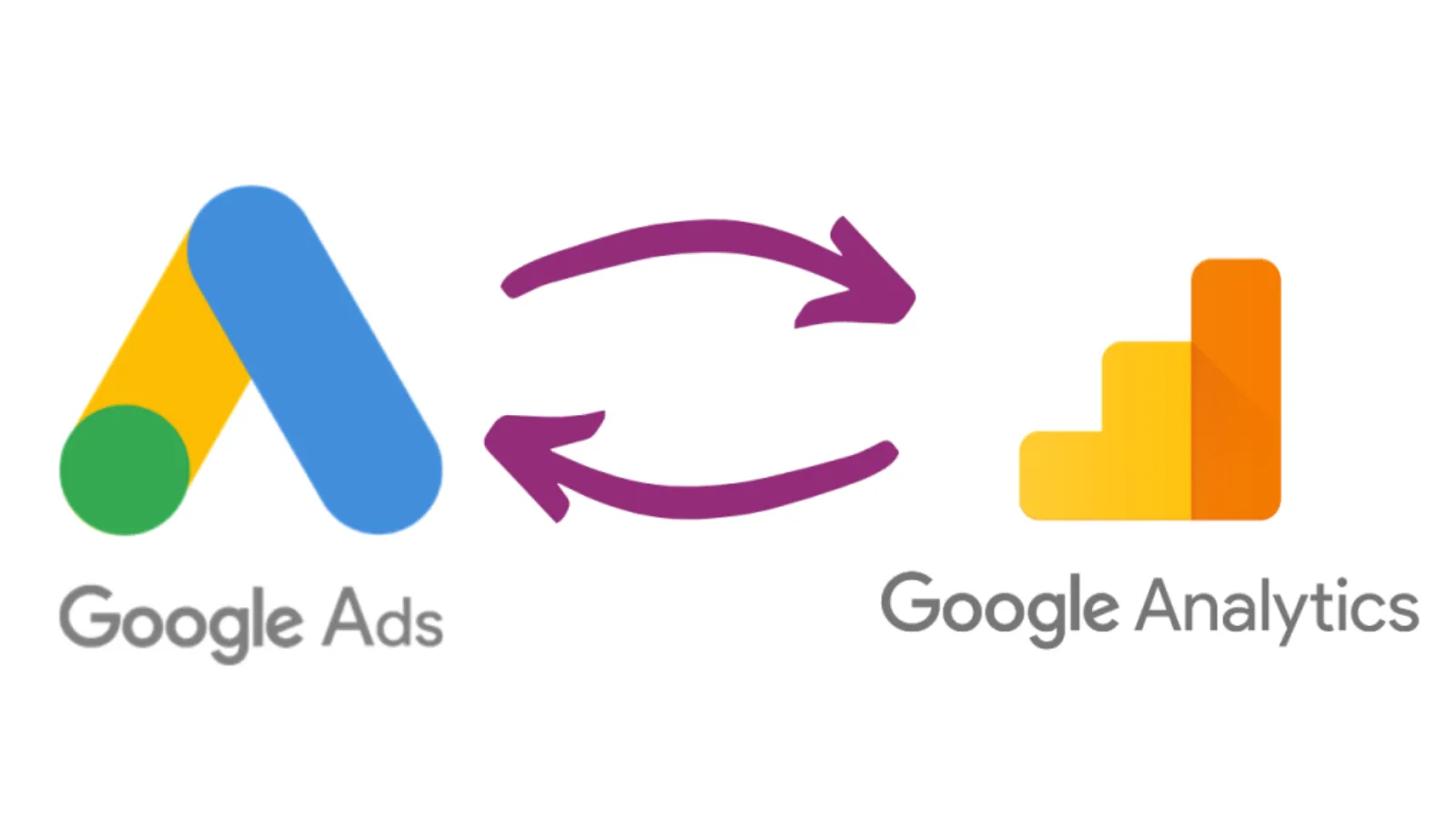
In the modern day the customer expects to be delivered the right message and the right time and if you can’t do this they will simply go elsewhere. So today we’re going to look at the close relationship between both Google Ads and Google Analytics and how following the steps we’re about to provide you today will help in allowing you to deliver your ad at the right time.

Step 1: Link your accounts First and foremost, you need to link Google Analytics and Ads together, once you have done so you’ll be able to create campaigns and capture all different types of metrics. Step 2: Activate cross device capabilities Activating cross device capabilities will allow you as the owner of the campaign to monitor user’s behaviour across multiple devices, this can help you understand whether your campaign is being more effective on desktops rather than on mobile devices so that you can make the relevant changes.

Step 3: Create an Analytics audience and share with Google Ads Next, you’re going to want to create an audience within Analytics and then share this with Google Ads. This allows you to tailor your adverts towards different segments of your preferred audience. Therefore, when your advert reaches these targeted segments it will be more relative to them. Step 4: Create & import Goals You’re going to want to create goals within Google Analytics so that you can measure the success of your campaign.

Goals allow you to see how effective your ad campaign has been and the insights will allow you to make improvements where necessary. Step 5: Generate & view reports Once you have linked Google Ads and Google Analytics you’ll have quick access to range of insights that will allow you to make changes to your ads to either make them more effective or to be targeting the right audience.

Having all these insights is absolutely key to a successful marketing campaign and increasing your brand awareness. I hope you enjoyed this video. Please feel free to share, like, comment & subscribe. Thanks for watching, bye for now.

Here’s why you should link Google Analytics to Google Ads. 5 top tips for you to get started.
Google Ads Tips

Transcript

In the modern day, the customer expects to be delivered the right message and the right time and if you can’t do this they will simply go elsewhere.

Free NatWest Accelerator event

Get Found, Get Chosen, Get Your Time Back

A free one-day marketing seminar in Milton Keynes · 10 November 2026

Get your free invite →

So today we’re going to look at the close relationship between both Google Ads and Google Analytics and how following the steps we’re about to provide you today will help in allowing you to deliver your ad at the right time.

Get your free Marketing Action PlanNot sure where to start? Answer a few questions and get your plan in about a minute. No email needed.

Get my plan →

Step 1: Link your accounts

First and foremost, you need to link Google Analytics and Ads together, once you have done so you’ll be able to create campaigns and capture all different types of metrics. 

Step 2: Activate cross-device capabilities

Activating cross-device capabilities will allow you as the owner of the campaign to monitor user’s behaviour across multiple devices, this can help you understand whether your campaign is being more effective on desktops rather than on mobile devices so that you can make the relevant changes.

Step 3: Create an Analytics audience and share with Google Ads

Next, you’re going to want to create an audience within Analytics and then share this with Google Ads. This allows you to tailor your adverts towards different segments of your preferred audience.

Therefore, when your advert reaches these targeted segments it will be more relative to them.

Uzair KharawalaLIVE
Free weekly YouTube live

Live every Tuesday at 2pm UK. Bring your marketing questions.

Get your Google, local SEO and AI questions answered live.

Join for free

Step 4: Create & import Goals

You’re going to want to create goals within Google Analytics so that you can measure the success of your campaign.

Goals allow you to see how effective your ad campaign has been and the insights will allow you to make improvements where necessary. 

Step 5: Generate & view reports

Once you have linked Google Ads and Google Analytics you’ll have quick access to a range of insights that will allow you to make changes to your ads to either make them more effective or to be targeting the right audience.

Having all these insights is absolutely key to a successful marketing campaign and increasing your brand awareness. 

I hope you enjoyed this video. Please feel free to share, like, comment & subscribe. Thanks for watching, bye for now.

For more tips & tutorials, visit our blog

Here are other recent videos:

Google Ads Tips | Conversion TrackingGoogle Ads Conversion Tracking is a great way to optimize a campaign for multiple conversion actions. I will explain how to use it in this video.

Google Ads Tips: Why Single Keyword Ad Groups Are No Longer a PPC Best Practice
You will learn why single keyword ad groups (SKAGs) don’t work as well as they used to. Google Ads is constantly evolving and so if you are running Google Ads it’s critical that you keep up to date with all the changes so that you don’t waste your budget.

Video Creation IdeasIn this video, you will learn a simple way to create video content. If you host events, it is highly recommended that you video it.

Uzair Kharawala

Written by Uzair Kharawala

Partner at SF Digital Studios, a Google Premier Partner agency. Uzair has been helping businesses grow with Google Ads since 2002 and teaches it every week on YouTube.

Book A Call →Subscribe on YouTube for new videos every weekday →
Free every week

Get our best Google Ads tips by email

New articles and videos, straight to your inbox. Unsubscribe any time.

We respect your privacy at all times. Privacy Policy

You may also like

Read the blog →

Your next customers are out there. Let's go and get them.

Tell us where you want your business to be, and we'll show you how to get there.

Book A Call →or get your free Google Health Check →
Happy clients

Don't take our word for it

4.9 from 157 Google reviews, plus case studies and client videos.

See our happy clients →
"It has now been 3 months since we started and our sales have increased 300%."
Ruhi Latif Rafplay, Dubai
"Uzair and Farzana are two of the most honest, sincere and trustworthy people you will ever meet."
Gavin Morgan GDM Jewellery · Google review
"If I needed a campaign built, this is one of the rare few people IN THE WORLD I would trust to do it properly."
Hemmel Amrania Google Ads professional · Google review
Book A Call →
Chat with us on WhatsApp