

If you’re running Google Ads, it’s crucial to keep an eye on your competitors to stay ahead of the game. Knowing what your competitors are doing can provide valuable insights into their strategies and help you optimise your own campaigns. Here’s a straightforward guide on how to find your competitors’ Google Ads and analyse their tactics.
1. Use the Auction Insights Report
One of the simplest ways to find your competitors in Google Ads is by using the Auction Insights report. This report shows you the other advertisers competing in the same auctions as you. Here’s how to access it:

Get Found, Get Chosen, Get Your Time Back
A free one-day marketing seminar in Milton Keynes · 10 November 2026
- Go to Your Google Ads Account: Login and navigate to the campaign or ad group you’re interested in.
- Select the Auction Insights: Find the Auction Insights report in the left-hand menu.
- Review Your Competitors: The report will list all the competitors Google identifies as direct competitors based on your keywords.
This tool is excellent for understanding who you’re up against and how your performance compares to theirs.
Get your free Marketing Action PlanNot sure where to start? Answer a few questions and get your plan in about a minute. No email needed.
Get my plan →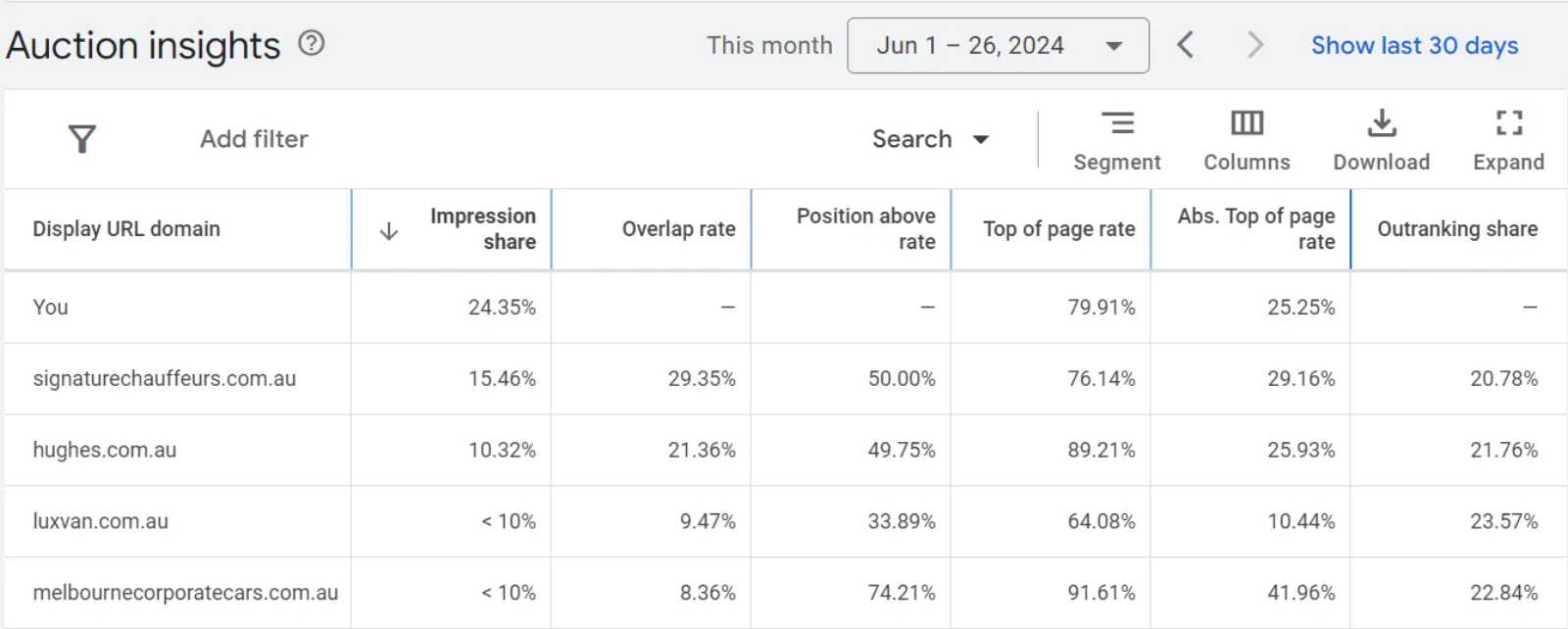
2. Search Manually on Google
Another effective method is to perform manual searches for your target keywords. Here’s how:
- Go To Google: Open a new incognito window to ensure your personal search history doesn’t affect the results.
- Search For Your Keywords: Enter keywords relevant to your business. For example, if you’re in the car insurance business, search for “car insurance.”
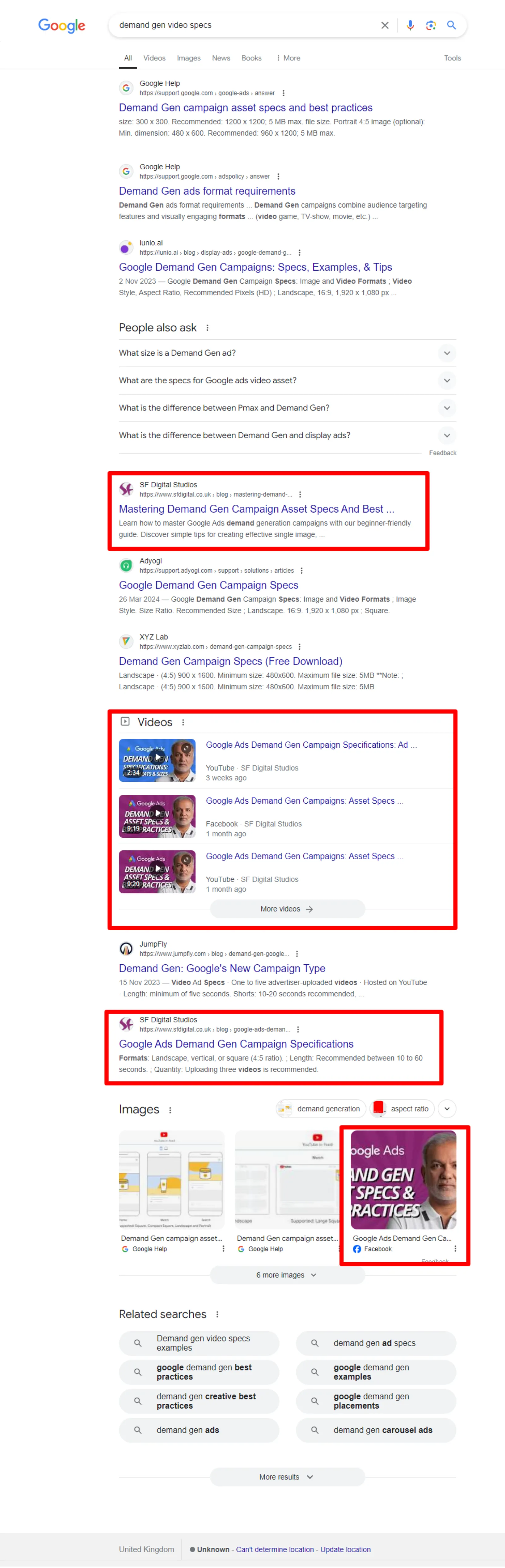
- Identify Ads: Look at the top and bottom ads on the search results page. These companies are actively advertising for those keywords.
- Check Organic Listings: Scroll through the organic search results. Companies ranking well organically for your keywords are also your competitors, as they are targeting the same audience.
While this method requires a bit more effort, it provides a clear picture of who is competing for your target keywords.
 LIVE
Live every Tuesday at 2pm UK. Bring your marketing questions.
Get your Google, local SEO and AI questions answered live.
3. Analyse Competitors’ Websites
Visiting your competitors’ websites can also give you a wealth of information. Here’s what to do:
- Visit Competitors’ Websites: Click on the ads or search results to visit their websites.
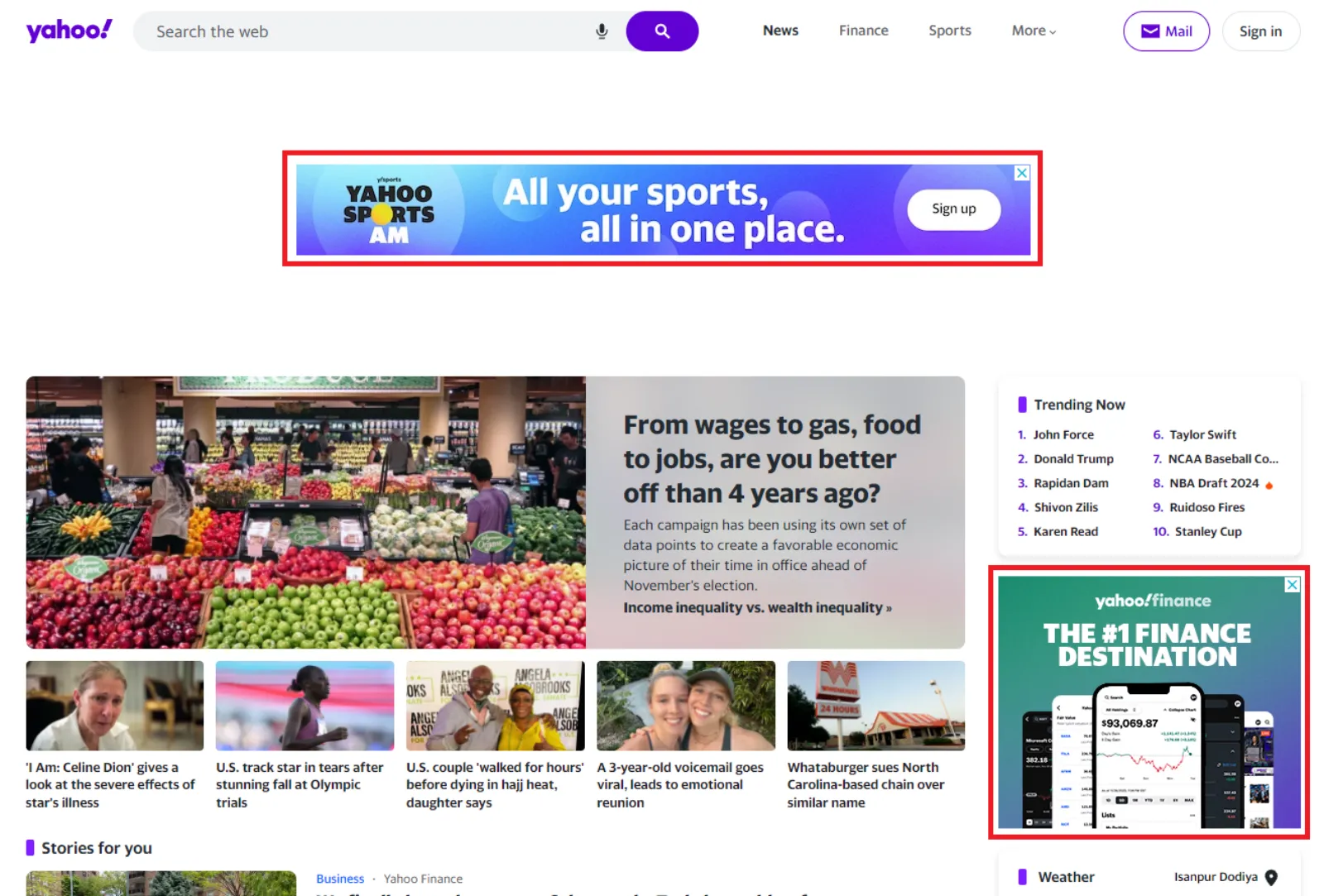
- Get Pixeled: Once you visit their site, you may start seeing their remarketing ads across the web. This is because their website likely pixeled you for retargeting.
- Save Their Ads: When you see their ads, take screenshots and save them in a swipe file. This file will be a valuable resource for inspiration and analysis.
By analysing their landing pages, offers, and call-to-actions, you can gain insights into their marketing strategies and adapt your own accordingly.
4. Monitor YouTube Ads
If your competitors are using video ads, you can find these on YouTube. Here’s how:
- Browse YouTube: Watch videos related to your industry.
- Identify Competitor Ads: When you see a competitor’s video ad, click on it to visit their landing page.
- Analyse the Ad and Landing Page: Note the video content, the call-to-action, and the landing page design and offers.
This method helps you understand how competitors are using video marketing and what type of content resonates with your shared audience.

Conclusion
Finding your competitors’ Google Ads isn’t as complicated as it might seem. By utilising tools like the Auction Insights report, performing manual searches, visiting competitors’ websites, and monitoring YouTube, you can gather valuable information about their strategies. Keep a swipe file of their ads and analyse their approaches to stay competitive. This ongoing research will help you refine your campaigns, stay ahead of the competition, and achieve better results in your own Google Ads efforts.

Written by Uzair Kharawala
Partner at SF Digital Studios, a Google Premier Partner agency. Uzair has been helping businesses grow with Google Ads since 2002 and teaches it every week on YouTube.
Get our best Google Ads tips by email
New articles and videos, straight to your inbox. Unsubscribe any time.