
If you’re running a business with multiple locations, setting up a Google Ads account for each location can be time-consuming and inefficient. Luckily, Google offers a solution: location targeting. With location targeting, you can advertise to people in specific locations without needing a separate account for each location. In this blog post, we’ll walk you through how to set up a Google Ads account for multiple locations using location targeting.
Step 1: Create A New Campaign
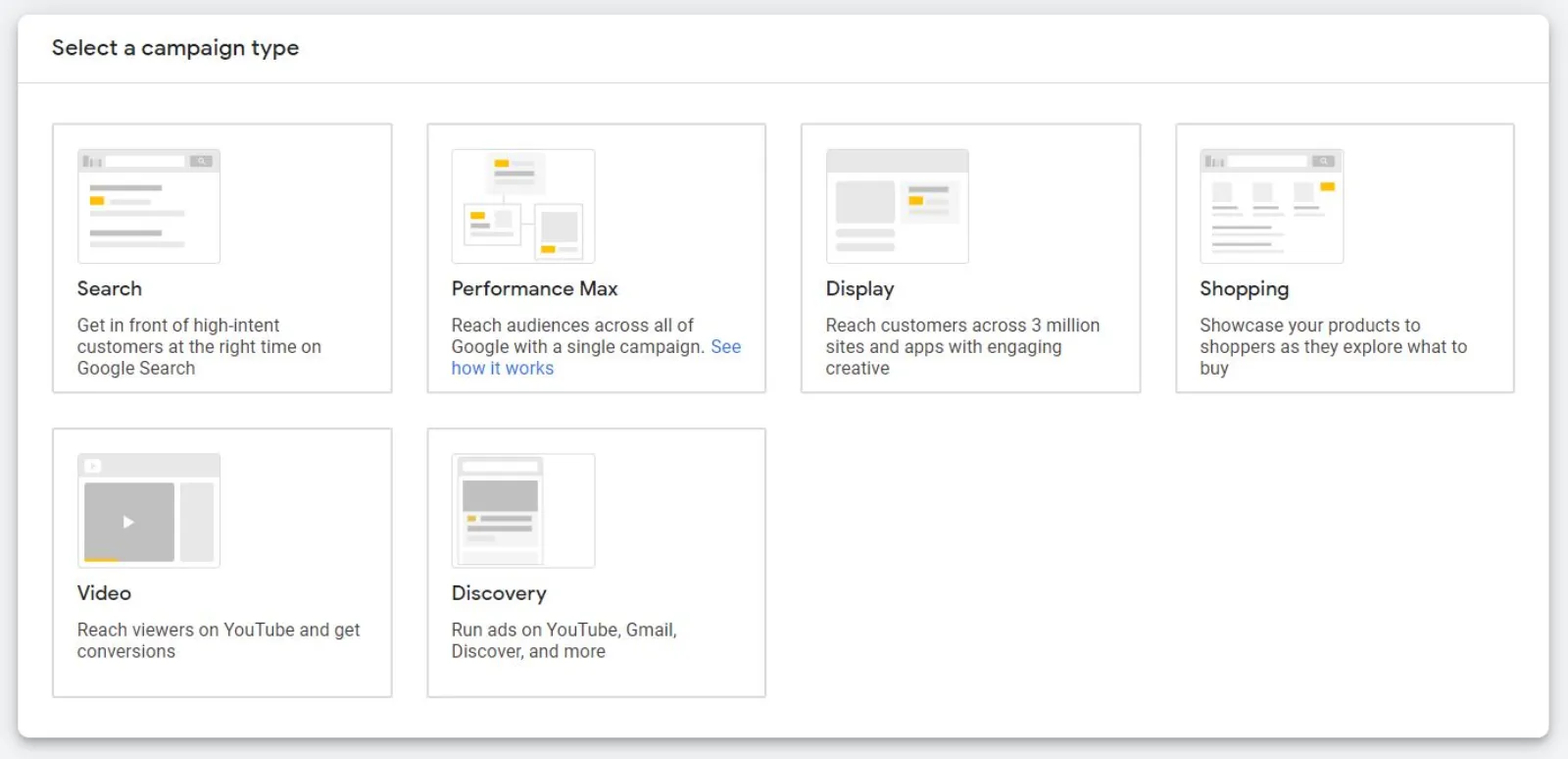
To get started, you’ll need to create a new campaign in Google Ads. Go to the “Campaigns” tab and click on the blue plus button to create a new campaign. Choose the campaign type that aligns with your advertising goals, such as “Search” or “Display.”
Step 2: Choose Your Locations
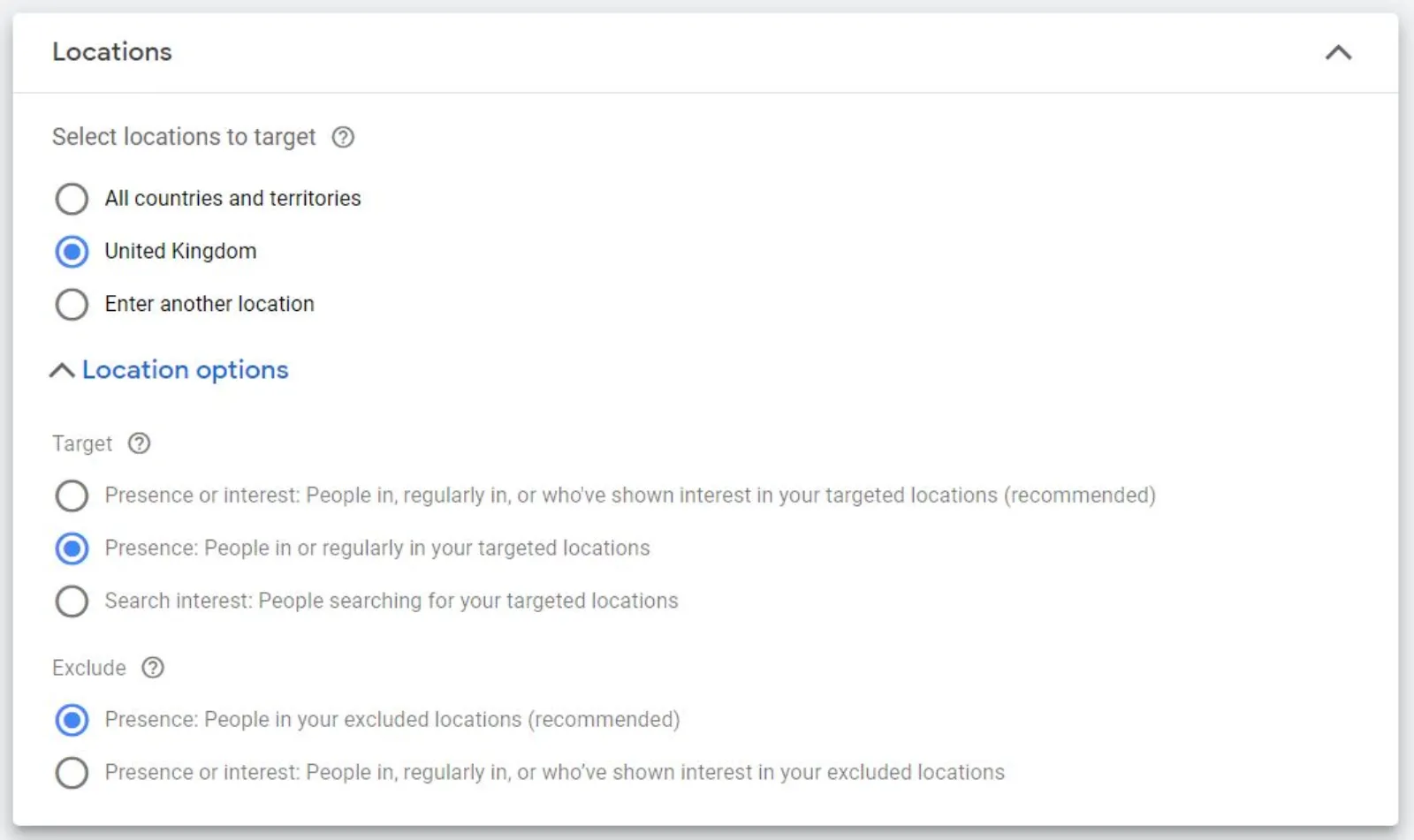
Next, you’ll need to choose the locations you want to target. Under the “Settings” tab, go to “Locations” and click on “Edit.” Here, you can search for specific locations or upload a list of locations. You can also choose the radius around a specific location that you want to target.
Step 3: Set Your Bid Adjustments
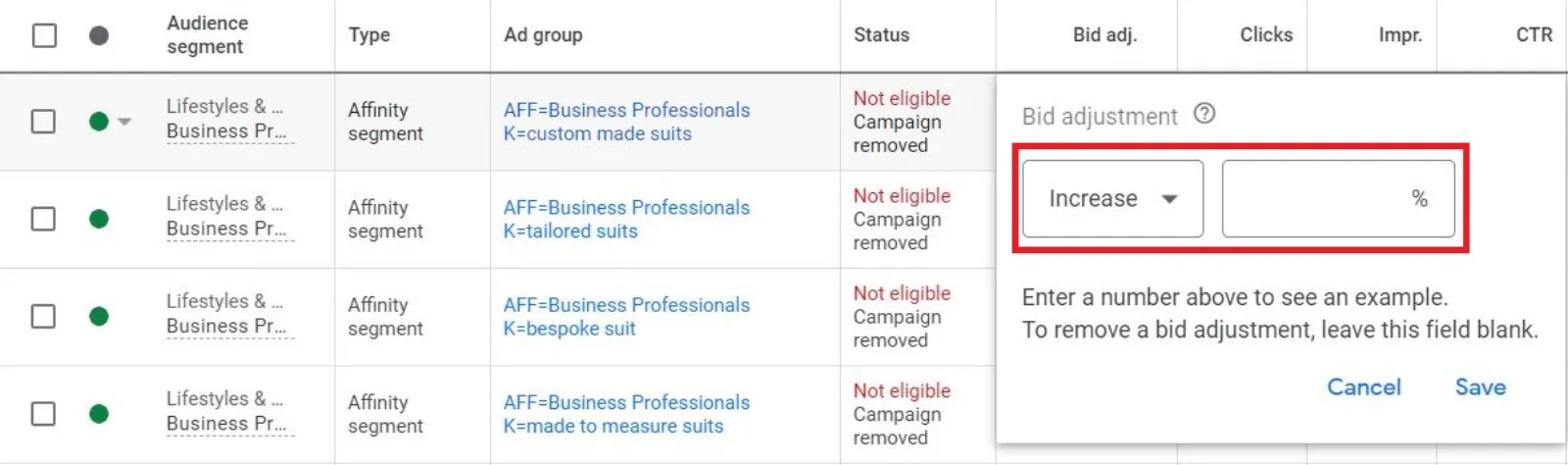
After you’ve chosen your locations, you can set bid adjustments for each location. Bid adjustments allow you to increase or decrease your bids for specific locations based on how well your ads perform in those locations. To set bid adjustments, go to the “Settings” tab, click on “Locations,” and then click on “Bid Adjustments.”
Step 4: Create Ad Groups
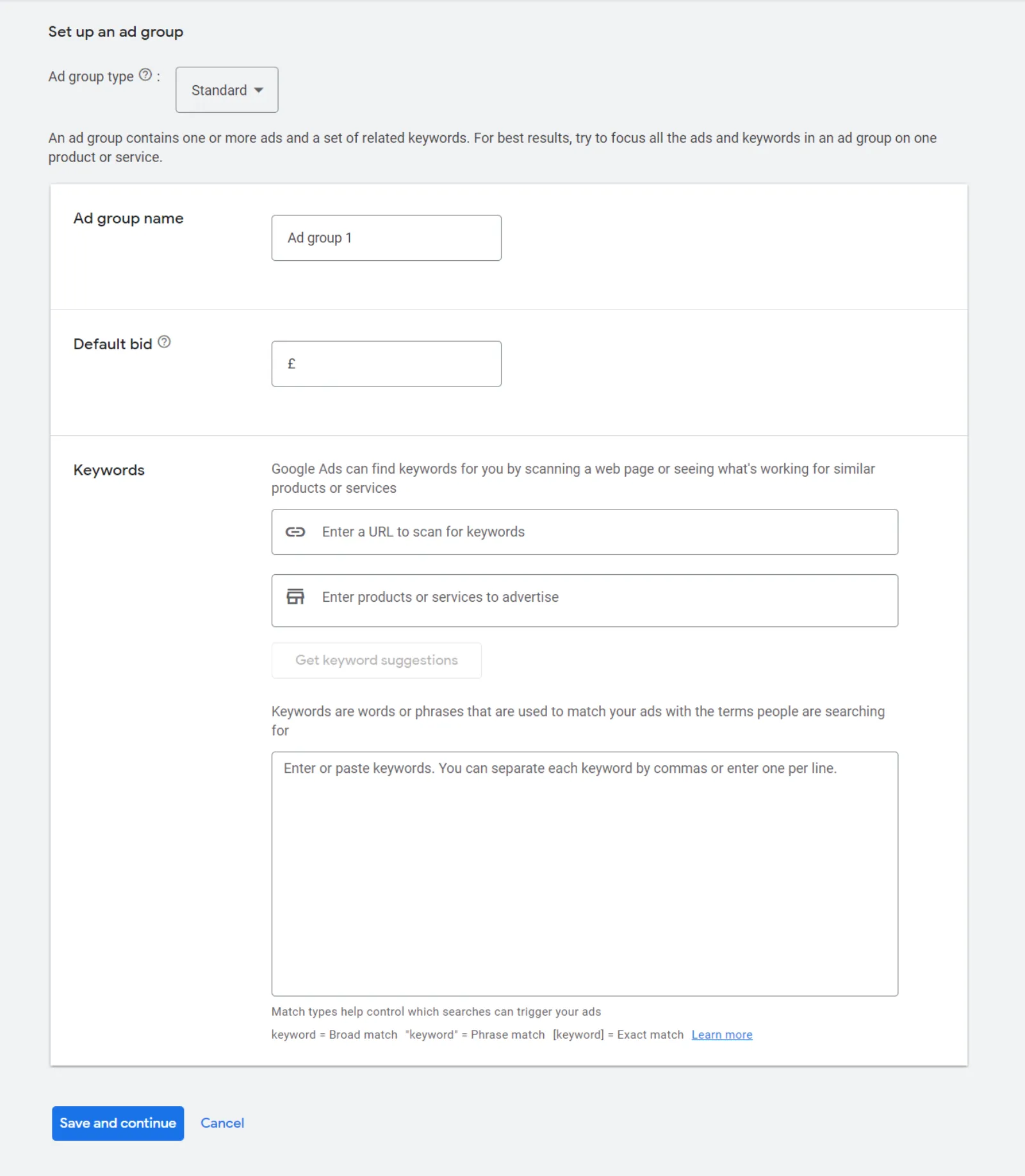
Once you’ve set your bid adjustments, you’ll need to create ad groups for each location. Ad groups allow you to organise your ads and keywords for each location. To create an ad group, go to the “Ad Groups” tab and click on the blue plus button.
Step 5: Create Your Ads
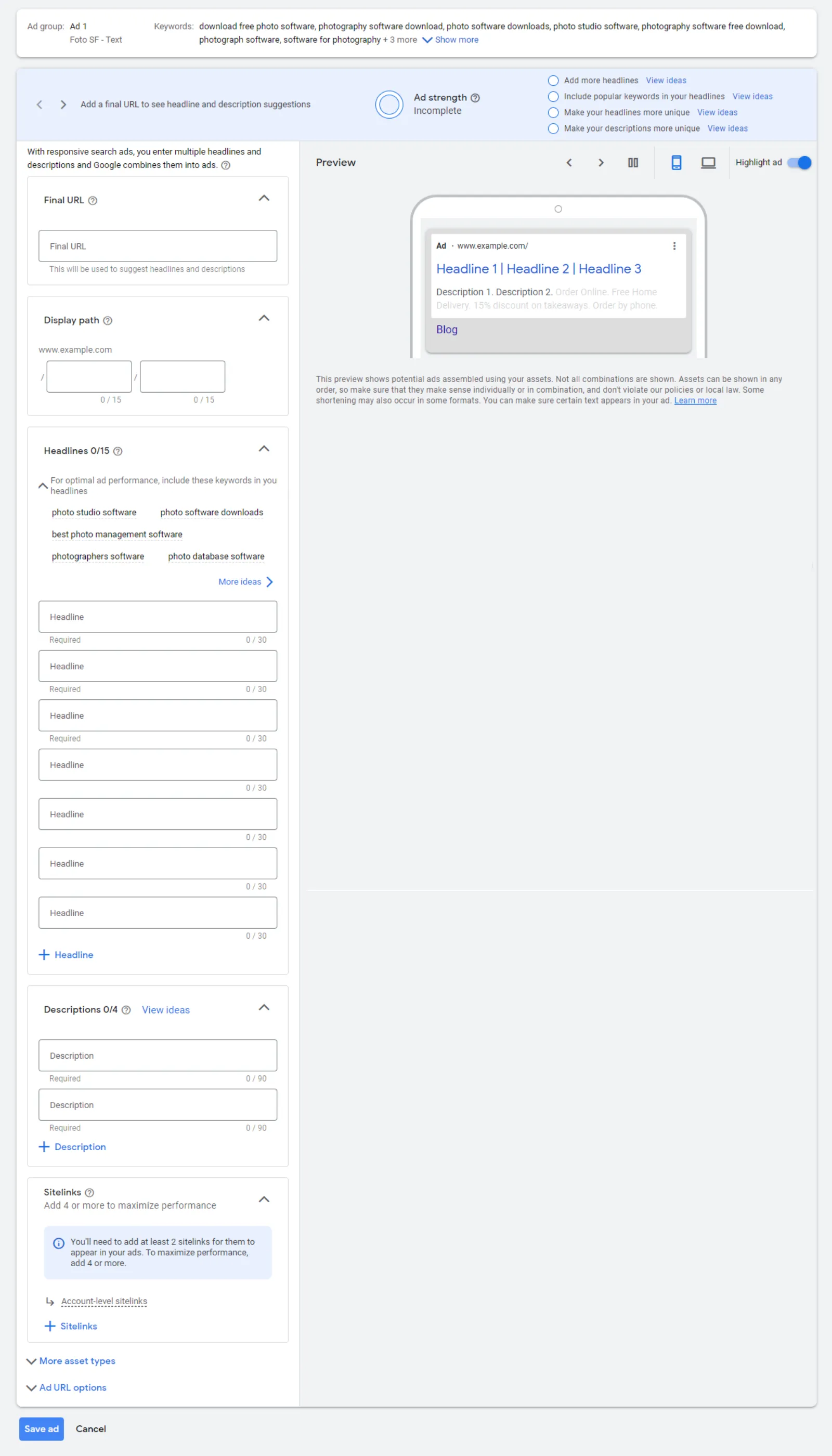
Finally, it’s time to create your ads. Make sure to tailor your ad copy and imagery to each location to make your ads more relevant to your target audience. You can create multiple ads for each ad group and test different variations to see which perform best.
Optimising Your Multi-Location Campaign
To optimise your multi-location campaign, make sure to regularly review your performance data and adjust your bid adjustments and ad copy as needed. You can also use Google’s location reports to see which locations are performing best and make data-driven decisions about where to allocate your advertising budget.
In conclusion, setting up a Google Ads account for multiple locations doesn’t have to be a daunting task. By using location targeting, you can advertise to people in specific locations without needing a separate account for each location. Just follow these five steps and you’ll be on your way to a successful multi-location campaign!

Written by Uzair Kharawala
Founder of SF Digital Studios, a Google Premier Partner agency. Uzair has been helping businesses grow with Google Ads since 2002 and teaches it every week on YouTube.
Get our best Google Ads tips by email
New articles and videos, straight to your inbox. Unsubscribe any time.