
Google Ads is an advertising platform that allows businesses to display their ads to the right audience, in the right place, at the right time. With Google Ads, you can reach millions of potential customers and drive traffic to your website. However, it’s not uncommon for businesses to overspend on their advertising budget and end up wasting money on ineffective campaigns. To avoid this, it’s important to understand how to prevent Google Ads from overspending your budget.
How to Prevent Google Ads from Overspending Your Budget
1. Set A Daily Budget & Stick To It
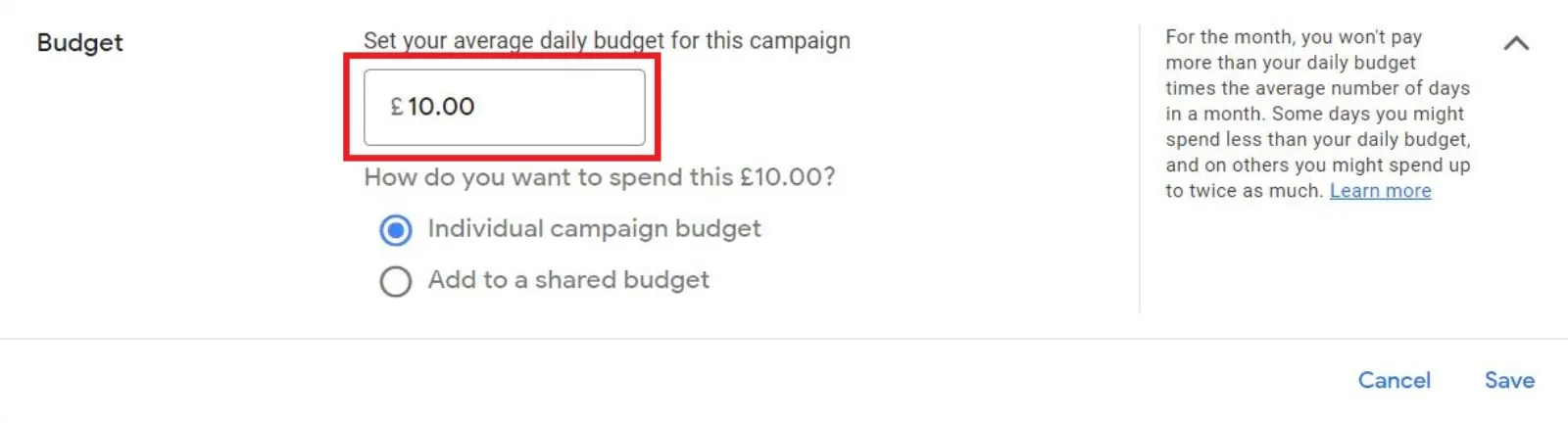
The first step to preventing overspending on Google Ads is to set a daily budget and stick to it. This will help you control your costs and avoid overspending. You can set your daily budget in the “Settings” section of your Google Ads account. Once you’ve set your budget, make sure to monitor it regularly to ensure that you’re not exceeding it.

Get Found, Get Chosen, Get Your Time Back
A free one-day marketing seminar in Milton Keynes · 10 November 2026
2. Use Bid Adjustments
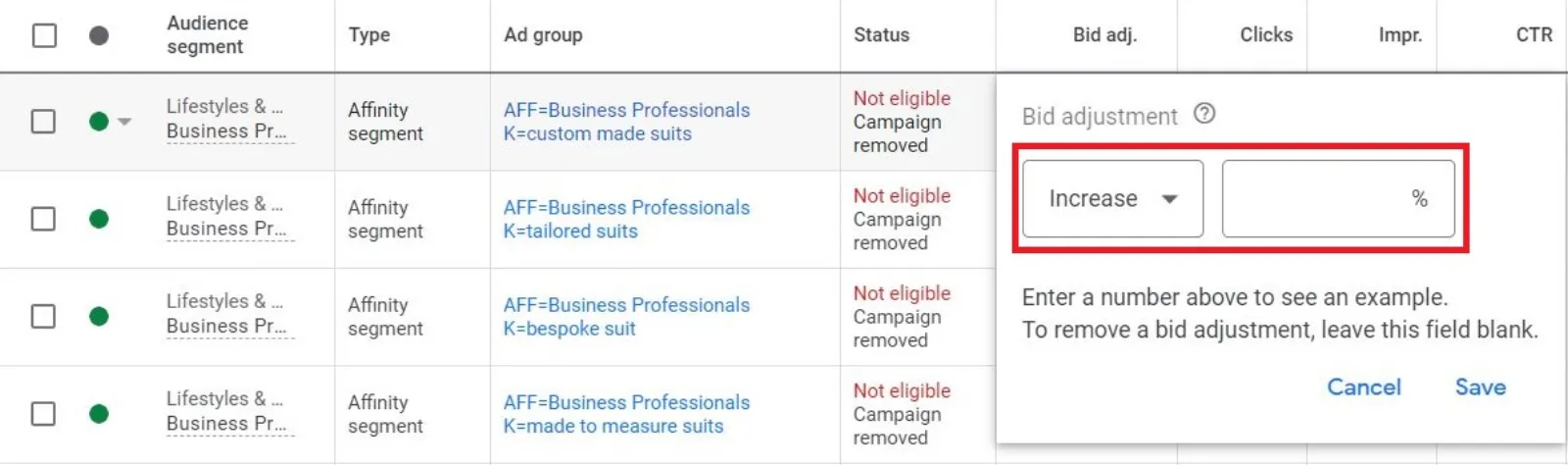
Bid adjustments are a powerful tool in Google Ads that allow you to increase or decrease your bids for specific target audience segments. By using bid adjustments, you can ensure that your ads are reaching the right audience and prevent overspending on ineffective campaigns.
Get your free Marketing Action PlanNot sure where to start? Answer a few questions and get your plan in about a minute. No email needed.
Get my plan →For example, you can use bid adjustments to lower your bids for audience segments that are not performing well and increase your bids for audience segments that are delivering results.
 LIVE
Live every Tuesday at 2pm UK. Bring your marketing questions.
Get your Google, local SEO and AI questions answered live.
3. Utilise Conversion Tracking
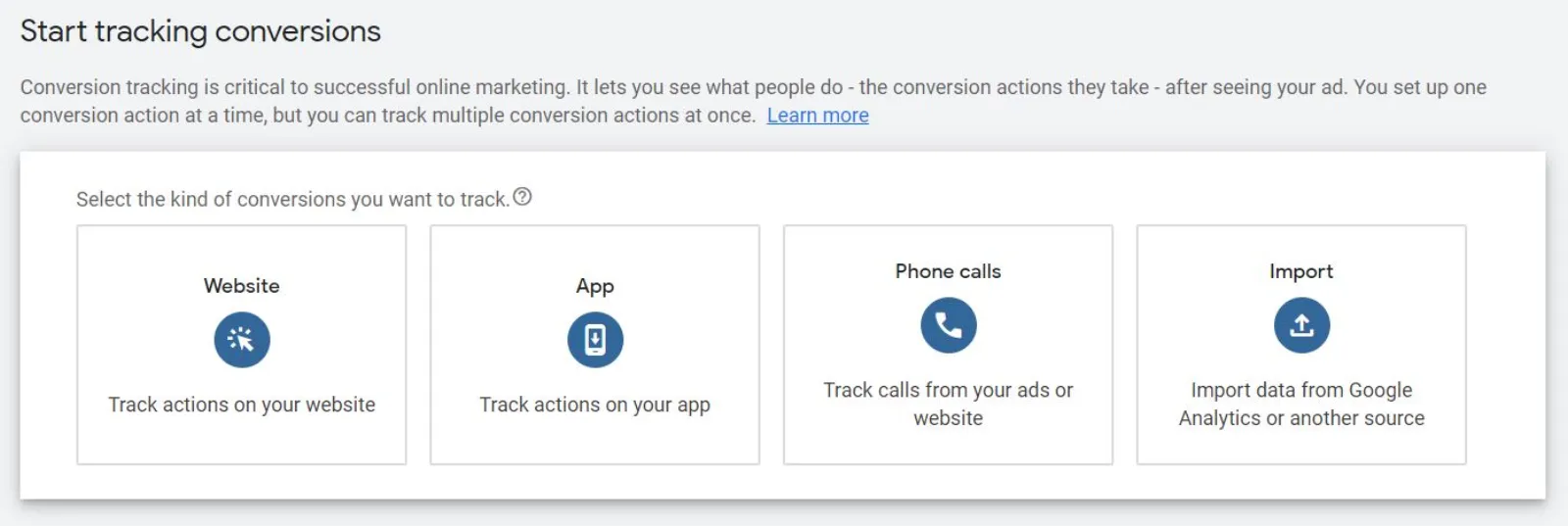
Conversion tracking is a feature in Google Ads that allows you to track the actions that users take on your website after clicking on your ad. By using conversion tracking, you can determine which campaigns are delivering results and which ones are not. This information will help you make informed decisions about your advertising budget and prevent overspending. To set up conversion tracking, simply go to the “Tools and settings” section of your Google Ads account and select “Conversions”.
4. Use Negative Keywords
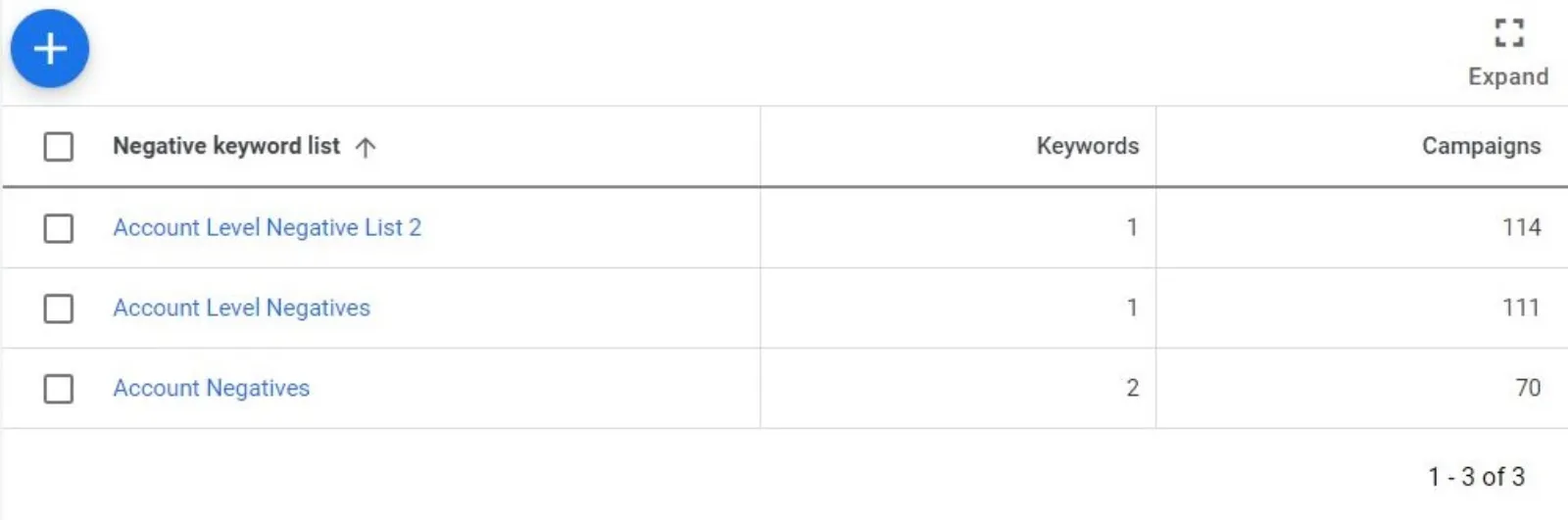
Negative keywords are keywords that you specify in your Google Ads campaign that tells Google not to show your ad for certain search queries. By using negative keywords, you can prevent your ad from appearing for irrelevant search queries and prevent overspending on ineffective campaigns.
For example, if you’re selling running shoes, you can add “free” as a negative keyword to prevent your ad from appearing for searches like “free running shoes.”
5. Monitor Your Campaigns Regularly
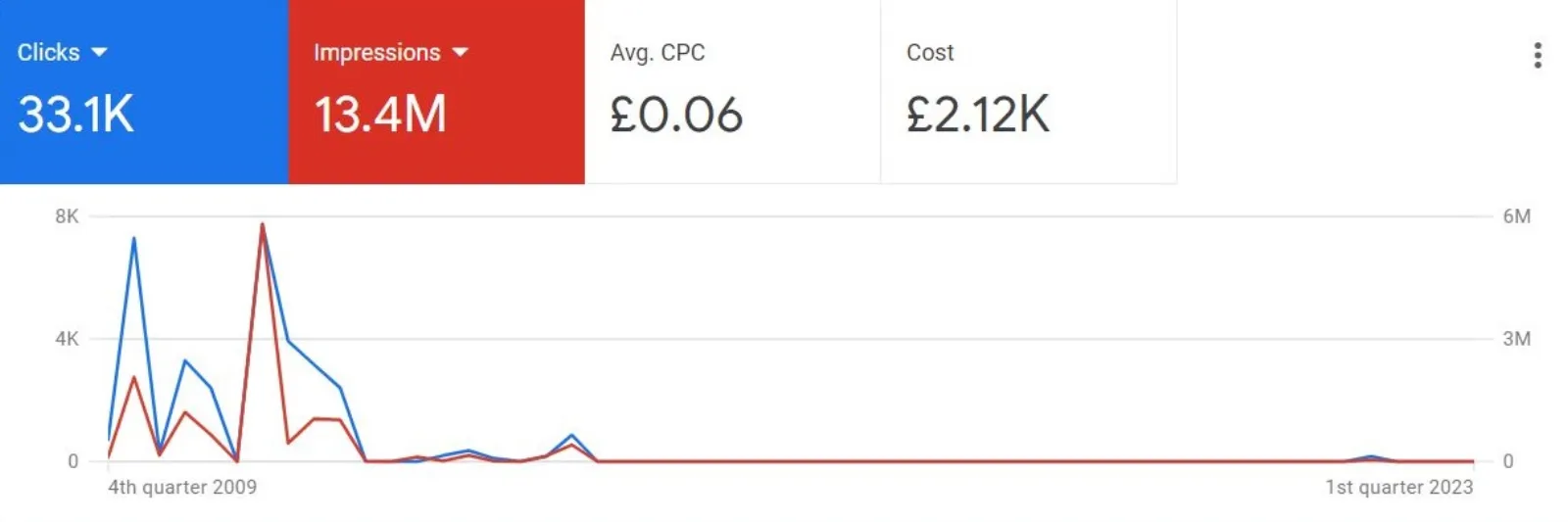
Finally, it’s important to monitor your Google Ads campaigns regularly to ensure that you’re not overspending. You can do this by regularly checking your campaign’s performance data, such as clicks, impressions, and conversion rates. If you notice that one of your campaigns is not performing well, you can make adjustments to improve its performance or pause it to prevent overspending.
Conclusion
Preventing Google Ads from overspending your budget is crucial for the success of your advertising campaigns. By following the tips outlined in this blog, you can ensure that your advertising budget is being spent effectively and avoid wasting money on ineffective campaigns. So, set your daily budget, use bid adjustments, utilise conversion tracking, use negative keywords, and monitor your campaigns regularly to prevent Google Ads from overspending your budget.

Written by Uzair Kharawala
Partner at SF Digital Studios, a Google Premier Partner agency. Uzair has been helping businesses grow with Google Ads since 2002 and teaches it every week on YouTube.
Get our best Google Ads tips by email
New articles and videos, straight to your inbox. Unsubscribe any time.