
Running Google Ads can feel like a money pit if you’re not careful. It’s easy to just throw money at it and hope for the best, but that’s not a smart way to do things. The good news is, you can actually spend less on your Google Ads campaigns and still get great results. It’s all about being clever and knowing where to tweak things. Let’s break down some simple ways to make your Google Ads budget work harder for you.
Focus on Your Keywords (The Right Ones!)
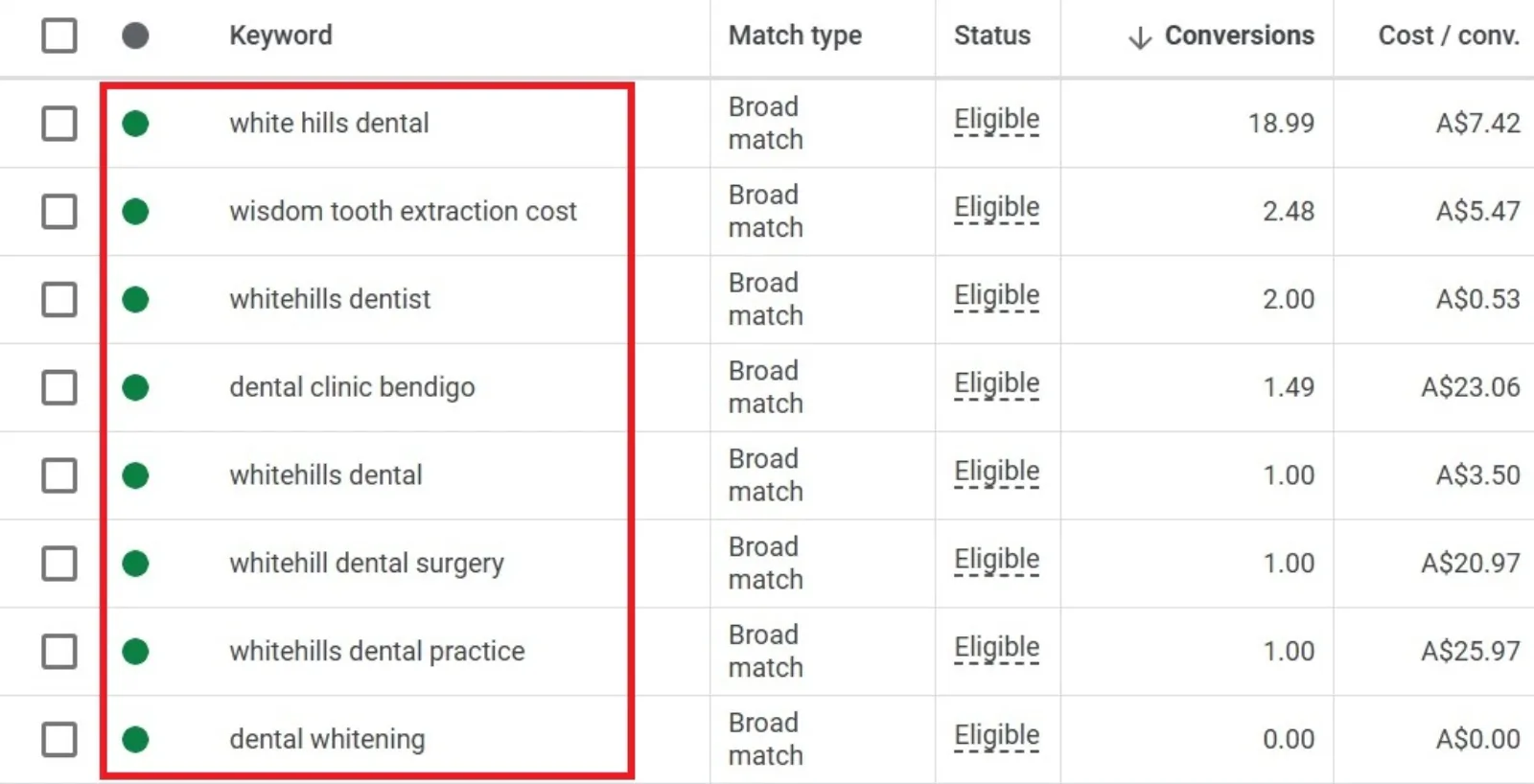
Keywords are super important in Google Ads. They’re the words or phrases people type into Google when they’re looking for something. If your ads show up for the wrong keywords, you’re just wasting money.
Get Found, Get Chosen, Get Your Time Back
A free one-day marketing seminar in Milton Keynes · 13 January 2027
- Be Specific: Instead of super broad keywords, go for more specific ones. For example, instead of just “shoes,” try “women’s running shoes size 7.” These “long-tail keywords” might get fewer searches, but the people searching for them know exactly what they want, so they’re more likely to buy. This means fewer wasted clicks.
- Negative Keywords Are Your Friends: This is a big one. Negative keywords tell Google what searches you don’t want your ads to show up for. If you sell new cars, you probably don’t want your ad to appear for “used cars” or “car repair.” Adding negative keywords prevents your ads from showing to people who aren’t interested in what you offer, saving you money on irrelevant clicks. Regularly check your “Search terms” report in Google Ads to find new negative keywords to add.
Make Your Ads Shine
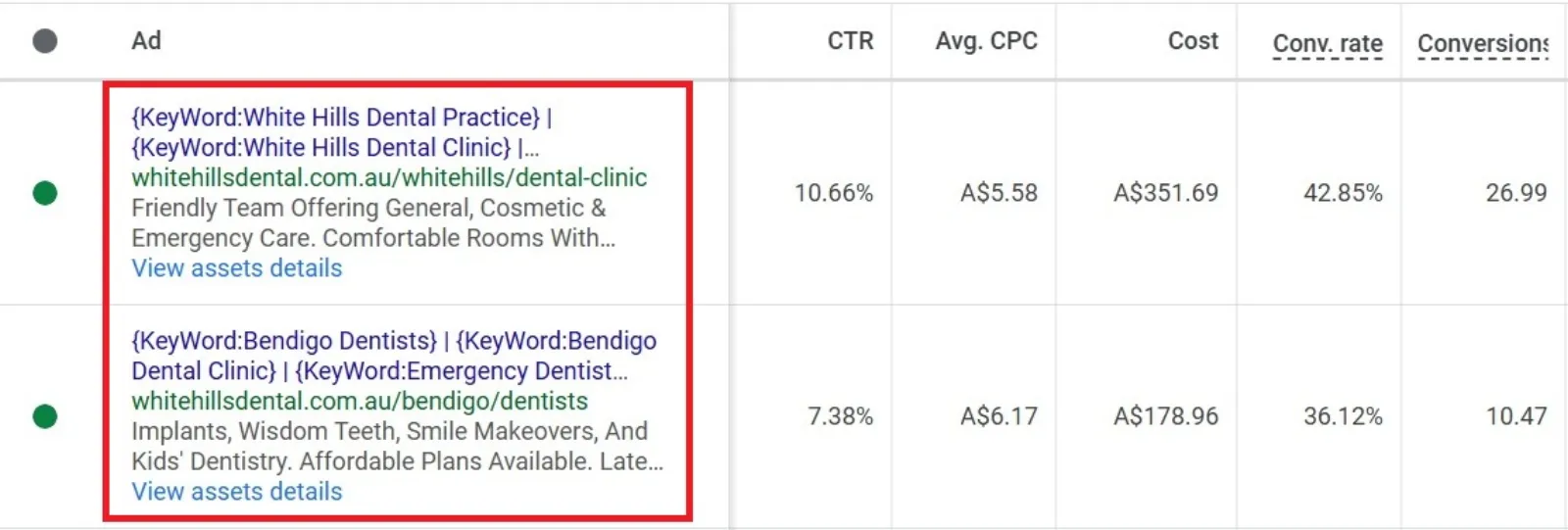
Your ad copy – what your ad says – plays a huge role. If your ad isn’t catchy or doesn’t speak to what someone is looking for, they won’t click it. And if they do click but aren’t happy with what they see, that’s a wasted click.
Get your free Marketing Action PlanNot sure where to start? Answer a few questions and get your plan in about a minute. No email needed.
Get my plan →- Match Intent: Your ad should perfectly match what someone searched for. If they searched for “best vegan restaurants,” your ad should talk about the best vegan restaurants, not just “restaurants.”
- Strong Call to Action (CTA): Tell people exactly what you want them to do. “Shop Now,” “Learn More,” “Get a Free Quote” – clear CTAs encourage clicks from interested people.
- Use Ad Extensions: These are extra bits of information that make your ad bigger and more useful. Think of them like extra lines on your ad that can show your phone number, specific pages on your website, or even special offers. They make your ad stand out and can improve your click-through rate (CTR), which is how many people click your ad compared to how many see it. A better CTR often means Google likes your ad more, which can lead to lower costs.
Improve Your Landing Page Experience
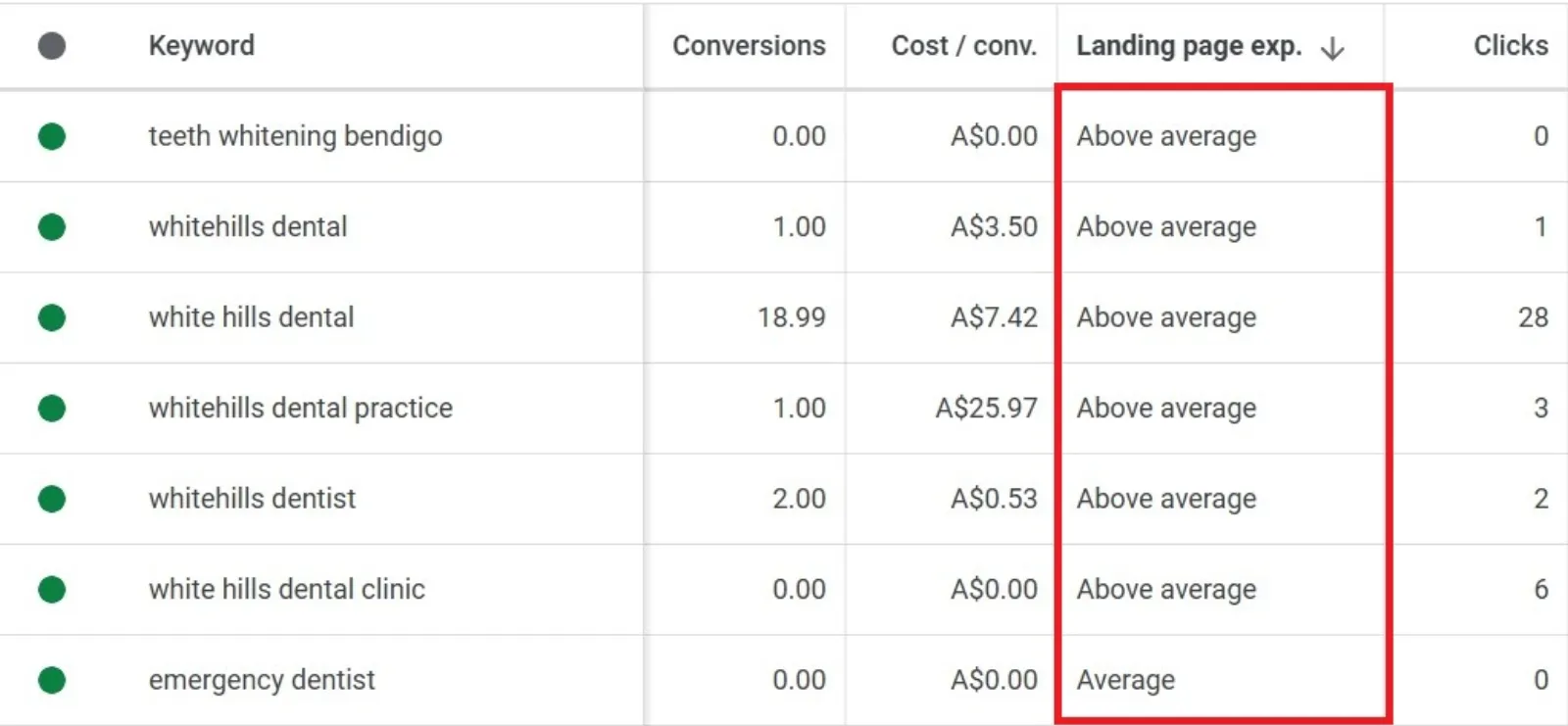
When someone clicks your ad, they land on a page on your website. This is your landing page. If this page isn’t good, people will leave quickly, and you’ve paid for a click that didn’t lead anywhere.
- Relevance is Key: The landing page should be super relevant to what your ad promised. If your ad talks about “red running shoes,” the landing page should show red running shoes, not just your general shoe collection.
- Easy to Use: Make sure the page loads fast, looks good on phones, and is easy to navigate. If it’s slow or confusing, people will bounce.
- Clear Next Steps: Just like your ad, your landing page needs a clear call to action. What do you want visitors to do? Buy, sign up, call? Make it obvious.
Understand Your Quality Score
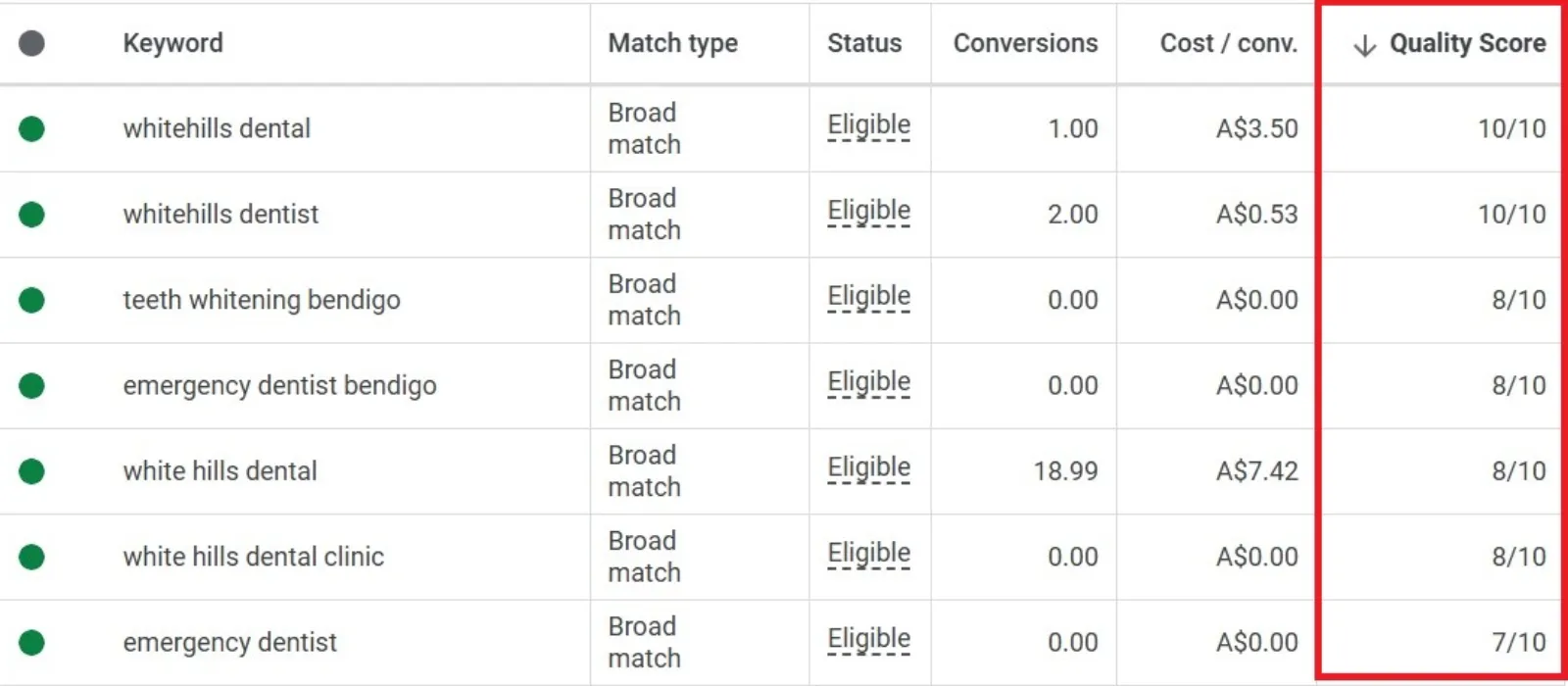
Google has something called a “Quality Score.” It’s Google’s way of rating how good your ad, keywords, and landing page are together. A higher Quality Score means Google thinks your ad is more relevant and useful. And here’s the best part: a higher Quality Score can lead to lower costs per click and better ad positions! It’s like Google giving you a discount for being good.
 LIVE
Live every Tuesday at 2pm UK. Bring your marketing questions.
Get your Google, local SEO and AI questions answered live.
You can improve your Quality Score by working on all the things we’ve talked about: relevant keywords, compelling ads, and great landing pages.
Tweak Your Bids (Carefully!)
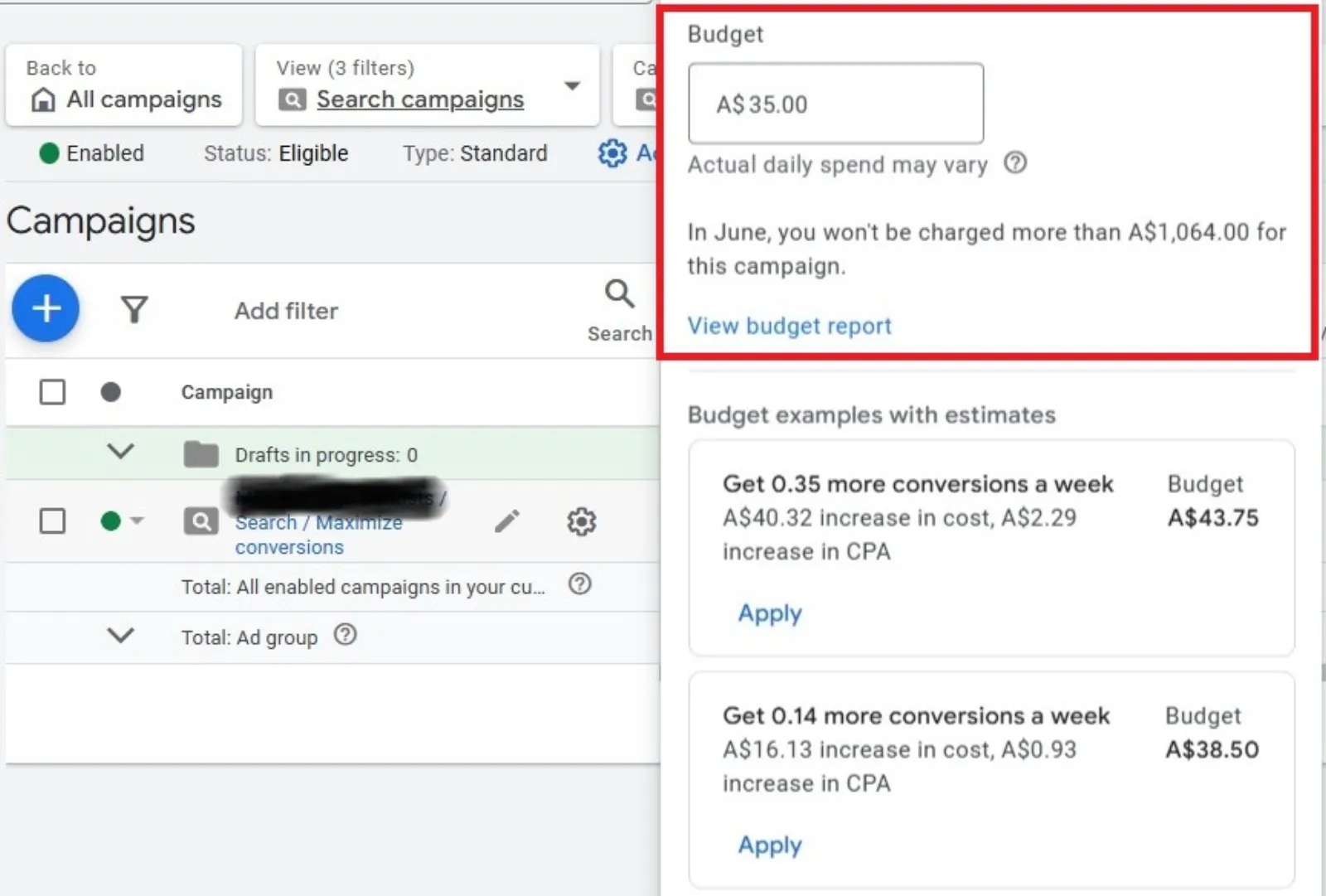
Bidding is how much you’re willing to pay for a click. While you don’t want to just cut your bids randomly, there are smart ways to manage them.
- Start Smart: Don’t go in with super high bids from the start. You can always increase them if you’re not getting enough clicks.
- Monitor Performance: Keep an eye on which keywords and ads are performing well (getting conversions!) and which aren’t. You might want to lower bids on keywords that aren’t bringing results, and perhaps slightly increase bids on those that are converting well.
- Bid Adjustments: Google Ads lets you adjust your bids based on things like location, device (mobile vs. desktop), and time of day. If you know your customers are most active and convert better on mobile phones in the evening, you can set a higher bid for those specific times and devices. This helps you focus your budget where it matters most.
Don’t Forget About Audiences
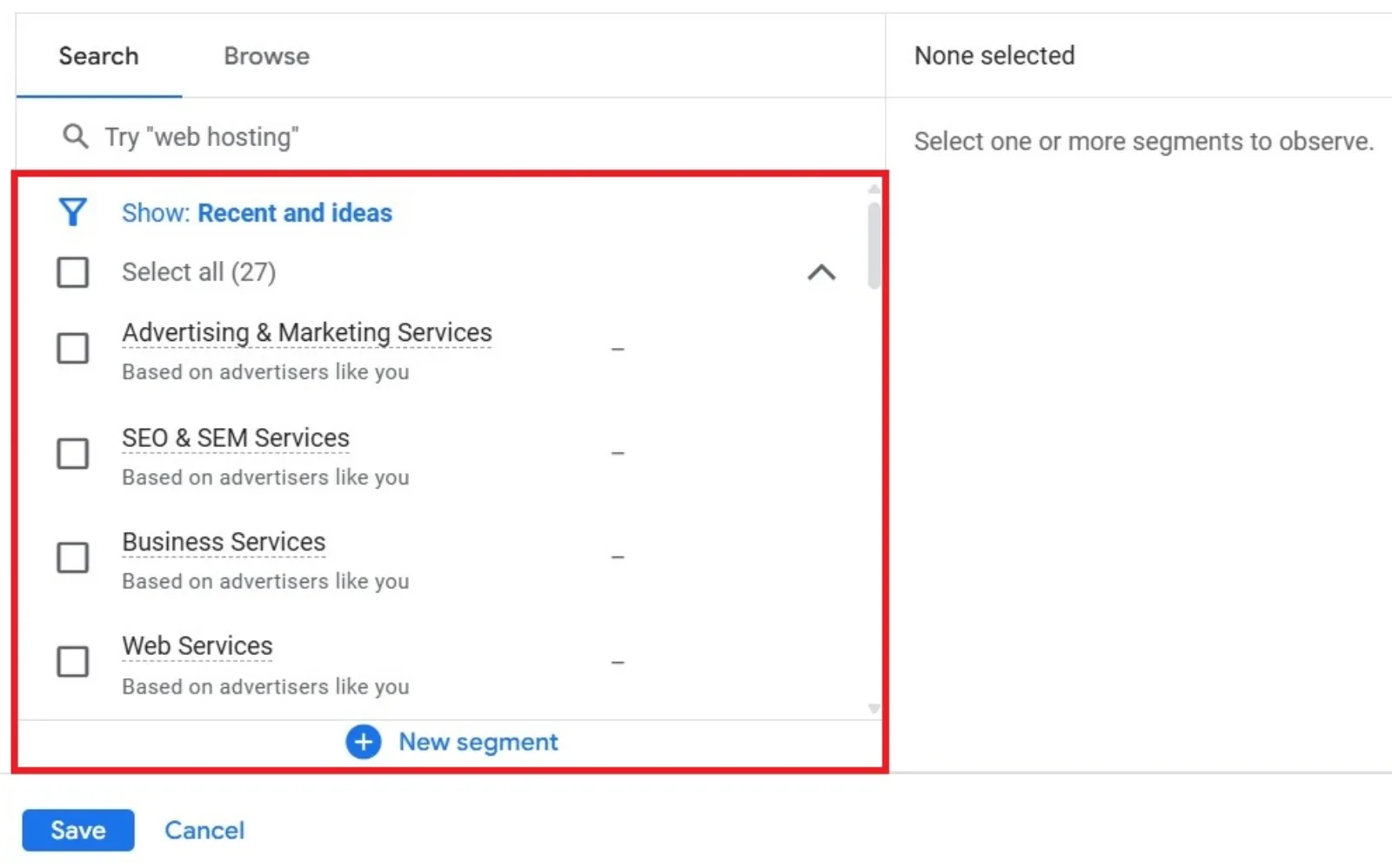
Beyond keywords, Google Ads allows you to target specific audiences. This can be super powerful for saving money.
- Remarketing: This is huge! Remarketing lets you show ads to people who have already visited your website. Since they’re already familiar with your brand, they’re much more likely to convert, making these clicks more valuable and often cheaper in the long run.
- In-Market Audiences: Google identifies people who are actively researching products or services like yours. Targeting these “in-market” audiences can help you reach highly interested potential customers without relying solely on keywords.
Keep an Eye on Things
Google Ads isn’t a “set it and forget it” kind of deal. You need to regularly check how your campaigns are doing.
- Check Your Reports: Google Ads has tons of reports. Look at your costs, clicks, conversions, and Quality Scores. See what’s working and what’s not.
- Test and Learn: Don’t be afraid to try new things! Test different ad headlines, descriptions, and landing page designs. Even small changes can sometimes make a big difference in your costs and results.
By putting these simple strategies into practice, you can get a lot more out of your Google Ads budget. It’s about being smart, focused, and always looking for ways to improve, rather than just spending more.

Written by Uzair Kharawala
Partner at SF Digital Studios, a Google Premier Partner agency. Uzair has been helping businesses grow with Google Ads since 2002 and teaches it every week on YouTube.
Get our best Google Ads tips by email
New articles and videos, straight to your inbox. Unsubscribe any time.