Hello. I believe we are live. Please give me a moment. I'll make sure everything is working fine and we'll get started. Seems to be good. Your video is looking fine. Brilliant. Okay. Four o'clock in the UK on the 6th of October, 2020, my name is Uzair and welcome to today's YouTube live stream. Every weekday, we go live at this time and on this channel and go through various topics on digital marketing, Google Ads, video ads, pretty much anything to do with promoting your business, generating new leads and sales.
So, obviously, these sessions are completely for free and anyone can join in at any time. These are extremely informal and any questions you may have please do ask because I'll try and answer them for you to the best of my abilities. So, the format of the sessions is that I'll go through a certain topic in the beginning and towards the end, I'm going to refer to the comments box around the video and answer any questions.
You may have. Please feel free to ping along any questions you remember, or if you have any questions, topic, or subject, which I'm showing you on screen. So, at the end, I'm going to go to the questions. Hello, Aamish, lovely to see you here. Okay. So, today is not going to be about Google Ads. It is going to be on content marketing creation and how to design your content.
What I mean by content. Content can be in a multiple of formats, it could be text format, video, audio, or podcast, infographics or pretty much anything you. To want to use these formats to put out...We, as a business, we made a decision two and a half years ago. That video will be at the core of our marketing mix.
Everything starts with video at the forefront. And from there, we will create blog posts, infographics, images, so on but you can do just a blog post, or you can create a podcast, infographics or anything you want, but you must focus on one medium and then push it out on others and what I mean by that is don't try and do everything at the same time.
It could be video or podcast. Podcasts I've not gone into because this alone is keeping us so busy that we've not looked at podcasts and for us, podcasts may not work as well because I'm showing you walkthroughs and tutorials on how to set up a campaign or how to design a Google Ads or write a Google Ads and so on.
So, for us podcast, I'm not saying that we will never start a podcast. We never know in the future, we may decide that we, dip into podcasting, but for now, video is where we are. We create the videos and we start. The most questions which I'm sent for blogging and content creation is people stumble across this problem of not knowing what to write, what to create and they hit a brick wall very quickly because they run out of ideas.
This shouldn't be a problem because there's so much content and so many ideas you can write on or create content on. You just kind of stop. Even if you are writing ten blogs a day, you'll never run out of ideas. But today I'm going to show you how you can get inspirations, ideas to create content for your website and how to take your marketing to the next level.
What you want to do is you want to be consistent. First of all, just like we are in our marketing every day at four o'clock, every weekday, I should say at four o'clock, everyone who is on our email list and our subscribers, they know that we will go online and all of you join in at this certain time.
So, this is now becoming a habit that everybody knows that, okay, this such-and-such time Uzair or Farzana will be live on YouTube. Just like we have TV programs on TV, we know the news will come at nine o'clock or ten o'clock or certain dramas or soaps are going to come upon certain days at a certain time. That's what you want to be doing, is you want to be consistent so that your audience expect at this precise time.
I'm going to get the email, we're going to go alive, or are we going to upload content on our website. So, content creation is where we need to focus on because to get Google rankings. If you're not running ads the only way, you're going to rank on Google is through content. It does take a fair bit of work.
You need to create good quality content and you must be consistent. When we pass a shop and you will see the shelf window, every few weeks. The shop owners will change the display in the shop window. Why do they do that. Why don't they just keep the same thing and not bother changing it's because people who are passing by, in front of that shop, they want to attract their attention and the shopkeeper wants them to stop.
Take a sneak peek, Oh, what's this, this is something new or something interesting. I'm going to go in and have a look. The same thing happens with all the bots. The search engines they keep coming to a shop and they don't... To your website and they don't see anything new. They just going to go away. Whenever they come to the website or your blog, and they see something new, they are going to index it and this is how you will keep on getting index and then they will know that this website creates good quality content.
They upload it regularly. They are uploading the way we, or Google, I'm referring to because that's the biggest search engine in the world. We tell them to do... They are putting up all the tags, the description using the keywords. They're not spammy. They are putting up high-quality content. When people come to the website, they stay on the website for three or more minutes or click a video to view it.
They're engaging, interacting with the website the same way when somebody comes into the shop and they go walk through the different isles. If they come into a shop and they go out, after five seconds, no matter how good the products are in that shop, they are not going to be sold or purchased by the client because they haven't even looked at it.
They haven't looked at the price. They haven't touched it. Felt it. Seen the quality of the product, they are coming in and going out. Now, this will, this should and will cause concern for the shopkeeper. Why is everyone coming into my shop and within five seconds, as soon as they step in, they're bouncing off and this is what we call the bouncing off, right.
The bounce rate in Google, you as a business owner, or a website owner should also take this on board. Why are they not sticking around on my website. When I'm putting up so much content, are you attracting the wrong clientele. Or the wrong audience. Or as soon as their website... They don't like the headline or the image or the text, and they find it too confusing, or there could be a number of reasons why they're bouncing off.
So, the shopkeeper needs to do the same thing. Is it the atmosphere. Is there a smell. The lighting is good or not. It's clean or dirty. And that will decide whether someone who has entered the shop is going to stick around to make a purchase or not. So, what you want to do is create high-quality content so that the visitors to your website, they stick around.
So, to get some ideas for your blog or website, I'm going to show you some other websites that you can go and get some answers, ideas, inspirations, go on other competitors' blogs and websites, but don't copy it like word for word or whatever they put up, get some inspiration and ideas and create your own. So, this is one of the best websites you'll visit.
If you are struggling to create content, this is answerthepublic.com and all you do is I'm going to go to the homepage. All right. You will find over here. I'm just going to put in Google Ads. Search. Okay. I've been searching before. So, it has given me a message now. That I have reached the maximum number for the free searches.
So, obviously, it's a paid version as well, but you can easily try the free version, but what this website will give you is what people are asking, and you will get lots of ideas over here. So, let's say over here, dresses for Christmas, wedding guest, work, party, graduations. If you had a dress shop, you can see what people are searching for.
Although you can go and Google as well. That's not a problem. You'll get exact questions as to what people are asking in here. It's a great website. You know, which shorts suit me, which boxer shorts are best. Cycling shorts and so on. And you'll see loads and loads of questions, which you can then get some great ideas and create content.
Now, what you should do is, you can create multiple blog posts on the same keyword or topic, and then interlink them within your website and that is going to create even better rankings for your site and blog. So, you can target one blog post for keyword one, keyword two, three, and you'll have hundreds over here. Literally, you can write as much as you want or get somebody to write it for you.
So, that's one website, which is really amazing. To get content ideas from. Second one is Quora one of my favourite ones. Not sure why it is not loading up, but it should in a second, I'm going to come onto that in a minute. BuzzSumo is another one where you can find the content that performs. So, this website shows you, what are the types of content which is being shared.
Let's say, if I go Google Ads or digital marketing, let's go a bit broad. So, over here as well, if you are on the free plan, you are allowed about four, or three or five... Or you can see that abnewswire.com has got a blog post or a post about digital marketing, practical digital marketing solutions, and effective local search rankings.
So, that had Facebook engagement, five hundred and three thousand. That's quite good. This is another one from campaign-archive.com a hundred and fifty-two thousand. Digital marketing for shawacademy.com a hundred and two thousand and if you want to see more, then obviously you need to get the paid version, but you'll get some great ideas as to what people are putting up, what type of content they're writing.
And again, you can get inspiration because if somebody has put in, let's say top fifty tips for Google Ads, then you can do one better and make seventy or eighty or a hundred top tips on Google Ads and see how your blog posts performs and hopefully goes viral. So, BuzzSumo is another one, let's go back to Quora.
See if it's still behaving or not. Yeah. Okay. If I go search for Google Ads in here, people are going to. They're still not. It doesn't like it. I'm going to go back to the homepage. See if I've got something over here. So, somebody has asked sometimes I see SEO tools that call out issues, how the top agencies automate client PPC reporting.
So, this is a good one. Now, I can quite easily answer that, at the moment. There's no one, nobody has replied over here. So, all I would do is click here to answer and I'll answer my reply in here. So, one of the ways to report using... Completely free. Most Google products we love using Google Data Studio.
We can write a short one or a long one, but what I have also done is... You can... I can go to my YouTube channel because we have got lots and lots of videos. I can pick up a video, which is relevant to this question and post a video reply in here without having to make one up.
Or you can just do a little video with your smartphone and put it on there. So, that's a great way to put your name out there and also get ideas for your content as to what people are searching for. So, we've done Quora, we've done BuzzSumo, Reddit is unbelievable. It can send you so much traffic to your website, that it can potentially bring any website down, but you need to be very careful with Reddit.
Don't go in there and start spamming with links and links to the community in Reddit. They are brutal, but if you do something, join the community, join in the conversation and then if somebody has asked a particular question, you can reply back and they're going to send you a ton of traffic, it's massive. It is unbiased, one of the of the internet.
So, this is where you can get other ideas on any topic you like. You can search what you want, and they have got a subreddit, join in those communities. Okay. Now, this is creating our text or the blog post ideas or writing or creating video... Of our designing, your graphics and the image cards for your videos and so on and for that we use...
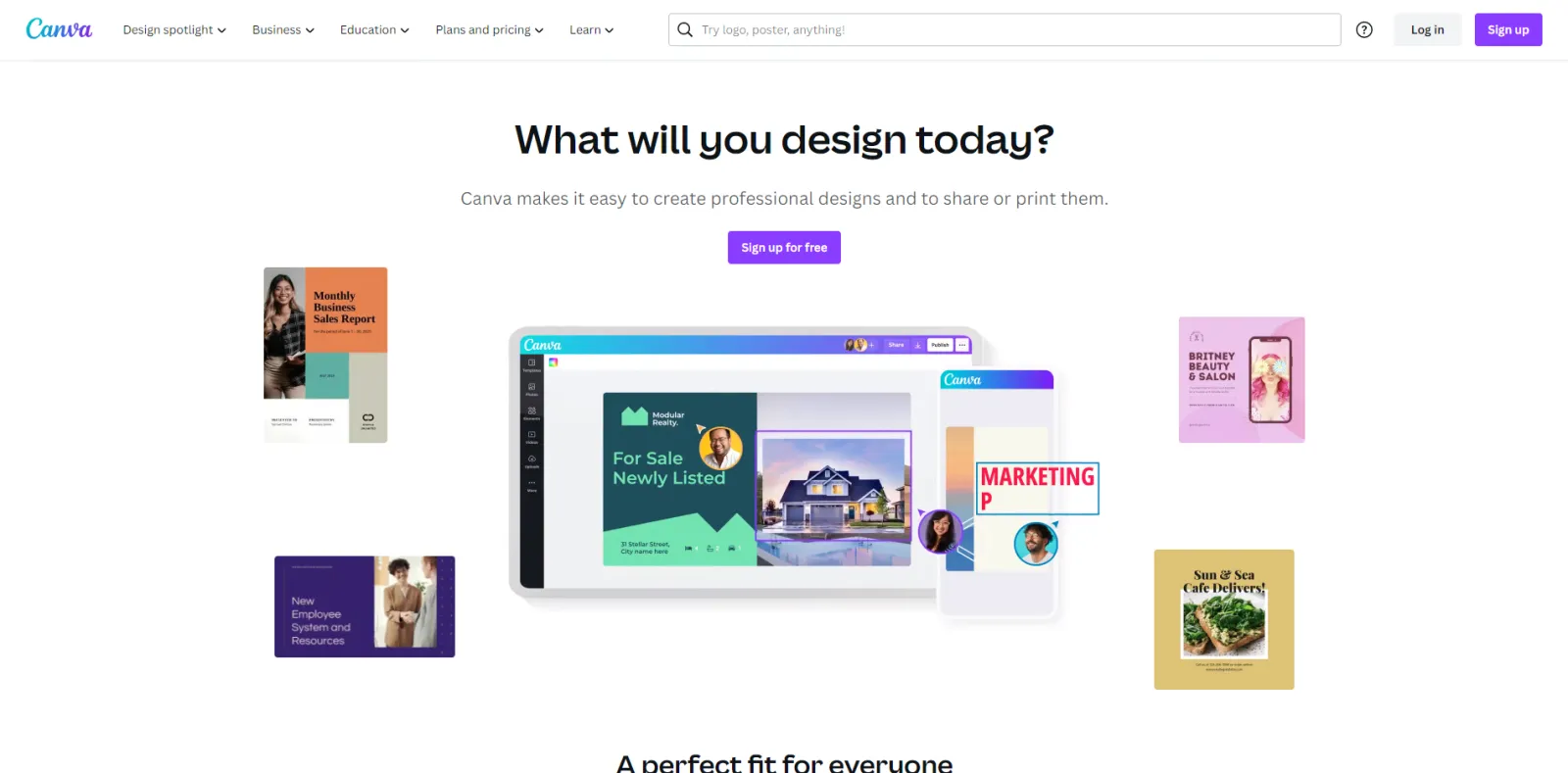
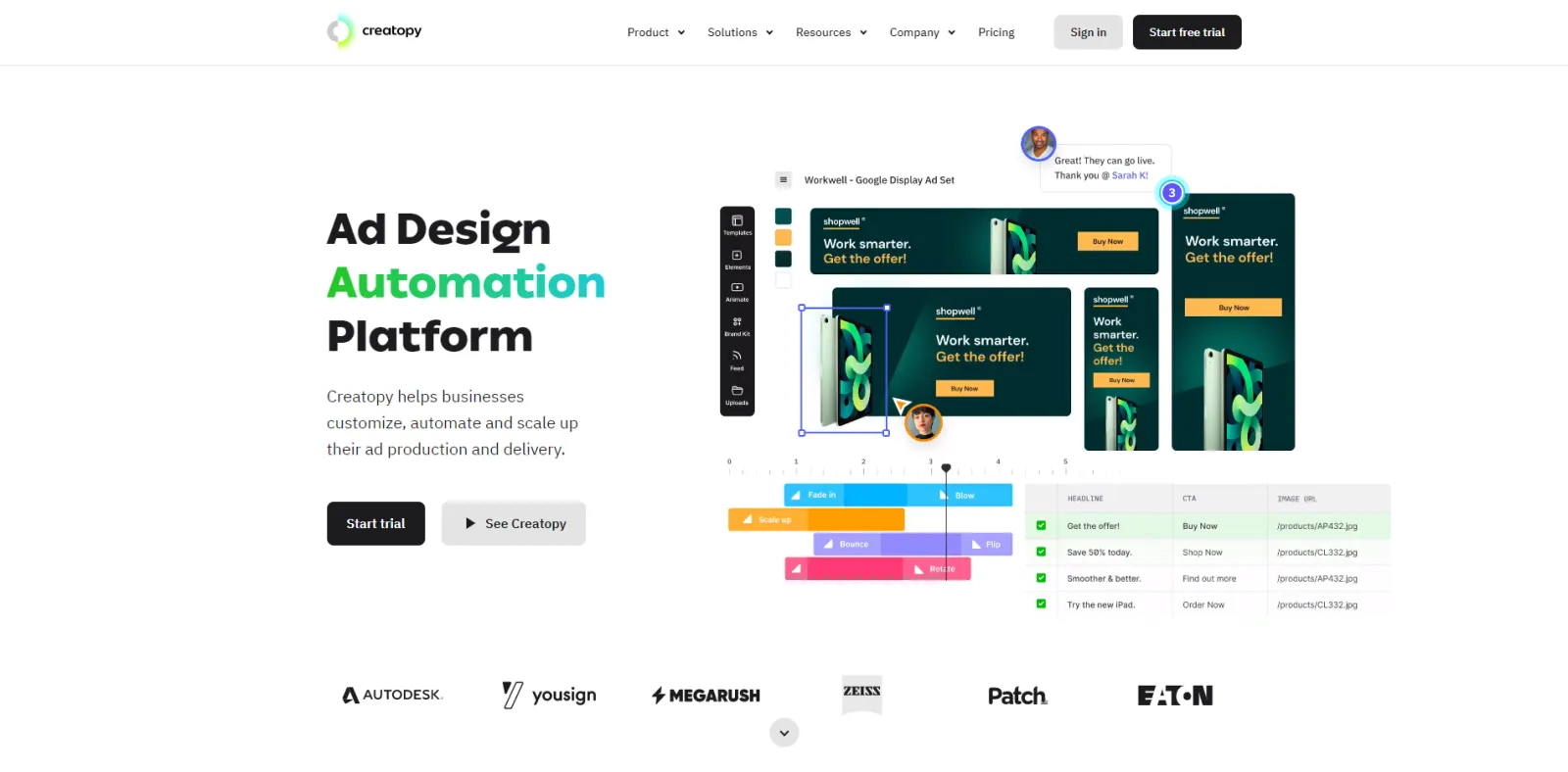
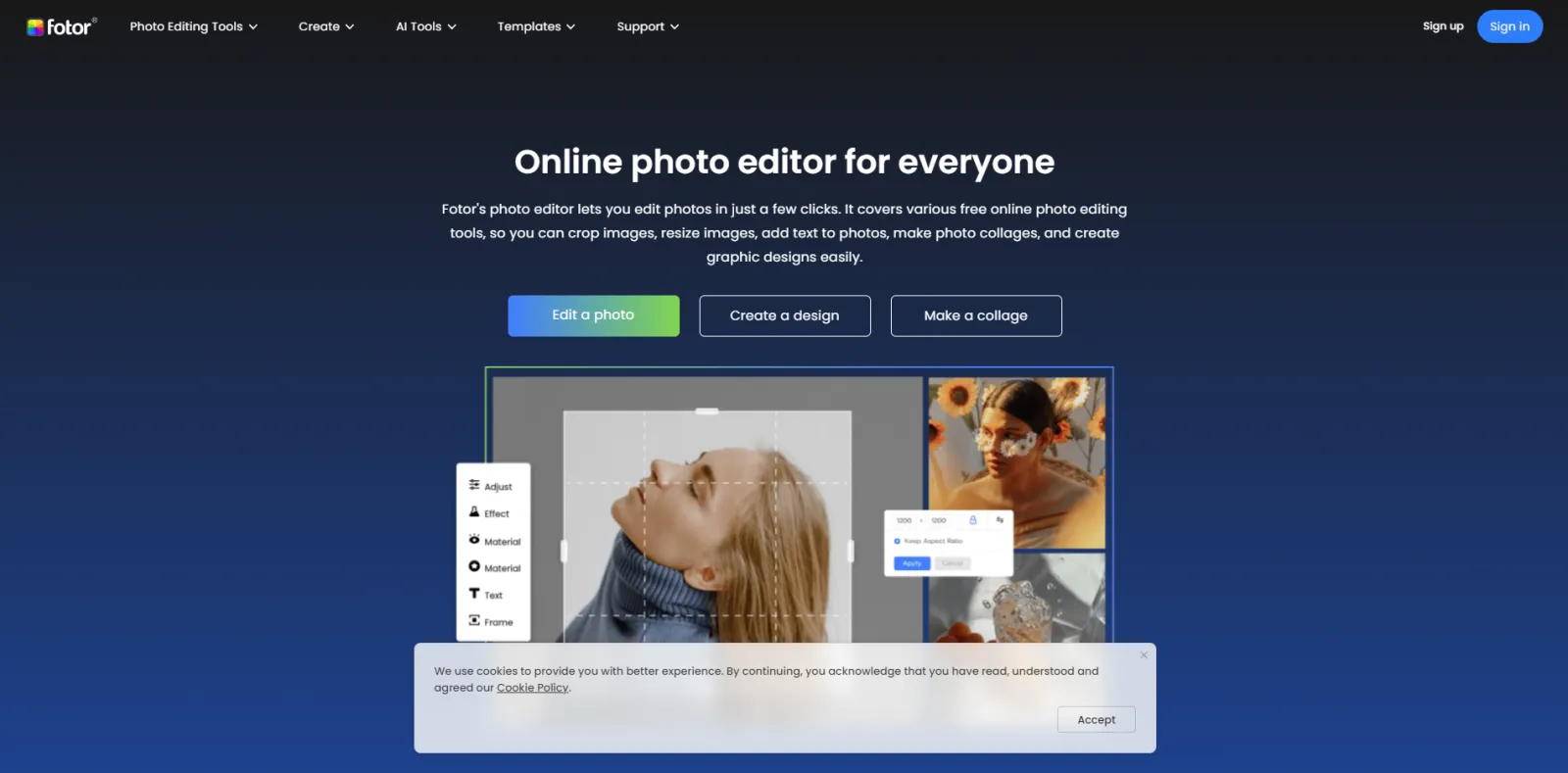
Now, for some reason... There was a problem. I can't show you the animated version today, but it's just a case of putting in some images, logos, put up the text and you have got to animate, or you can put a user... PNG output... Download versions over here... Download MP4, GIF, PDF, PNG, GFX and so on. The one good thing I love about Canva is they have a ton of templates for every size imaginable.
So, you've got your Facebook posts, YouTube channel art, Twitch banner, LinkedIn, Instagram, Facebook ad, video, posters, presentations, you name it, they've got it. You don't need to reinvent the wheel. Flyers, stories, brochures, photo collages, so many. We hardly use any of these, but what we do use it for is creating our image cards for our Youtube and Facebook, LinkedIn, and all these places.
So, if I have artwork, which is in horizontal format, now we've got the paid version. You can use the free one, but the paid version has got some really cool features in here, especially the resize one. If I want to create this into a square one, all I do is I go into custom size, ten-eighty, ten-eighty, or whatever you want, click resize and see how quick and easy it is.
This seems to be locked. Somebody must be working on it. I'm going to try another file, which will be unlocked. Let's try this one. Or it could be that this bug is still there. It won't let me delete it either. That's also... Element can't be edited. Try unlocking it, it's not a bug. It was me. Error. All right.
If I want to change this image, I can go to my uploads and, put in any other image, resize it, whatever I want. Move these around a bit. Very easy, extremely easy. So, this one I'm literally creating from the ground up in... Narrow this banner, don't want that. And I went to create something brand new really quick.
Okay, for now, this was a low-resolution image. That's why it is was getting a bit pixelated, but you can get the gist, backward. So, that's it. I'm happy with this layout. I'm going to download it as a PNG or whatever. Then, I want to make it a different size, resize and I want to make this into a nineteen-twenty by ten-eighty P.
Now, in this mode, I can make that bigger, something like that and very quickly, I've been able to resize it and so on. It's got loads of features. You've got elements, you've got text, styles, you can add music. You can create mini videos. You can put in a sticker, shapes, all sorts really, and see how much... And just to put in a sticker.
All you do is click on it if I want to advertise an event every Thursday or Wednesday or whatever. You can just put them in. It's worth that I think it's about ten to twelve dollars a month, it's worth every penny and this is how we create our digital images and little mini videos, which we upload on our social media channels.
So, I hope you got an idea as to how you can create content for your website. There really isn't any excuse if you say, Oh, I don't know what to write, what to create, then I'm sorry. You know, you're not trying hard enough there's so much content out there. You should be able to create with your eyes closed.
All right. So, now is the question time, so please, and I'm going to... Hello everyone. Aamish, Nikhil, Mike, Emily, Sandy. Nikhil. "It's an interesting topic because I'm facing a lot of issues in creating content via Canva for different platforms." I'm not sure why you are having problems. We never have, we use it day in, day out, for creating these, image, graphics and designs.
If you can expand your question or resent it a little bit in detail, to what problems you are facing, if it's something technical or you are crashing all the time, then it could be, it's not properly installed on your machine. I mean this one... The app, which you can download on the Mac, but you can also use an online Canva...
Through the interface, through the Chrome extension. So, you don't need to... What problem you're facing. Sandy, "Can you tell social media free tool for scheduling?" Now, we've gone the other route, Sandy, we are using, I believe Later, for that, but for Facebook, you can have its own built-in scheduler and you can schedule your videos on YouTube as well.
I'm not the social media expert, but what I would say to you is be careful what you are using. So, some tools like Buffer or what's the other one called it's slipping my mind, social channels. Don't like... Tools because people keep on scheduling it... And stop and the quality of the content is not so good because it's has been uploaded every...you know, nonstop.
So, if you want to create more engagement, I would say you upload it through the social media channels. I know it's a lot more work, but you will find that the organic growth will be a lot more compared to using these tools. So Nikhil, your problem is mainly related to the size of image, which we have to choose in different social media.
Our size is not a problem because you create your custom sizes over here. You can either create a custom size. You want whatever you want, just put them in, just like I've done. So, that shouldn't be... We've got all these other sizes in here, and I'm sure you will find one for Facebook, Twitter, LinkedIn, and all of these, but I've not had any, we have not had any issues whatsoever, creating these so, maybe you're not using the custom size option, which you need to use.
It could be, you are on the free version and it may not allow you to do a custom size. I'm not sure, but please check. If you don't get this option, then definitely it is that problem. So, you will need to spend about ten dollars a month, on this. It is going to save you so much time.
It's a no brainer to... Nikhil, "The colour and text we should use while creating a carousel on Canva, light shades or a combination of light and grey?" It really depends on your brand colours. So, we will always use our purple over here. We will have our fonts and open sands. So, we are using purple and black, but most of the time we will be, or all the time.
We will be using our brand colour. So, you got to have a brand kit, which you can create in Canvas somewhere here. I can't remember where it is... That the headlines should be this font, top headlines should be this one and the paragraph should be that one and again, depends on what, how much text you got on a carousel.
If you've got six lines of text, your text will be smaller and if you've got just one or two, then you can make your text as big as possible... It really is. I think you got a design issue rather than a tool issue. You got to get a graphic designer to help you with your branding and then get you going.
So, once you've got that template of your carousels and we will be starting these very soon... So, whenever I see a nice... Let me see if I can find one, in fact, I don't have that right now. I'll try and get it across to you tomorrow. If you remind me, I'll dig it out. I just keep them in a swipe file and then I'll just give it to my graphic designer.
These ones, I like these ones, I don't like and then they will create the carousel or the card or the image accordingly. Hi Mike. "Do you know any good software for creating logos that is not too complicated to use?" Logo designing is, it's a talent... Apps. Will give you some designs, but it will be too similar. You got to hire a graphic designer for that and get it professionally designed.
Aamish. "How can we track... Shopping campaign?" Just like you would from any other conversions, from Shopify, you have a direct integration, from there and you'll set it up and so I've got all the other ones as well, like WooCommerce, Vesta, sharp. There are loads of shopping carts. Every shopping cart will have a demon, but the best way is to use Google Analytics and import them as well into Google Ads, so that...
Value is imported. Every order will be pretty much... Value. Somebody may buy a hundred-dollar item and someone may buy... item. So, you need to bring that value in through to your Google Ads. Sandy, "How to do research for headlines and titles. Is it designed on search volume and planner and Google Trends?" Yeah, Google trends is good, but the headline doesn't, it needs to be on, obviously, the way we write, I mean, everybody does their ads differently, the way we write our ads is we make sure that the headline one has got the search query or the keyword.
So, as soon as somebody has searched for, you know, buy... Then headline one should and will say, you know, the juiciest red apples, or the best red apples, and that's how you want to write. You know you got to give somebody what they are looking for straight up. So, doing the keyword research will not help you because if you don't drive that ad the right way, and I've shown you many times how we are writing the ads, you follow that format, you will be good to go.
Headline comparisons. No, you can't use those because then you will need to split test by using different headlines and see which one is getting the most click-throughs first of all, and the one which is not getting a click... And try and change it and bring another ad in play. Okay. I think I've covered pretty much everything. So, tomorrow we'll be back here again, same place, same time with a different topic.
So, thank you very much for being here today and I look forward to seeing you tomorrow, stay safe until then. Goodbye.