
It’s like sending out invitations to a party, but no one’s showing up. Your Google Ads can sometimes feel that way. You’ve done all the work, but your ads are nowhere to be seen. Before you pull your hair out, let’s go through some easy checks that usually solve the mystery.
1. Is Your Campaign Active? (The Obvious, But Overlooked)
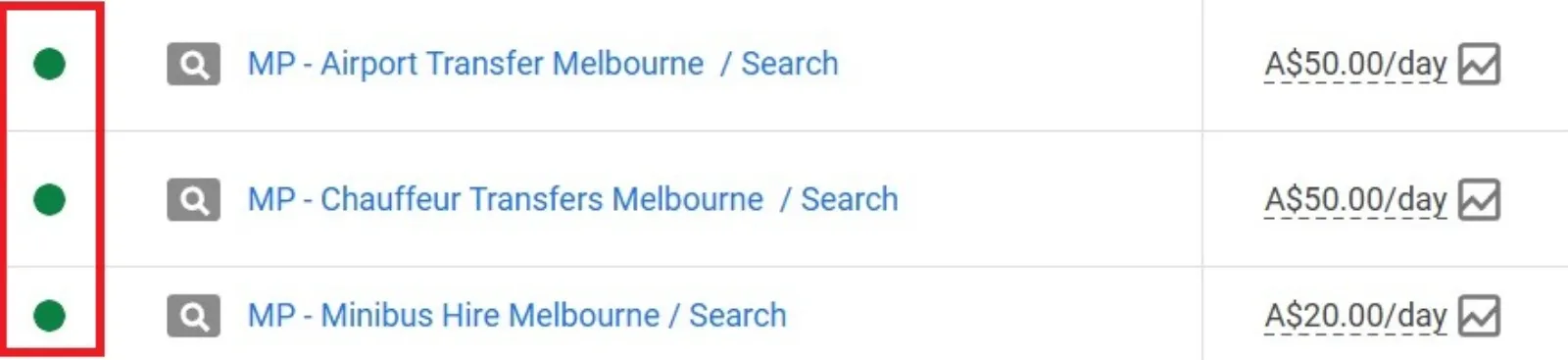
This might sound silly, but it’s the first thing to check. In the hustle of setting things up, sometimes the “on” switch gets missed.

Get Found, Get Chosen, Get Your Time Back
A free one-day marketing seminar in Milton Keynes · 10 November 2026
How to check: Log in to your Google Ads account. Look at the campaign status. Is it “Enabled,” “Paused,” or “Removed”? If it’s anything but “Enabled,” there’s your answer.
Get your free Marketing Action PlanNot sure where to start? Answer a few questions and get your plan in about a minute. No email needed.
Get my plan →Fix: Simply change the status to “Enabled.” It’s like turning on the light switch for your ads.
2. Are You Running Out of Budget? (The Silent Killer)
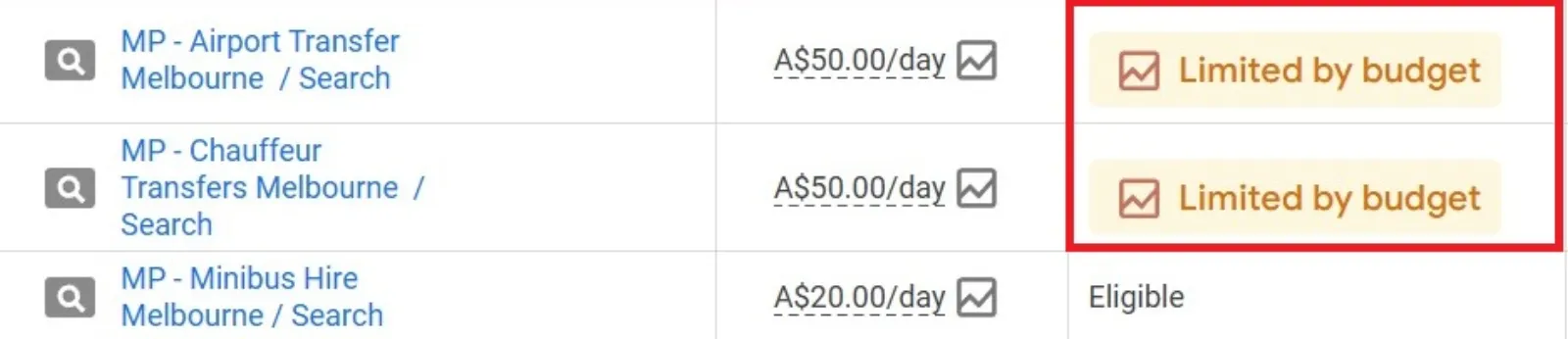
Imagine planning a picnic but forgetting the food. If your daily budget is too low or if it’s already been spent for the day, your ads will stop showing. Google won’t keep showing your ads if you don’t have the funds to pay for the clicks.
How to check: Head over to the “Budgets” section in your Google Ads account. See your daily budget and how much has been spent today. If it’s hitting its limit early in the day, that’s a big clue.
Fix: Consider increasing your daily budget. If you’re just starting, you might be surprised how quickly a small budget can get used up, especially in competitive industries. Also, check your billing information – sometimes a payment issue can put a freeze on your ads.
3. Are Your Keywords Too Niche, Or Too Broad? (The Goldilocks Principle)
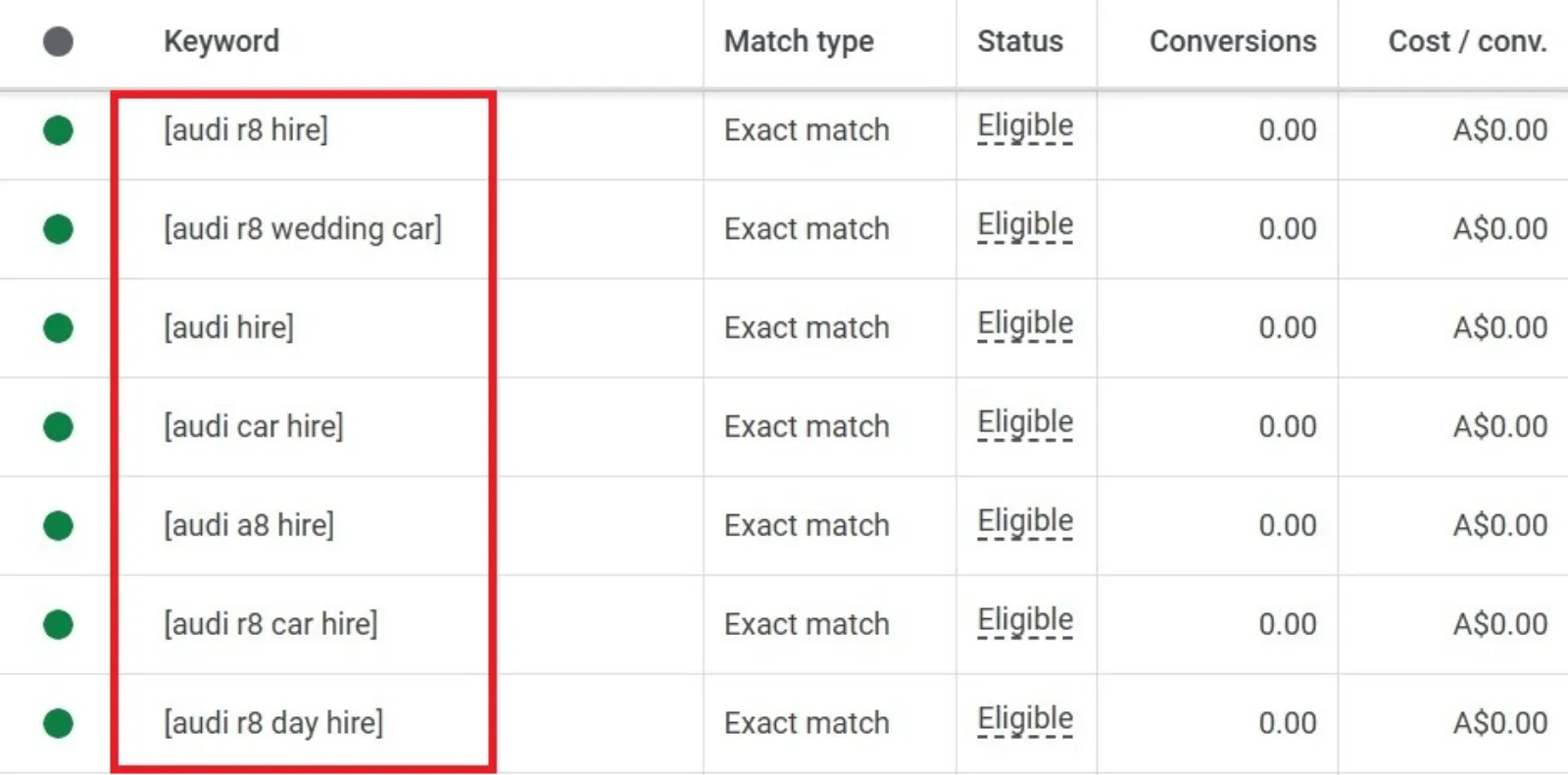
Keywords are how Google knows when to show your ad. If your keywords are too specific, hardly anyone will search for them. If they’re too general, your ad might be showing for irrelevant searches, burning through your budget without results, and then stopping.
 LIVE
Live every Tuesday at 2pm UK. Bring your marketing questions.
Get your Google, local SEO and AI questions answered live.
How to check: Look at your “Keywords” tab. Are there many keywords with “Low search volume” status? Or are your keywords extremely broad, like “shoes” instead of “men’s running shoes size 10”?
Fix
- Too Niche: Try adding some slightly broader, yet still relevant, keywords. Use Google’s Keyword Planner to find ideas.
- Too Broad: Get more specific! Use long-tail keywords (phrases of 3+ words) that target exactly what you offer. Also, use “negative keywords” to tell Google when not to show your ads (e.g., if you sell new shoes, add “used” as a negative keyword).
4. Is Your Ad Rank Just Not High Enough? (The Popularity Contest)
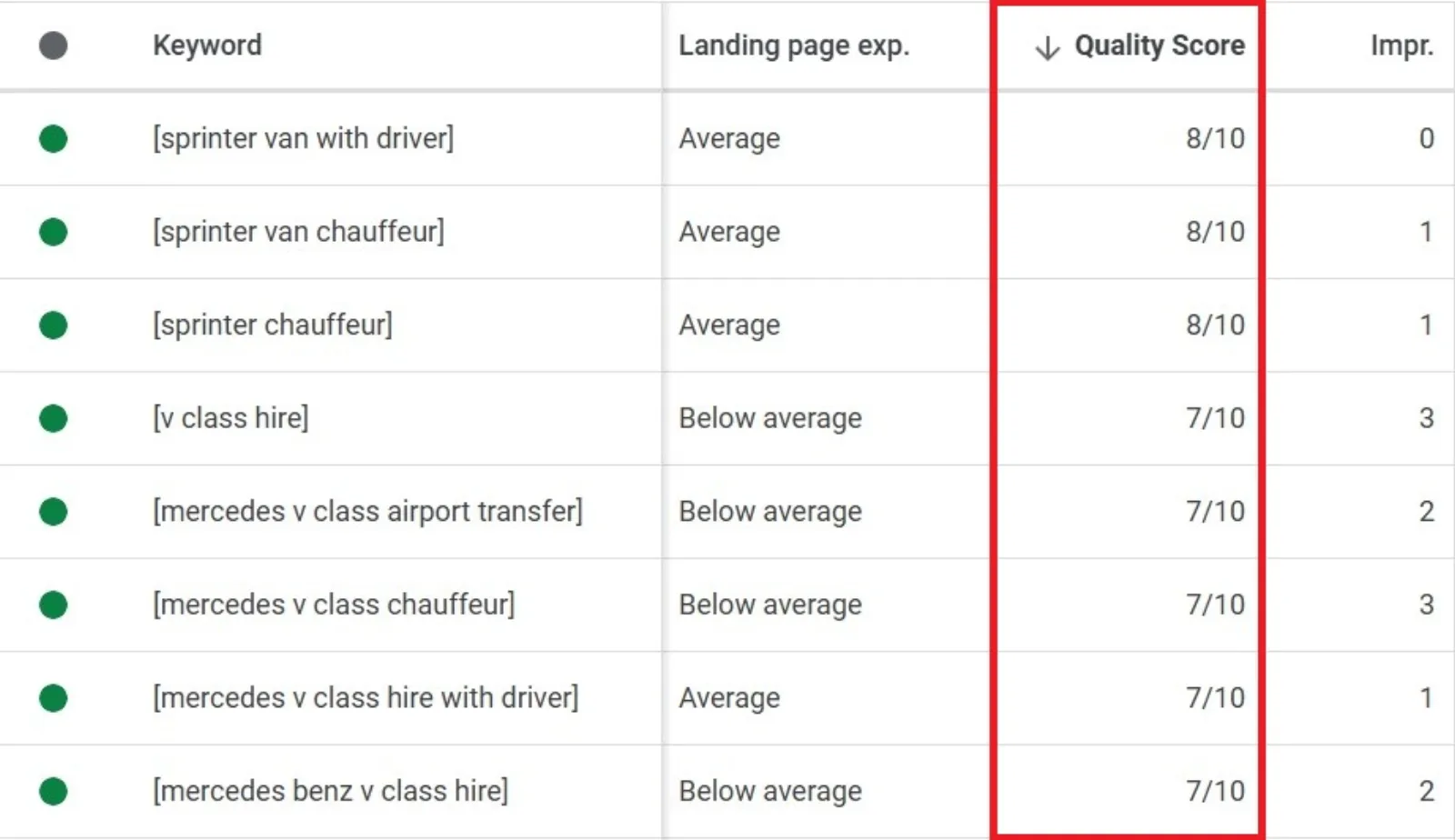
Google decides which ads to show based on something called “Ad Rank.” This isn’t just about how much you’re willing to pay. It’s also about the quality of your ad and landing page (Quality Score). If your Ad Rank is low, your ads might be getting outbid or simply not deemed relevant enough to show.
How to check: There isn’t a direct “Ad Rank” column, but you can look at your “Quality Score” for each keyword. A low Quality Score (below 5-7) indicates an issue. Also, check “Impression Share” to see if you’re losing impressions due to rank.
Fix
- Improve Quality Score: Make sure your ad copy is highly relevant to your keywords. Your landing page should also be very relevant to both your ad and keywords, load quickly, and be easy to navigate.
- Increase Bids: If your bids are too low compared to competitors, you might simply be getting outbid. Try slightly increasing your bids, especially for keywords that are important to you. Google often suggests bid estimates.
5. Are Your Ad Schedules or Location Settings Too Restrictive? (The Hidden Barriers)
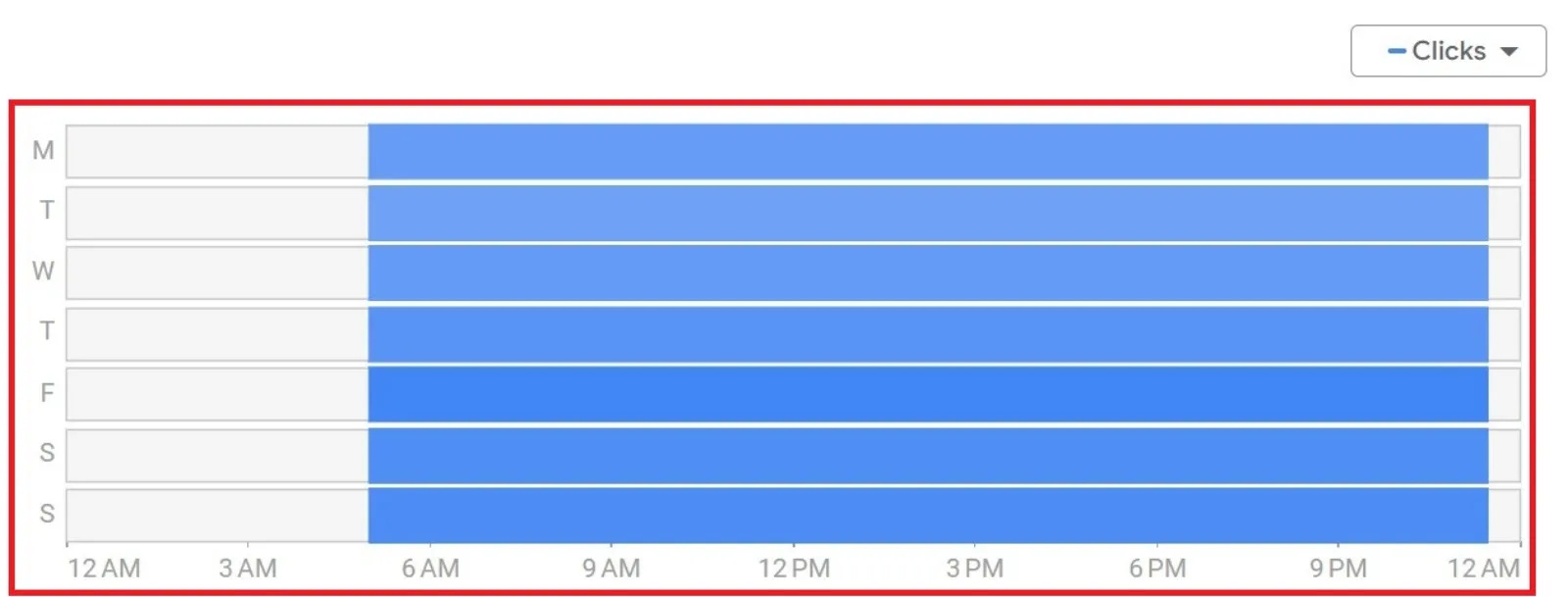

Sometimes, we inadvertently tell Google to be too picky about when or where to show our ads. Maybe you only want your ads to run during business hours, but you’re checking for them at midnight. Or perhaps you’ve targeted only a tiny geographic area.
How to check
- Ad Schedule: Go to “Ad Schedule” in your campaign settings. Are your ads only set to run during specific times or days?
- Locations: Check your “Locations” targeting. Is it too narrow? Are you sure you’re physically within that targeted area when you’re checking?
Fix
- Ad Schedule: Adjust your ad schedule to cover more hours if you want your ads to show at different times.
- Locations: Broaden your location targeting slightly if your current settings are too restrictive for your business. Or, if you’re testing from outside your targeted area, remember your ads won’t show to you.
Don’t Give Up!
Troubleshooting Google Ads can feel a bit like detective work. But by systematically checking these common issues, you’ll likely find the culprit preventing your ads from showing. Remember, Google Ads is an ongoing process of optimisation. Keep testing, keep refining, and soon your ads will be front and centre!

Written by Uzair Kharawala
Partner at SF Digital Studios, a Google Premier Partner agency. Uzair has been helping businesses grow with Google Ads since 2002 and teaches it every week on YouTube.
Get our best Google Ads tips by email
New articles and videos, straight to your inbox. Unsubscribe any time.