
It’s a moment of pure panic for any business owner or marketer: you log into your Google Ads account, and instead of seeing your campaigns running, you’re greeted with a big, red message: “Account Suspended.” Your heart sinks. All that hard work, all that investment, seemingly gone in an instant.
Take a deep breath. While it feels like the end of the world, a suspension isn’t always permanent. It’s a frustrating hurdle, but one you can often overcome with the right approach. Let’s break down what to do when this unwelcome surprise hits.

Get Found, Get Chosen, Get Your Time Back
A free one-day marketing seminar in Milton Keynes · 10 November 2026
Step 1: Don’t Panic, But Act Fast
I know, I just said “don’t panic,” but it’s easier said than done. Still, try your best to stay calm. What you don’t want to do is start creating new accounts or immediately try to run the same ads elsewhere without understanding the problem. That can make things worse.
Get your free Marketing Action PlanNot sure where to start? Answer a few questions and get your plan in about a minute. No email needed.
Get my plan →However, “don’t panic” doesn’t mean “do nothing.” Time is usually of the essence. The sooner you address the issue, the better your chances of getting your account back.
Step 2: Understand Why You Were Suspended
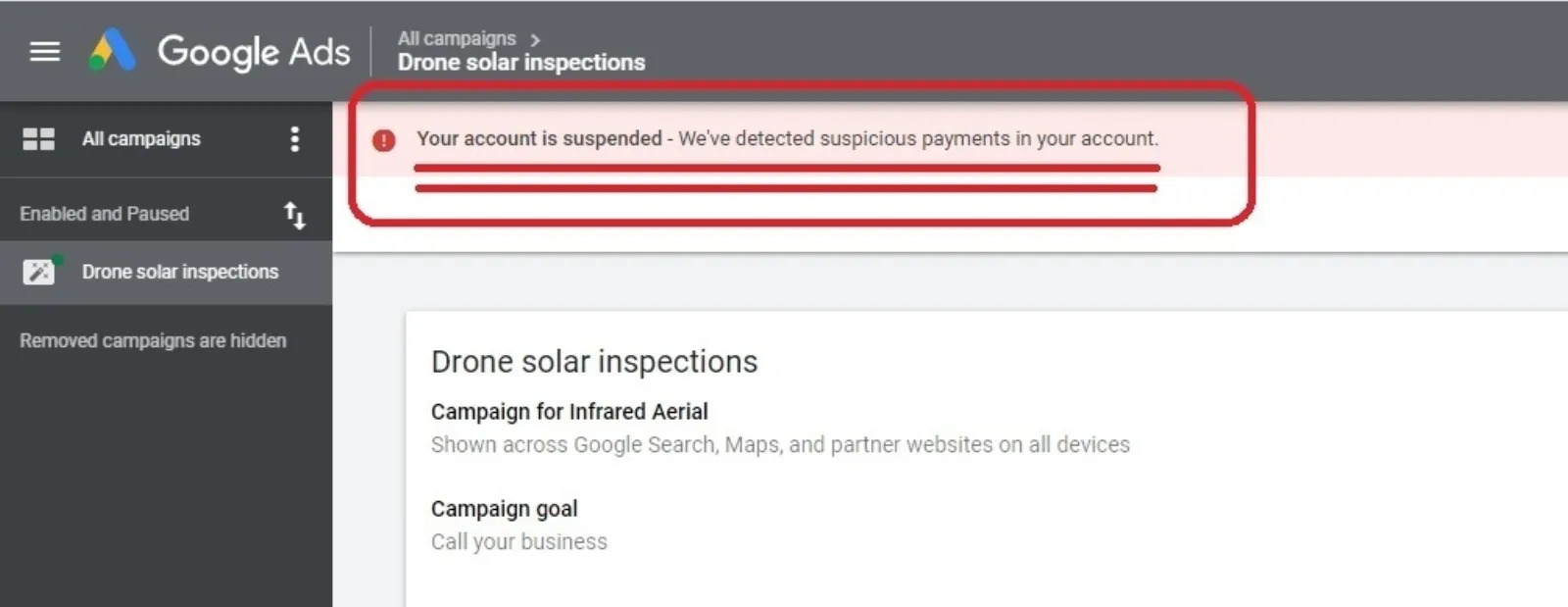
Google doesn’t just suspend accounts for fun. They have very specific policies, and a suspension means they believe you’ve violated one or more of them. The good news is, Google usually tells you why your account was suspended.
Look for a message on your Google Ads dashboard or check the email associated with your account. Common reasons include:
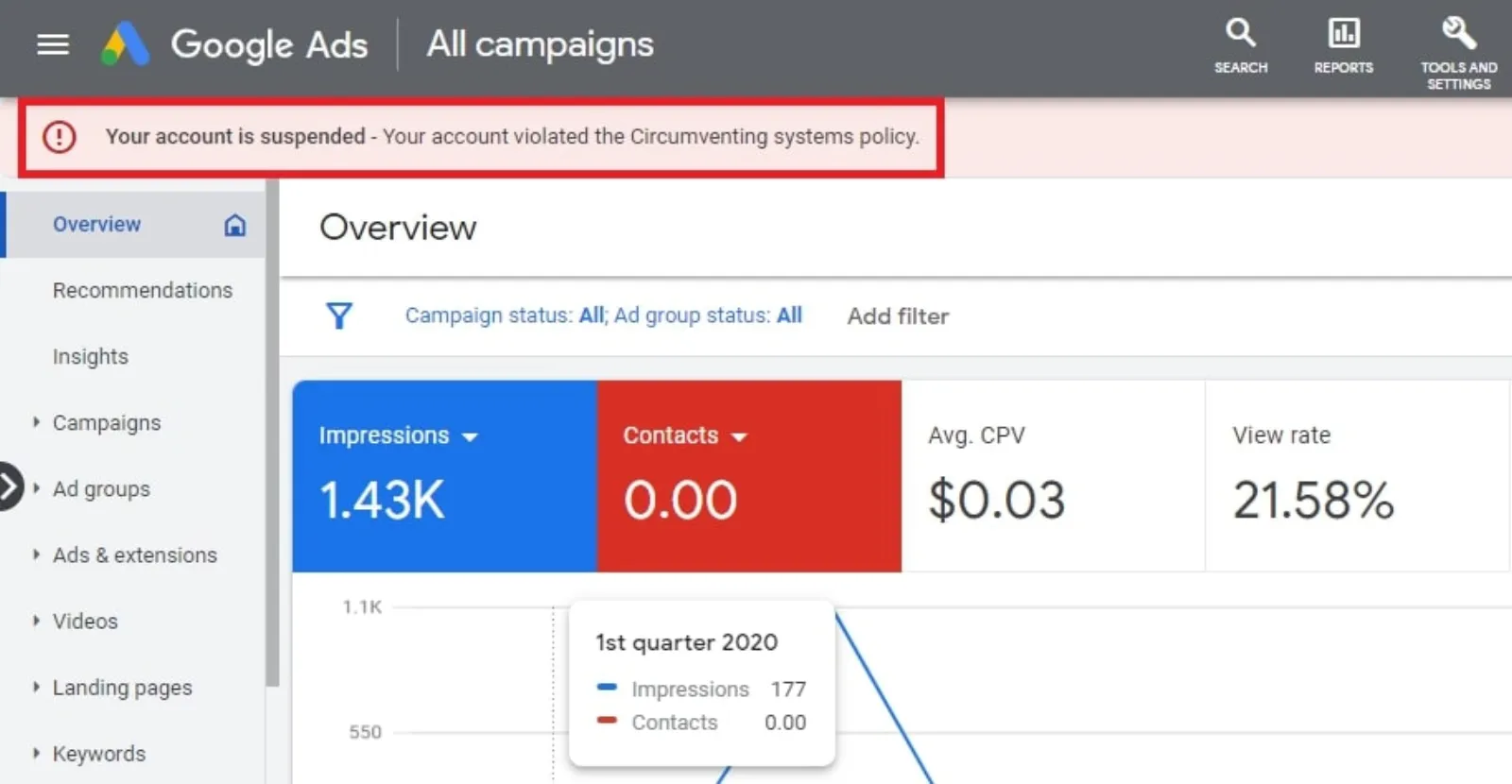
Circumventing Systems: This is a big one and often means Google thinks you’re trying to trick their system, perhaps by setting up multiple accounts, hiding your real destination URL, or using cloaking.
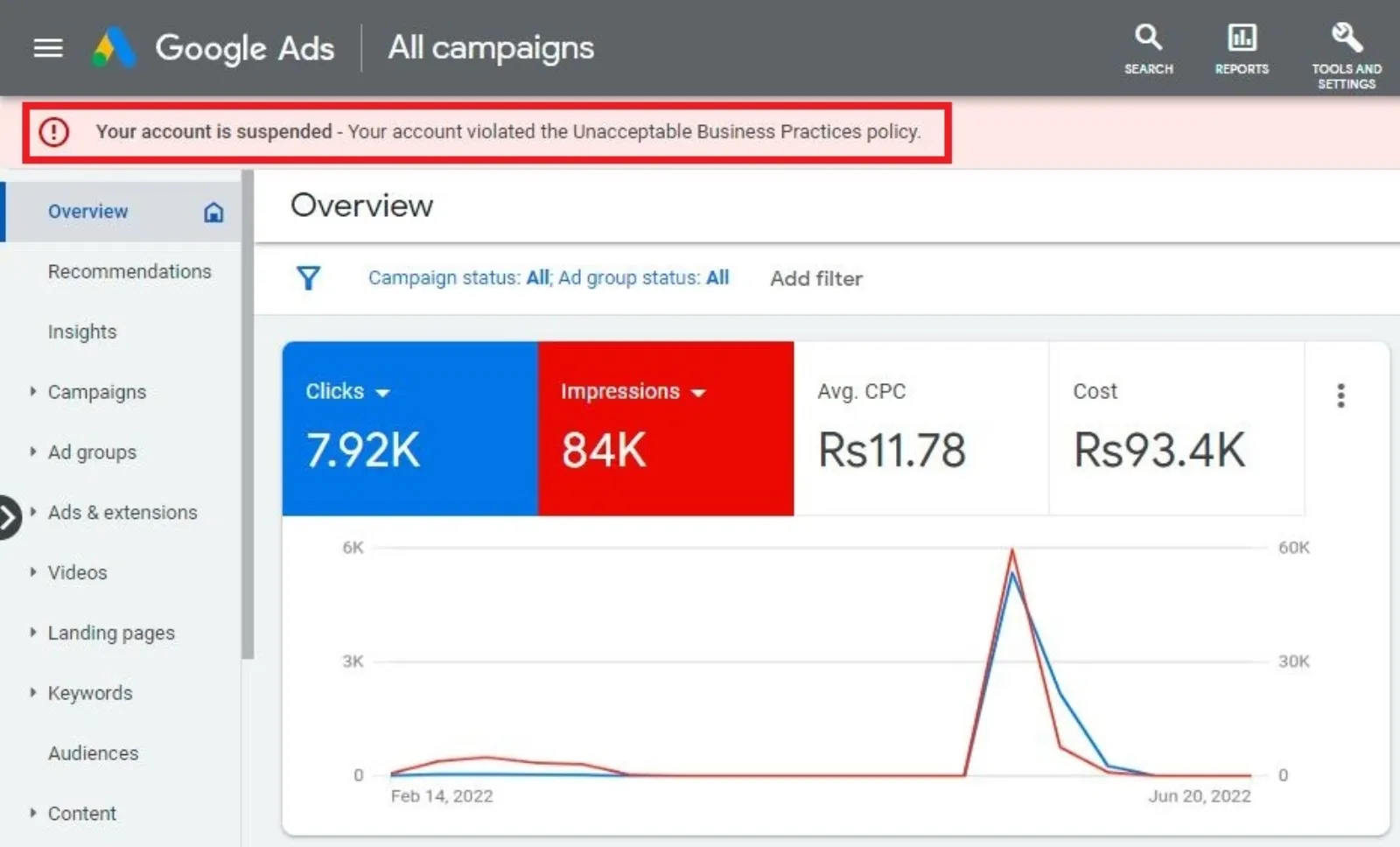
Unacceptable Business Practices: Misleading claims, fake testimonials, or promoting illegal products/services fall under this.
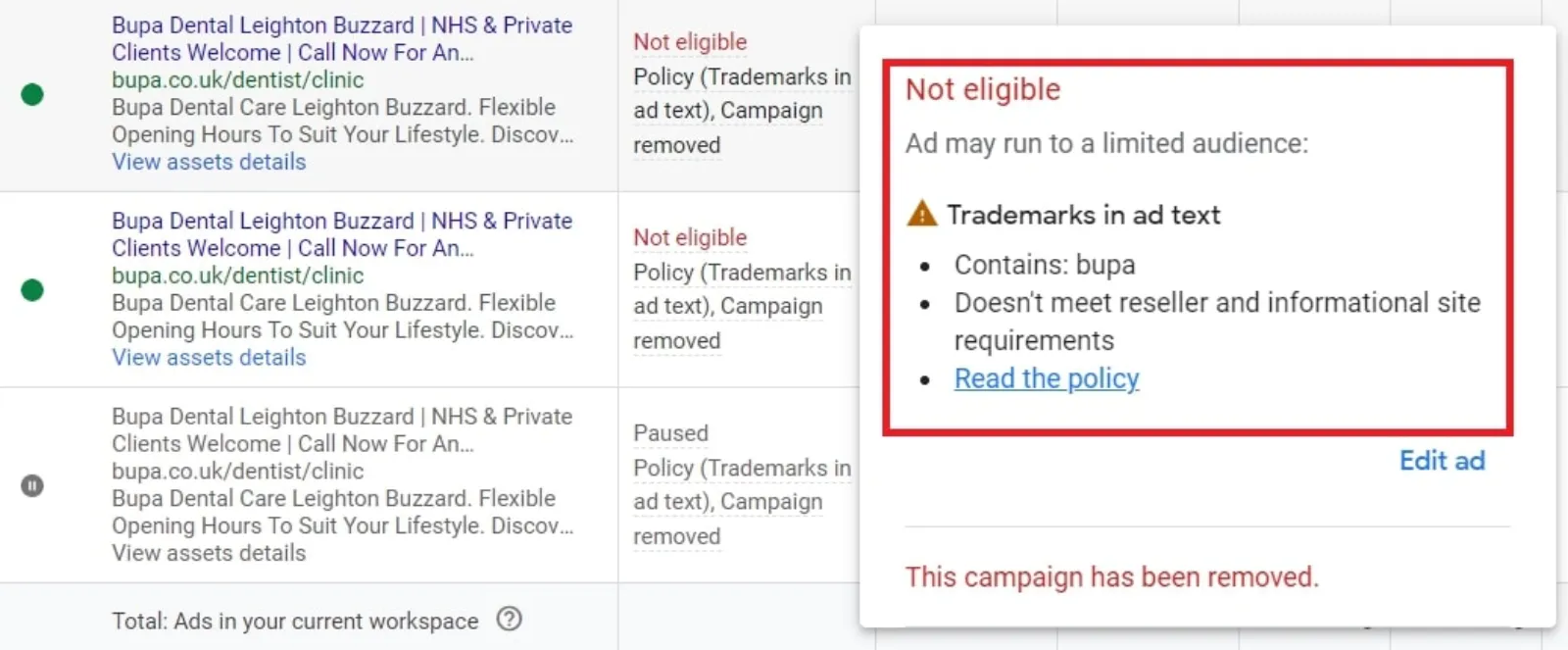
Trademark Infringement: Using someone else’s brand name or logo without permission.
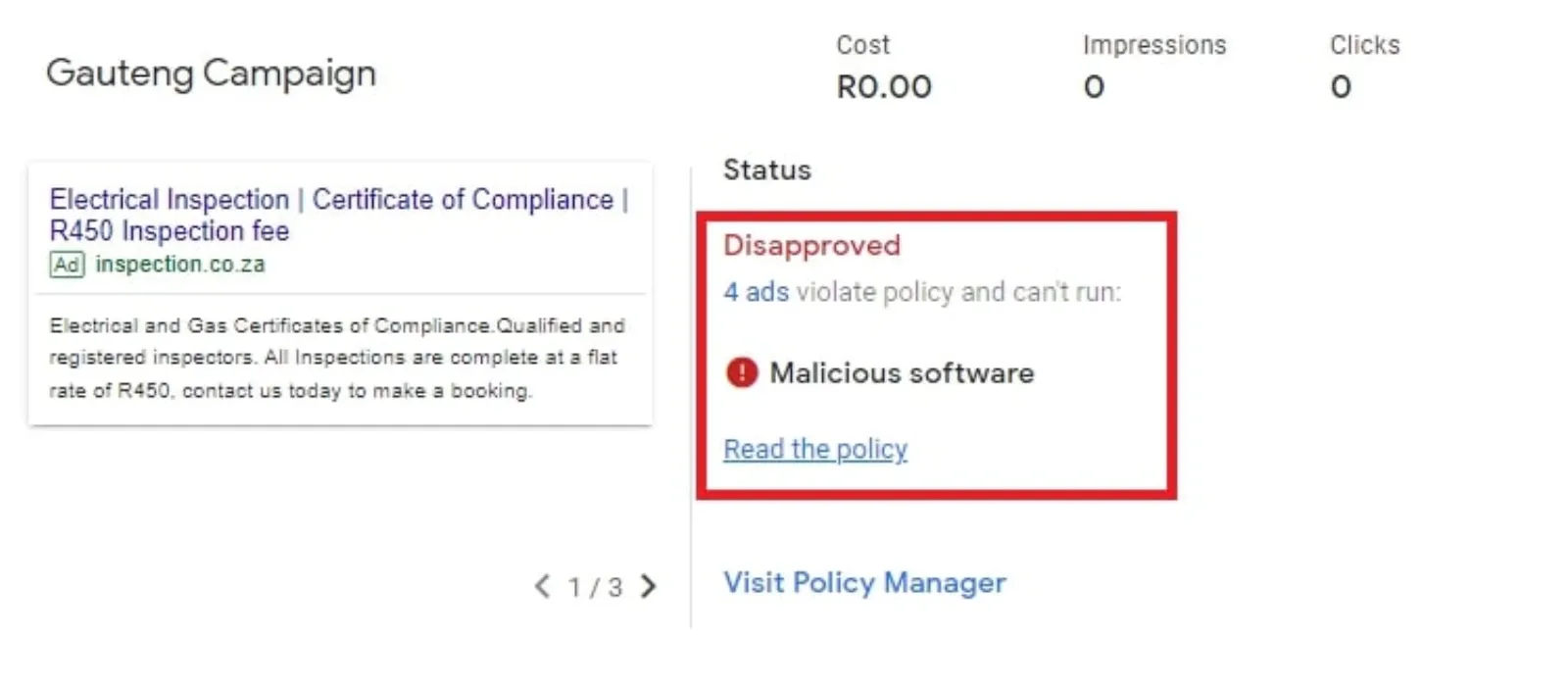
Malicious Software/Spam: If your website has malware or is deemed spammy.
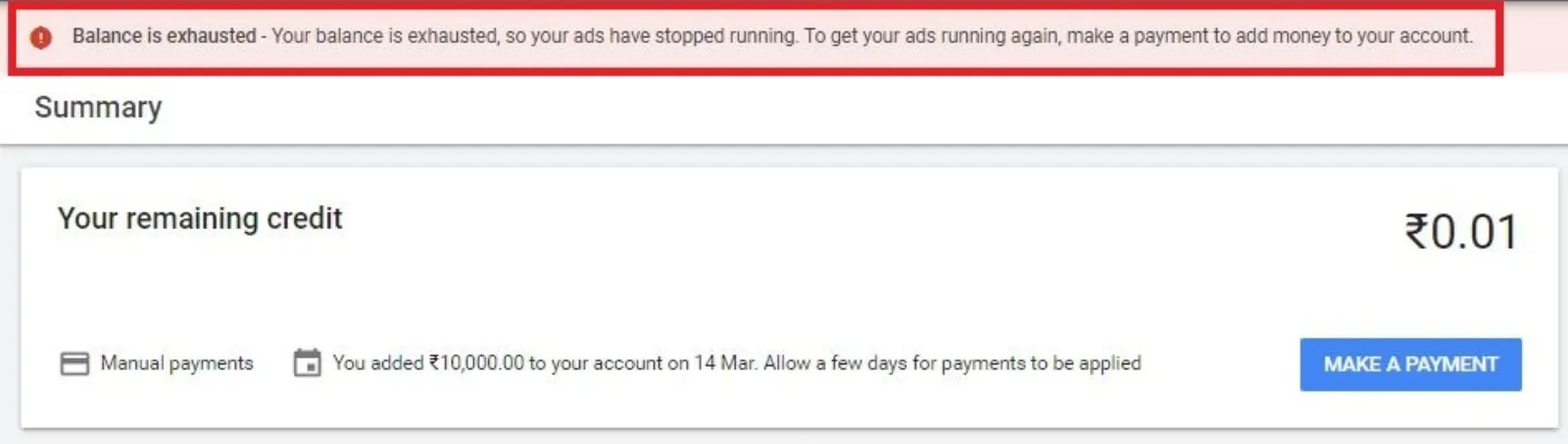
Billing Issues: Unpaid balances or suspicious payment activity.
 LIVE
Live every Tuesday at 2pm UK. Bring your marketing questions.
Get your Google, local SEO and AI questions answered live.
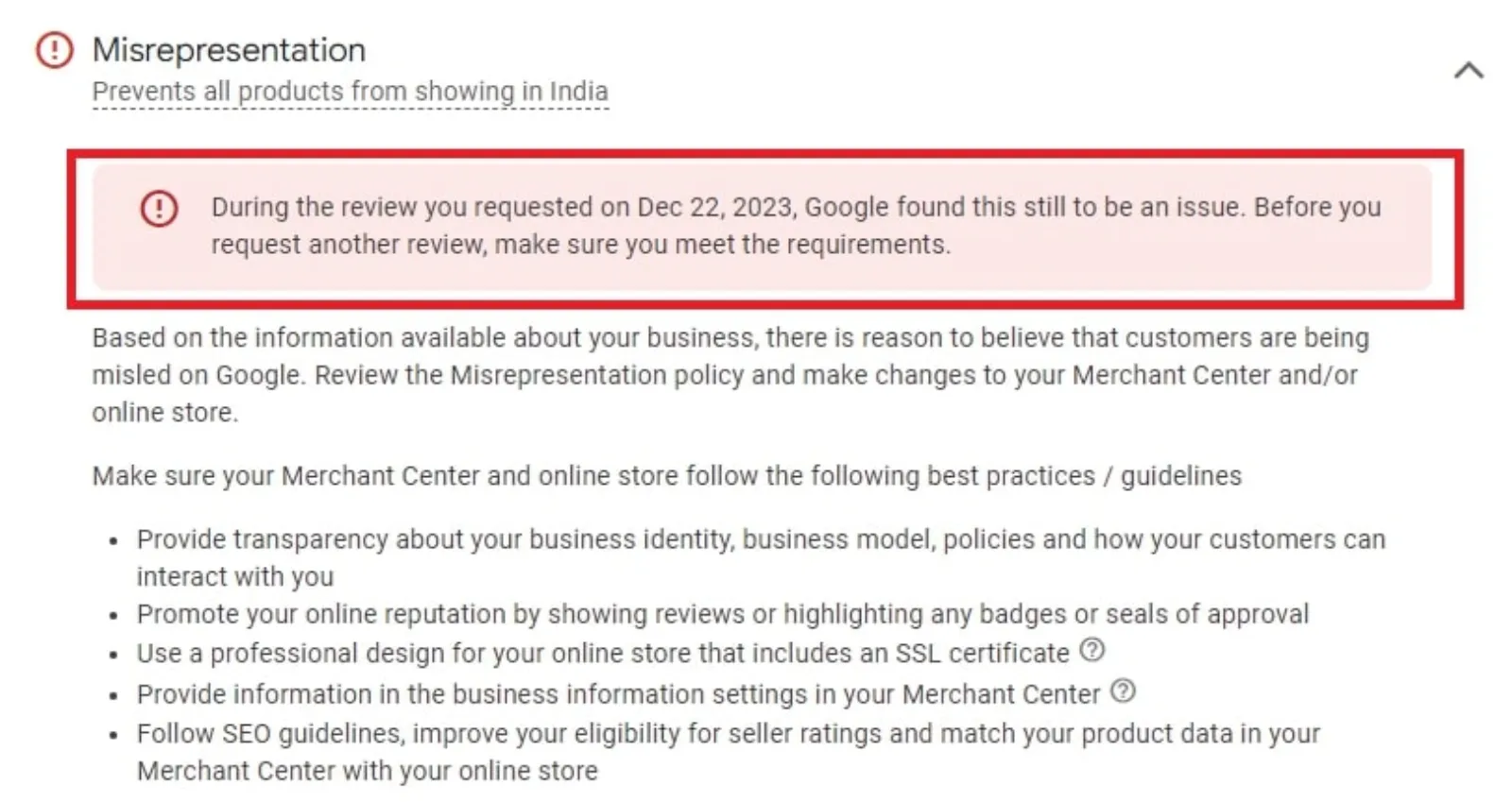
Misrepresentation: This can be anything from vague pricing to false claims about your products or services.
It’s crucial to find the exact reason. Don’t guess. Google’s explanation might be vague, but it’s your starting point.
Step 3: Fix the Problem (No Shortcuts!)
Once you know the reason, you need to fix it. And I mean fix it. Don’t just make a superficial change.
- Circumventing Systems: This is often the hardest to fix. If you’ve been accused of this, you need to be brutally honest with yourself. Have you tried to set up multiple accounts after an initial suspension? Are you using techniques that obscure your website’s true nature from Google’s crawlers? You’ll need to remove all such practices.
- Unacceptable Business Practices/Misrepresentation: Review your website content, landing pages, and ad copy. Are your claims 100% accurate? Is your pricing clear? Do you offer exactly what you promise? Remove anything that could be considered misleading or exaggerated.
- Trademark Infringement: Stop using the trademarked term or get explicit permission from the trademark holder.
- Malicious Software/Spam: Get your website cleaned by a professional. This isn’t something you can usually DIY unless you’re a web developer.
- Billing Issues: Settle any outstanding payments immediately and ensure your payment method is valid.
This step might involve significant changes to your website, ad copy, or even your business practices. Don’t skimp here. If you appeal without fixing the root cause, you’re just wasting your time.
Step 4: Prepare Your Appeal
Google provides an appeal process. You’ll usually find a link to the appeal form in the suspension notification or on your Google Ads account page.
When filling out the appeal form, be:
- Truthful: Don’t lie or try to hide anything. Google has a lot of data.
- Specific: Explain exactly what you’ve done to fix the issue. Don’t just say, “I’ve fixed everything.” Say, “I removed all instances of [trademarked term] from my website and ad copy,” or “I updated my privacy policy to clearly state [information].”
- Polite: Even though you’re frustrated, keep your tone professional and respectful.
- Patient: Appeals can take time. Don’t expect an immediate response.
You might need to provide supporting documentation, like proof of a trademark license or evidence that your website has been cleaned of malware. Have these ready.
Step 5: Wait and Follow Up (Patiently!)
After submitting your appeal, there’s nothing to do but wait. This can be the hardest part. Resist the urge to submit multiple appeals within a short period – this can delay the process.
If you don’t hear back within a reasonable timeframe (which Google usually specifies, but can range from a few days to a couple of weeks), you can follow up. But again, be polite and concise. Don’t bombard them with emails.
What if the Appeal Fails?
Sometimes, despite your best efforts, an appeal might be denied. This is heartbreaking, but it’s not always the absolute end.
- Re-evaluate: Go back to Step 2 and 3. Did you truly understand the reason? Did you fix everything? Sometimes, a fresh pair of eyes (a colleague, another marketer) can spot something you missed.
- Seek Expert Help: If you’ve exhausted your options, consider reaching out to a Google Ads specialist or agency that has experience with suspensions. They might have insights or connections that can help. Be warned, though, legitimate specialists won’t promise a guarantee, and some “account recovery services” can be scams. Do your research.
- Consider Alternatives: In rare cases, if an account truly can’t be reinstated, you might have to explore other advertising platforms. This is a last resort, but it’s a possibility.
Prevention is Better Than Cure
The best way to deal with a Google Ads suspension is to avoid it entirely.
- Read the Policies: Seriously, take the time to understand Google’s advertising policies. They’re extensive, but crucial.
- Stay Updated: Policies can change. Keep an eye on Google Ads announcements.
- Be Transparent: Always be honest and clear in your advertising and on your website. No shady tactics.
- Monitor Your Account: Regularly check your account for any warnings or notifications from Google.
A Google Ads suspension is a major headache, but it’s often a solvable problem. By understanding the reason, diligently fixing the issues, and crafting a clear appeal, you significantly increase your chances of getting your campaigns back online and your business back on track.

Written by Uzair Kharawala
Partner at SF Digital Studios, a Google Premier Partner agency. Uzair has been helping businesses grow with Google Ads since 2002 and teaches it every week on YouTube.
Get our best Google Ads tips by email
New articles and videos, straight to your inbox. Unsubscribe any time.