Hello. In this video, I'm going to show you eight steps to prepare your campaign for success. So, let's get started. Hello, my name is Uzair and thanks for joining in. Step one is to define your objective. It is really important. You are crystal clear as to what your objective is for your campaigns. And there are different types of objectives in the Google interface.
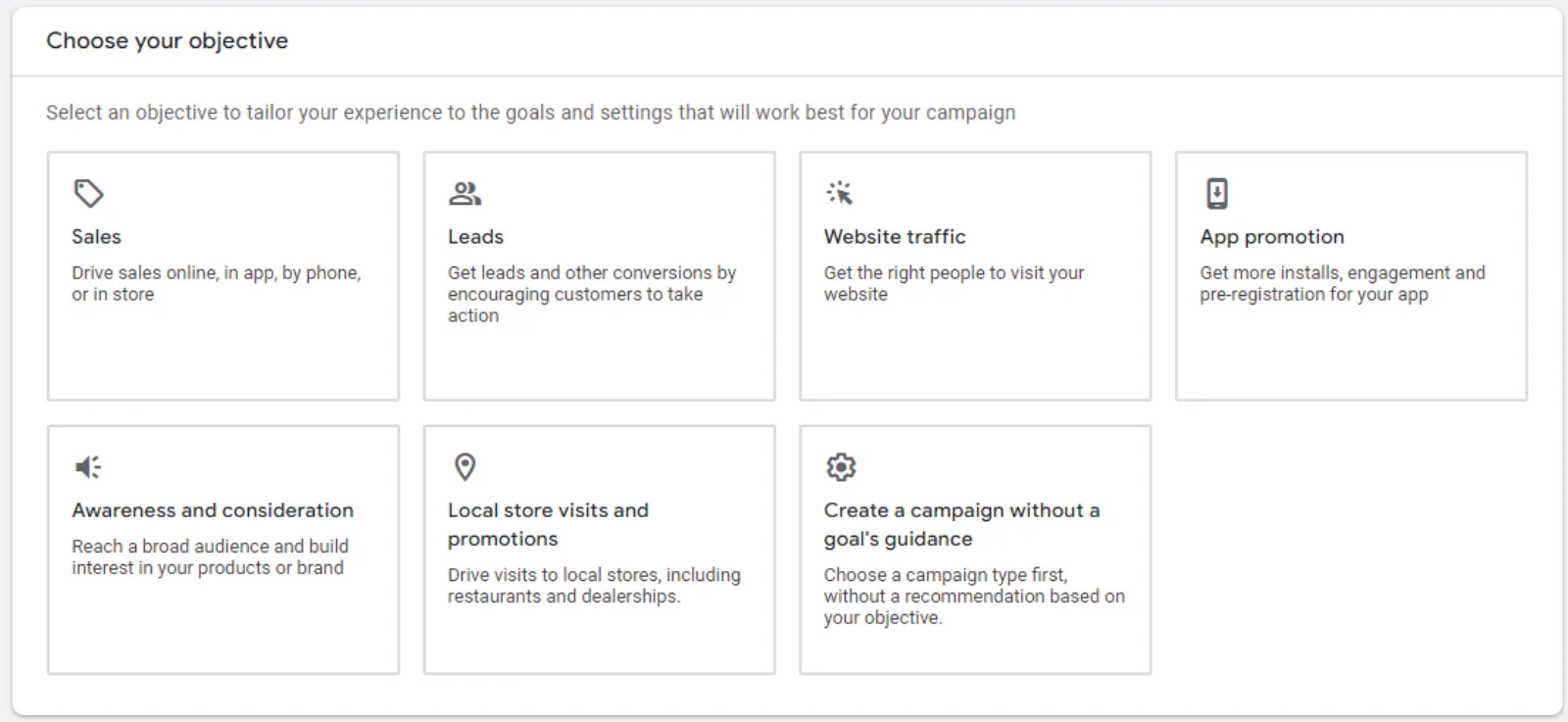
One is sales, leads, website traffic, product and brand consideration, branding and local store visits. So, if you are an eCommerce seller and selling products online, you want the objective to be sales. If you are a service-based business like a dentist, plumber, insurance company and so on, then you should select the leads. The third one is website traffic.
This is usually used by content creators or bloggers where they need a lot of eyeballs on their content at the lowest possible click cost. These two, product and brand consideration and branding awareness are pretty much very similar. So, if you want to target the top of the funnel traffic then you need to create campaigns using these goals.
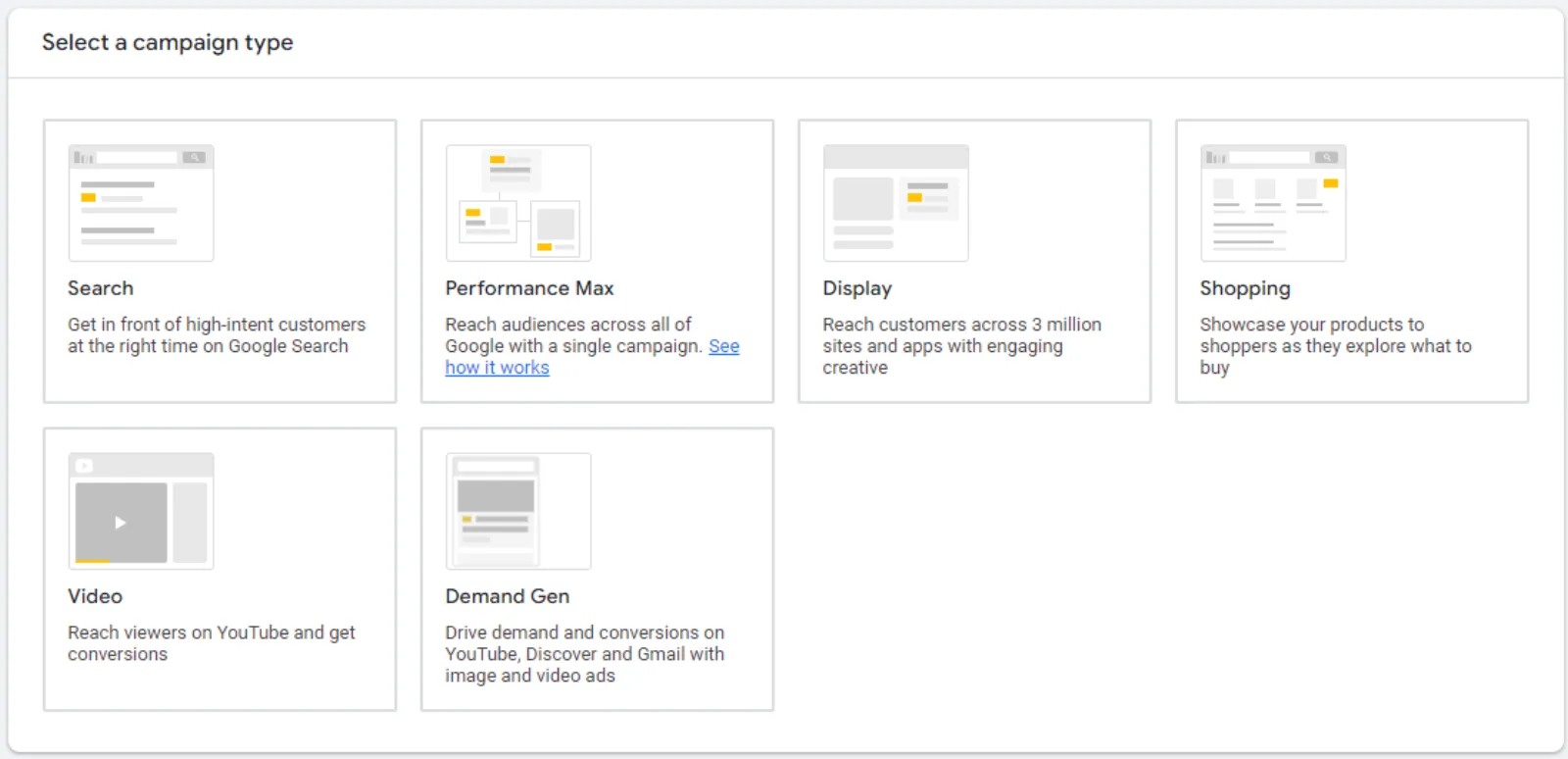
And then the last one is if you got a shop or a restaurant or a physical brick and mortar store and you want the local traffic or from far away as well, you want people to visit your store, then you should use this objective. Step two is you then need to choose a campaign type. So, once you've selected your goal, you want to select the type of campaigns you want to run.
And there are different types of campaign in Google Ads as well. So, the first one is the search campaign. So, when you go to Google, you type in your search term and then the four ads pop up at the top. This is where the search ads pop up. These are shown on the search results and these are text ads, display ads is where you are browsing.
When you go to websites like CNN, New York Times, Wall Street Journal and lots of other blogs where you will see these banner ads or image ads. So, these are shown on websites, search results and as well as in your Gmail inbox as well. And these are the image types. So, these are the different type of ads compared to the search ads, video, we've all seen these on YouTube mostly when you go to YouTube, start your click on the video to start and you see the skip ad pop up and also ads which pop come up in between the in between the ads as well.
So, these are video ads. Then you got the discovery ads, these are the feeds on the YouTube homepage and what to watch next and then Gmail inboxes and also on the Discover network. So, these type of ads are multi-image ads. Which run on the Discovery network. Then you got the app ads. When you are playing games, you will see lots of ads pop up in there as well.
Shopping ads come up on the Google search page and you will see the image ads with the name of the company, the product name and then the price as well on there. So, they come up on the search result, on the shopping tab, on the search results websites as well as the Gmail inboxes. But these are only for people who are selling physical products.
So, if you're selling TV, an iPhone or any kind of physical product, the shopping ads are the ones which will run for those. Then you have the local ads which run on the Google maps websites and YouTube Ads. And these are a combination of text and images. Performance Max or PMax, that's the buzzword nowadays. Everybody is talking about them and still people can't figure out whether they are good or bad for you.
Until you don't run them, you won't know how good or bad they are. So, you need to be able to control these. And as time goes by, Google is giving us more and more control on these PMax ads because Pmax goes on multiple networks. They go on the search results page, on different various websites, YouTube, Feeds on the YouTube homepage, and what to watch next videos, shopping tab, Gmail, all these places, and of course discover as well all these networks.
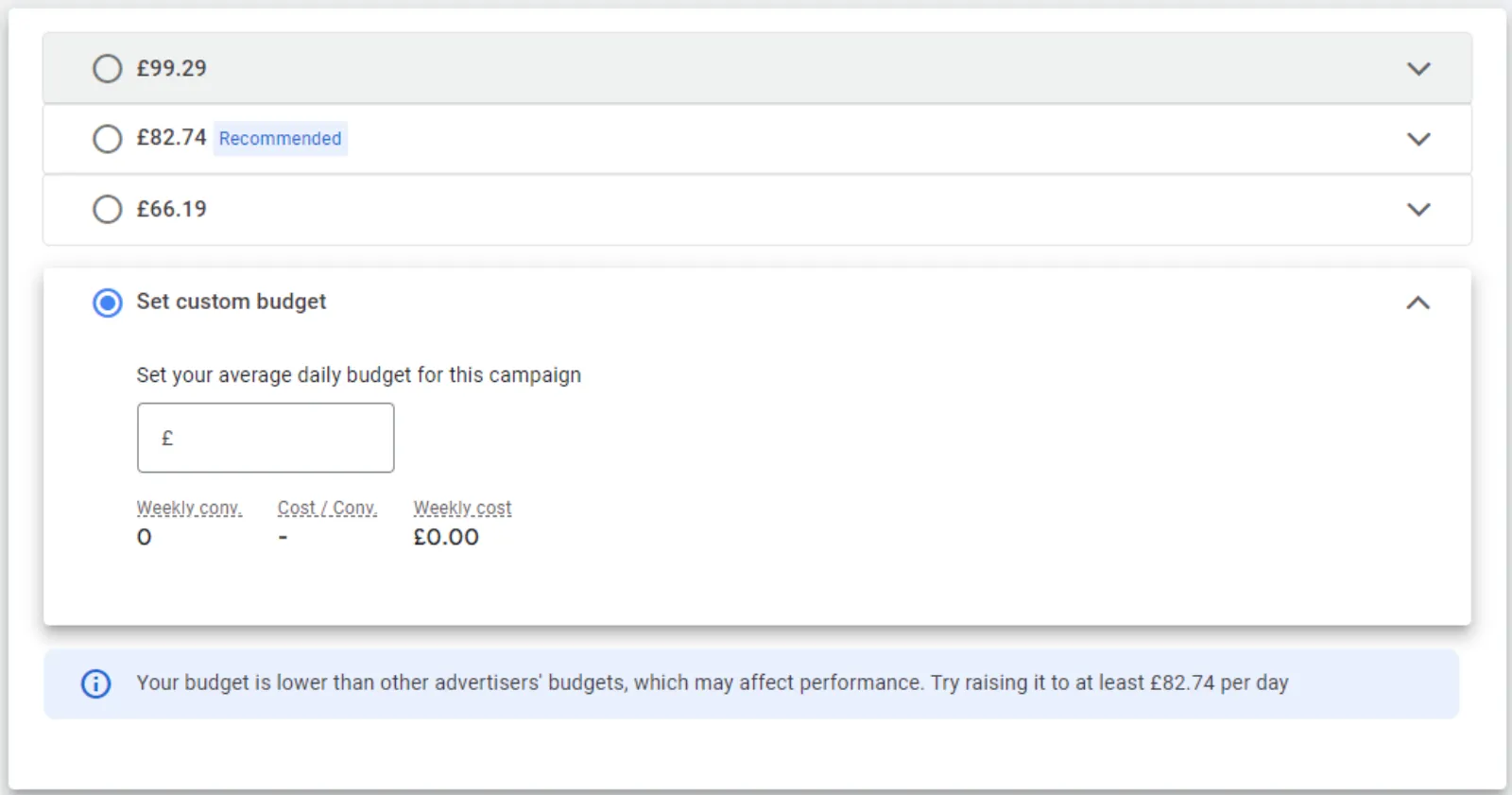
They go on. Again, they are a combination of text ads, image ads, video and multi-image ads as well. And obviously, the shopping ads is part of PMax. Step number three set a budget. Now this is, I think one of the most asked questions on our channel and to me, what is a good budget? Well, I can't comment on that because I don't know your situation, your size of your business and so on.
So, whatever you're comfortable to set up as. A test budget or a starting budget. If you are new to Google Ads, just think of a budget which you are comfortable to lose because first of all, you are going to be testing a lot. You need to test quite a few things before you will find out whether your campaigns are performing very well.
You're getting leads or sales, whether you're getting just clicks and no leads or no sales, etc. So, you need to test your audiences, keywords, your ads and then your landing page, your offer. So, there are lots of moving parts before a campaign starts to perform and you need to optimise all of these and you need to test them up.
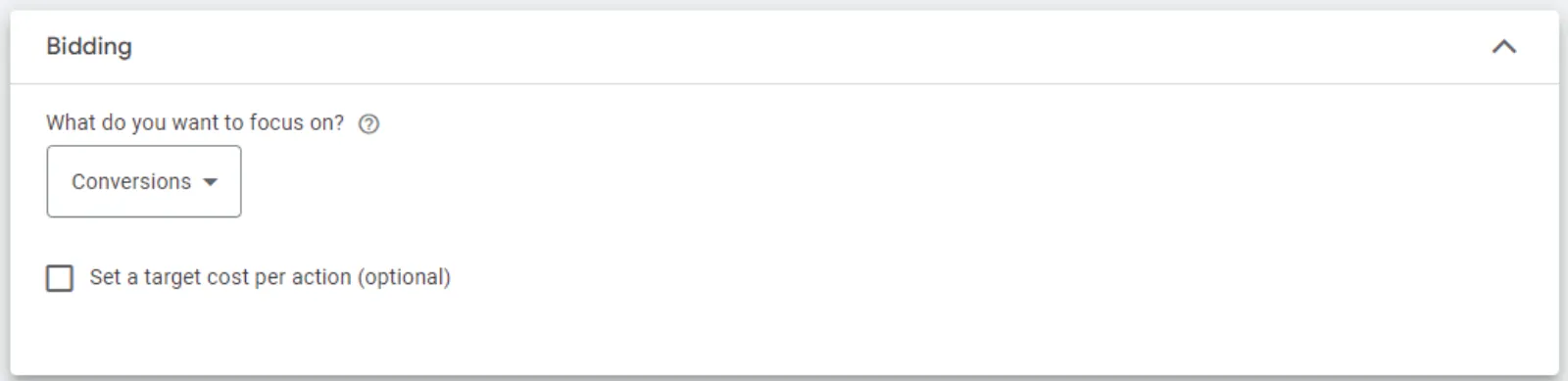
So, whatever you're comfortable. I would say testing set the budget up. Step four is choosing your bidding. If you’ve selected the campaign goal, when selecting a bid type, you'll see a recommendation for bidding focus, for example, conversions based on your campaign goals. So, this will ensure that your campaign is designed to meet your specific goals. For some campaign types, if you choose not to select the recommended bidding focus, you can choose an automated bidding strategy.
For example, target CPA or target ROAS. So, then it depends. Now again, there is no hard and fast rule as to which bidding type or the bidding strategy is the best one. It's horses for courses. So, if you want video views on your video ads, then you want CPV, which is the cost per view. If you want total control on your cost per click, then you should go with the manual bidding.
If you say I don't care about the cost per click, all I need is either leads or sales, then you go with the Maximise Conversions and set up a target ROAS or a target CPA. Step number five is extremely important because it makes your ads a lot bigger. It takes more real estate on the Google page and that's what you want.
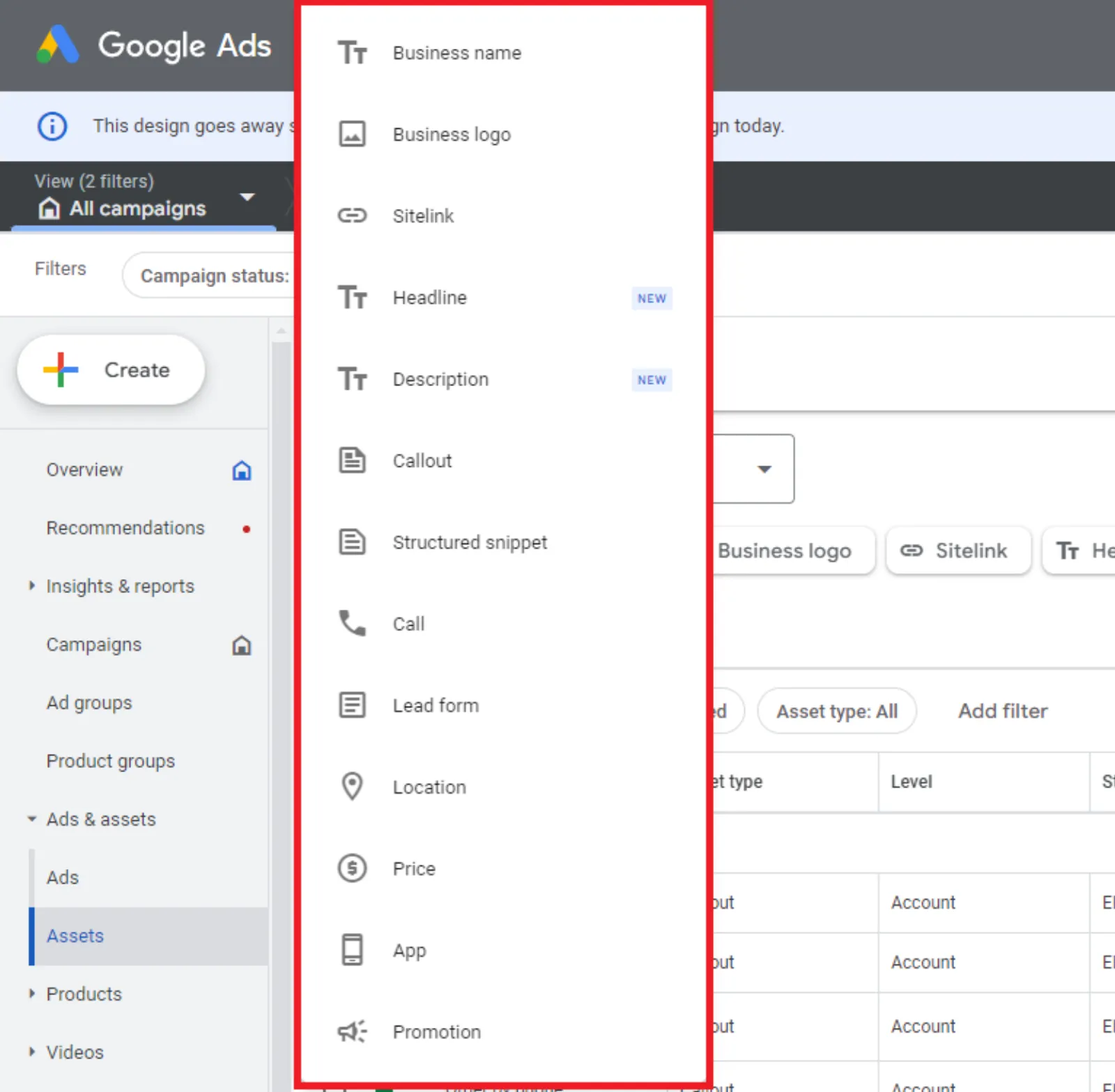
Your ad rank also increases and Google rewards you with a lower CPC. So, with search, video, discovery and PMax campaigns you can add additional information to your ads. So, things like website links, directions, phone numbers, any special offers, what we call, Callouts as well you can add and the Sitelinks, you can add structured snippets. So, there are lots of different types of extensions you can add to your campaign to give more information on your ad.
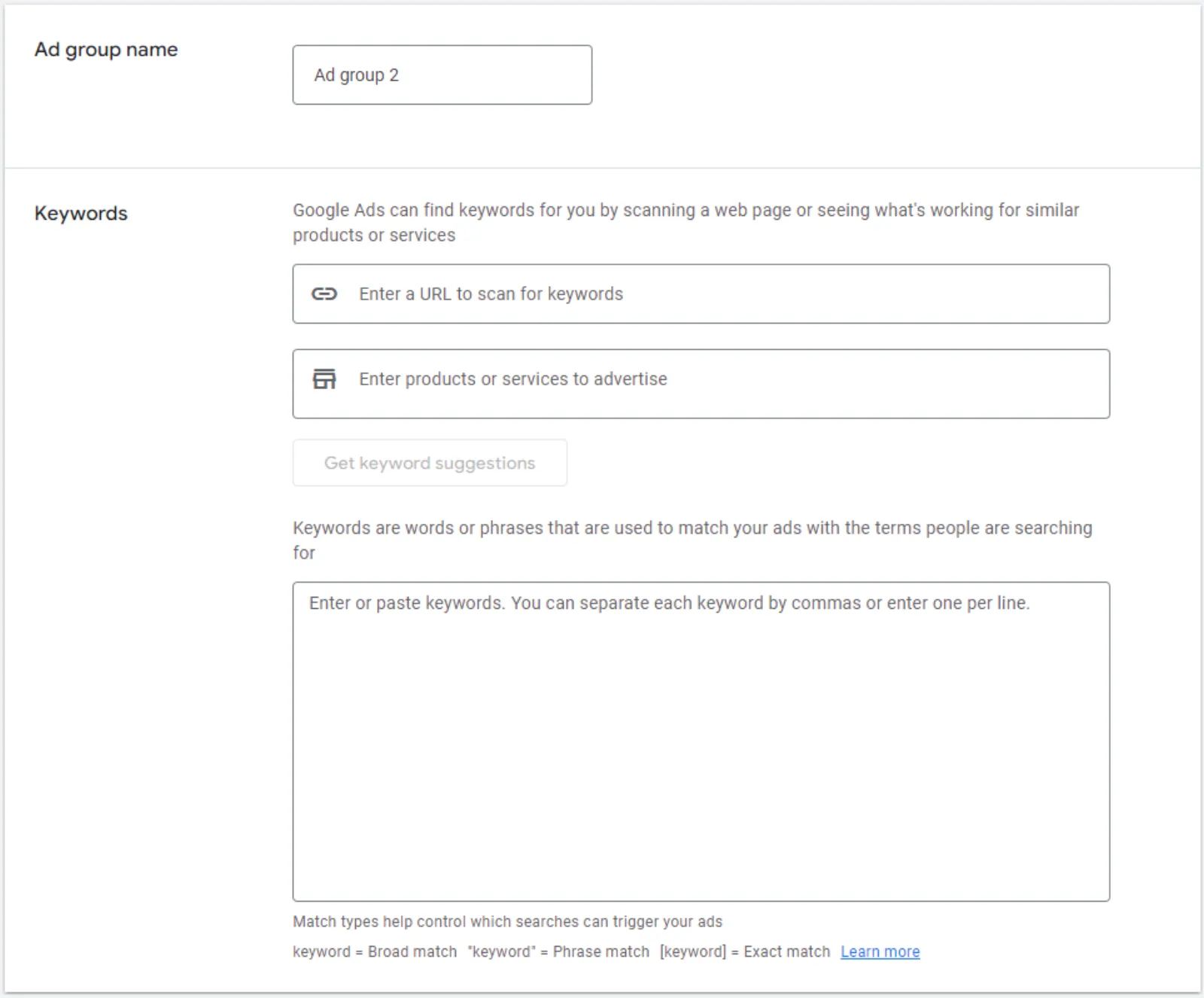
Step number six is creating ad groups. So, you need to keep these ad groups tightly themed. So, if you've got a electronic store then I would recommend that you have one ad group for Apple iPhone, another one for smartphones, another one for TVs, another one for chargers and so on. So don't mix them all in one go, keep them all separate.
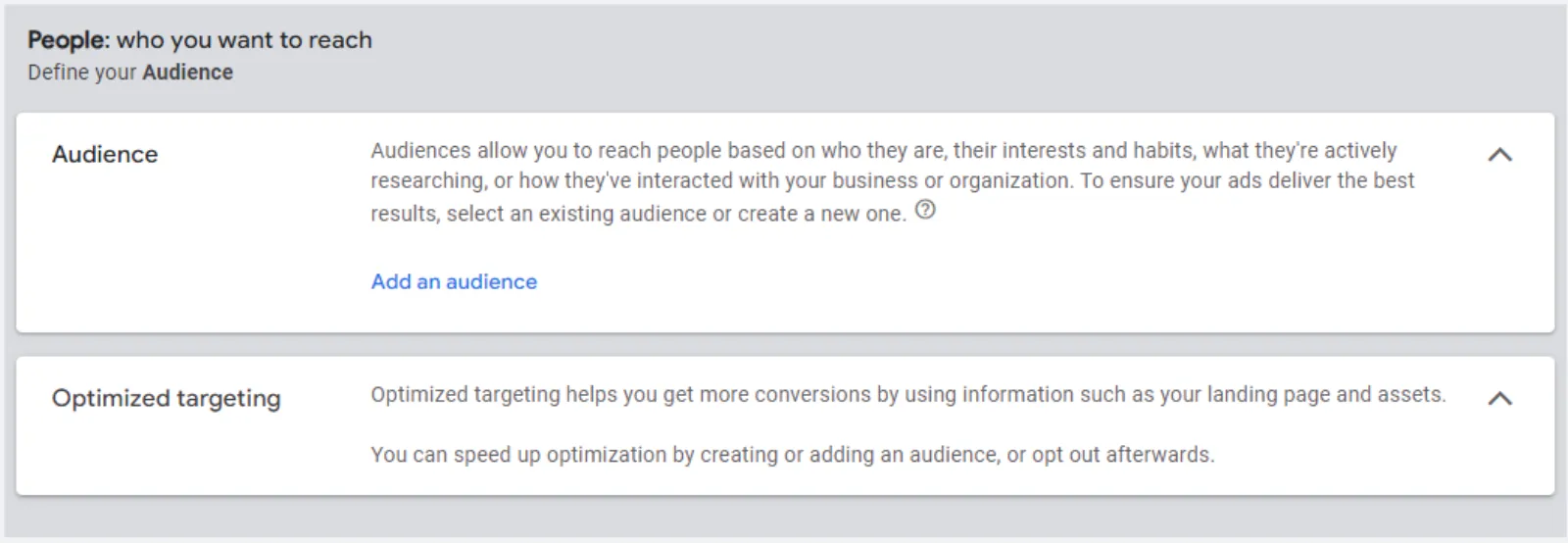
In fact, it can either be as separate ad groups or as campaigns. Step number seven is select your targeting. So, targeting helps you define how narrow or broad you want to go with your ads and campaigns. So, without targeting, your ads will have the widest possible reach. You will spend a lot of money and your budget will be eaten up in no time, most probably without giving you any results.
Once you have a fair amount of conversions in your campaign, then I would recommend that you, or in the account as well. Then I would recommend that you go with broad targeting because then the algorithm and the Al knows what you are looking for, who you are looking for, and it learns from these conversions. So, then I would recommend you do that.
But in the beginning I would recommend that you have some kind of targeting. So, these obviously includes keywords, audiences, locations, topics, devices and remarketing. You can also choose to serve ads to any specific age people of gender. So, let's say women age between 18 to 24 are not your target audience. You can exclude them, or if you want to target these people, you can include them as well.
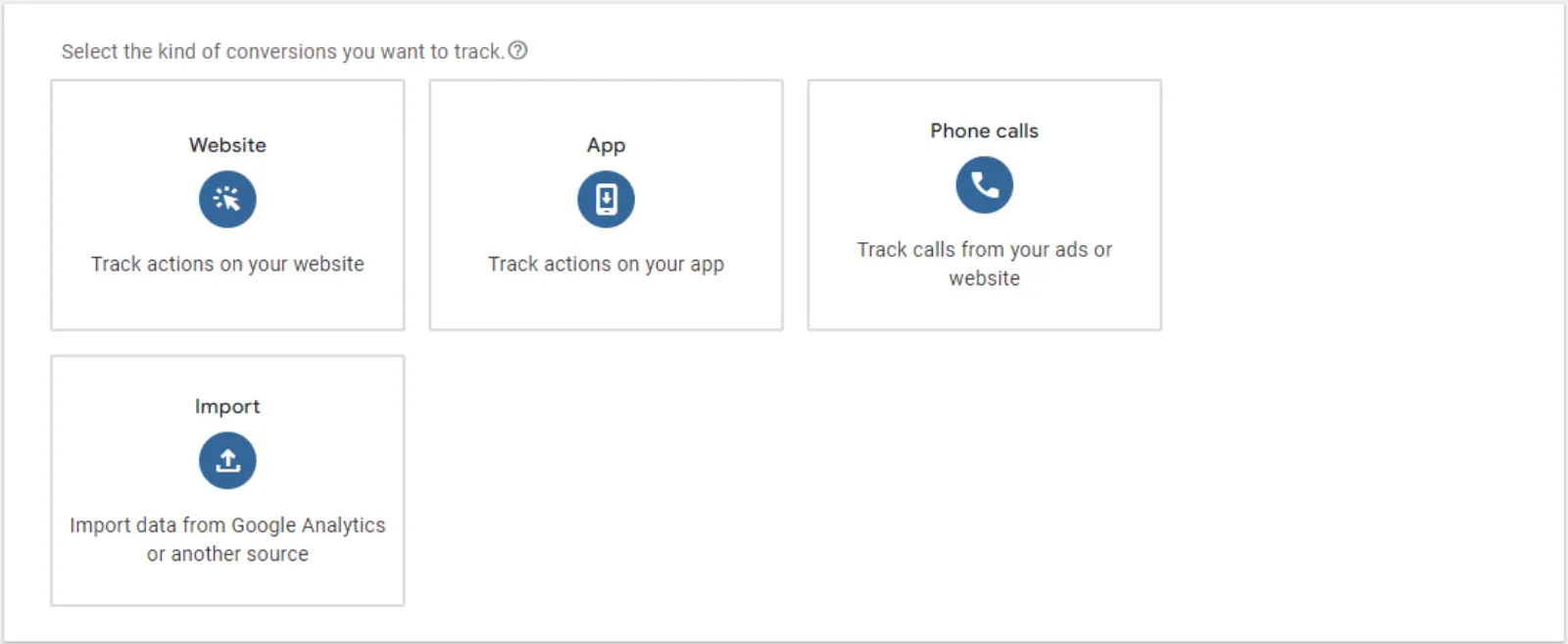
Step eight, it is the most important factor. Do not run any campaigns without setting up the conversions. In fact, Google has done a really good thing is because in some of the campaign setup, you've got to set up the conversions before you start running them. If you are running campaigns without conversions, you're flying blind. It's kind of like driving a car without the dashboard.
So, every time we sit in the car to go from A to B, first thing we look at is the dashboard, right? How much fuel we've got whilst we're driving, what speed we're going at. Are there any red lights popping up on the dashboard or not? So, we can see all the information in front of us. But if I were to blank out your dashboard and then ask you to drive, it will be possible to drive, but it will be very dangerous because you don't know how much fuel you've got in the car, what speed you're travelling at, and if there are any problems in the car and some red lights are popping up, you eventually are going to break down in the middle of nowhere.
So, this is why conversion tracking is critical to the success or failure of any campaigns. So, these are the eight steps to a successful campaign. So, hope you enjoyed this video. I would truly appreciate if you like, subscribe and share, because we upload videos like this one on a very regular basis. So, thanks for being with me and I look forward to seeing you sometime very soon.


 LIVE